Twitter Connector
Twitter Connector
1
Components
Hardware components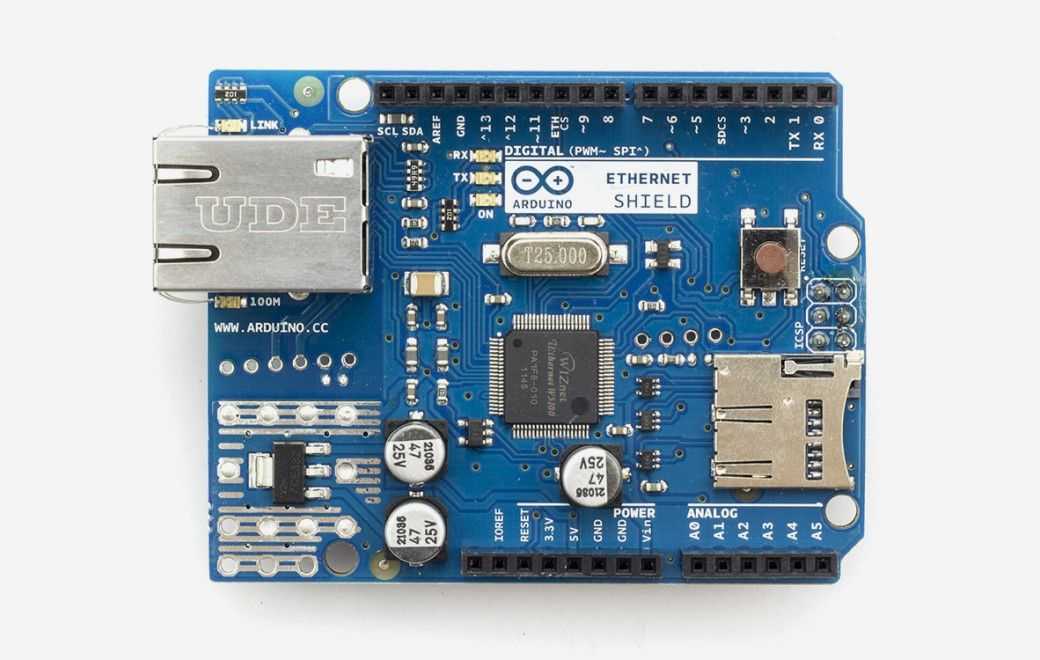
Arduino - Arduino Ethernet Shield
x 1

Project description
Twitter Connector
by Nearbus
Overview
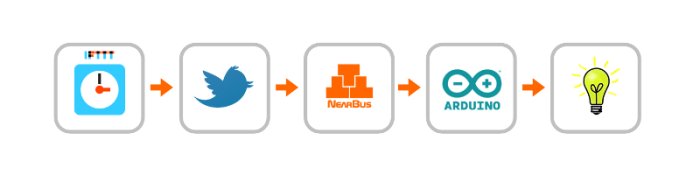
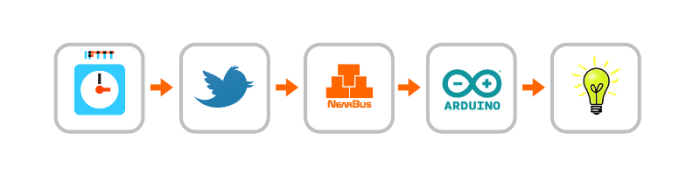
This project consists of an Internet configurable clock that sends ON / OFF messages through Twitter to the NearBus connector. The NearBus connector forwards these messages to the Arduino Ethernet board (through Internet) who Turns On and Turns Off a power switch allowing in this way to control the light sequence form any place with a simple browser.
Note: It is important to remark that Twitter in contrast to its traditional use (as message platform) in this case is used as a “text transport channel” to carry the pseudo RESTful string (like to the http protocol).
Component
To implement this project you will need:
- 1 Arduino Ethernet Board
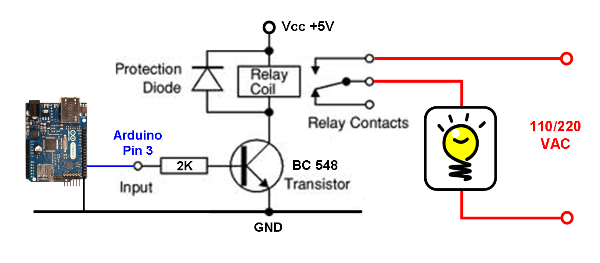
- Power Relay (5Vdc coil – 110/220Vac 5Amp power side)
- transistor BC548C (or equivalent)
- 1 Diode 1N4148 (or equivalent)
- Resistor ( 2 KOhm 1/4 W)
- Ethernet Internet connection (with a RJ45 cable)
- Difficulty Level: Low-Medium
Schematic
How to operate
- STEP 1 – Setup a New NearBus Account
- STEP 2 – Activate the Twitter Channel in NearBus
- STEP 3 – Accept the NearBus Twitter Request
- STEP 4 – Create a New IFTTT task
- STEP 5 – Check the Twitter Messages
- STEP 6 – Connect the Power Circuit
How to use Nearbus
Refer to http://nearbus.net/wiki/index.php?title=Help.
Learn More
