Implementing the weather data collection project
Implementing the weather data collection project
0
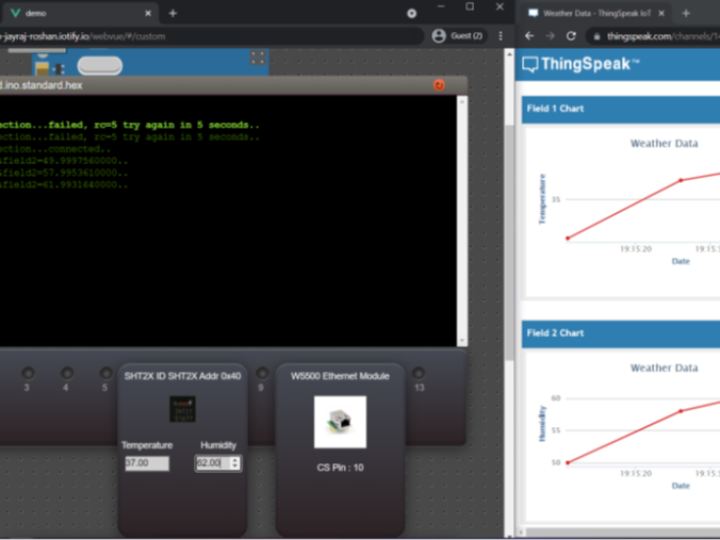
Project description
After setting up your Arduino IDE, paste the following code into it. Change the mqttPass with your MQTT Username, Password, Channel ID with the ones for your channel and device. Now we need to export the Compiled Binary for this program. Go to Sketch and select Export Compiled Binary. This should save a hex file at the location you have saved this sketch. Now go back to Simuli Virtual Lab and open the new instance we had created for this project. Our workspace will now open. Upload the sketch_name.ino.standard.hex file by clicking on the Arduino and navigating to where the sketch was stored…
Keep reading with a free account
Guests can read 15 projects per visit. Log in or create a free account to read the full description, open the documents and join the comments.