Communication control in order to realize the remote mqtt ap
APP obtains MAC address of W5500 using APMACBind and then performs MQTT communication with W5500
3
Components
Hardware components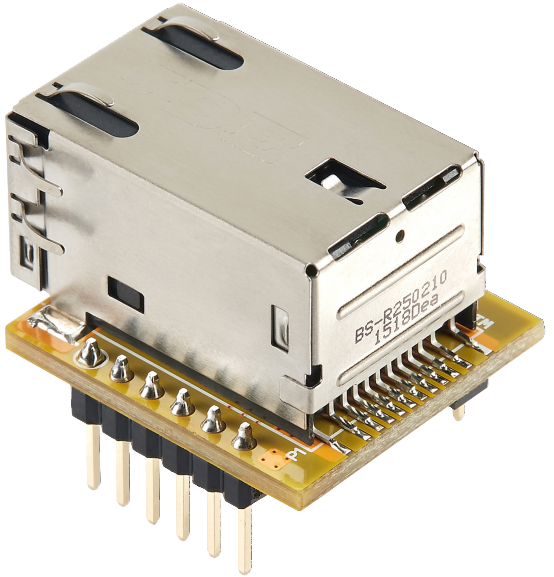
WIZnet - WIZ850io
x 1

Project description
Explain.
The previous section showed that the W5500 implements MQTT communication control.
As we know in the previous section,
Topic subscribed by W5500: User/MAC address of W5500
Topic announced by W5500: MAC address of device/W5500
This section shows how APP uses APMACBind to obtain the MAC address of the W5500 and then to perform MQTT communication with the W5500.
Introduction to APMACBin
(If you follow in someone's footsteps, you just stay still!) Need to be creative!)
APMACBind is a direct method that you are using in your current project.
However, it was a project carried out a year ago to solve the binding problem of the WeChat distribution network.
However, I also removed this method because the WeChat applet supports UDP.
But we still need to talk about it because it's more classic! Reflects flexible use of knowledge.
First, I will briefly explain how to obtain the MAC address of the W5500 from the mobile APP.
1. The W5500 connects to the router and connects to the MQTT.
2. The W5500 obtains the MAC address of the router.
3. Topics announced by W5500: Device/Router MAC
4. Mobile APP to W5500 to Router
5. The mobile app obtains the MAC address of the router.
6. Mobile APP Join: User/Router MAC
In this way, the W5500 can achieve binding by sending its own MAC address to the Mobile APP via MQTT.

