Config-Device(1)
Config-Device using W55RP20-EVB-PICO
0
Components
Hardware components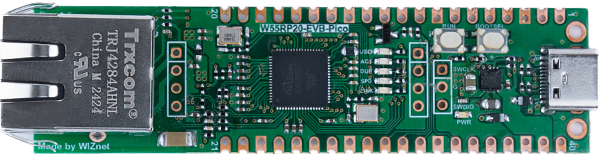
WIZnet - W55RP20-EVB-Pico
x 1

Project description
Hello everyone!
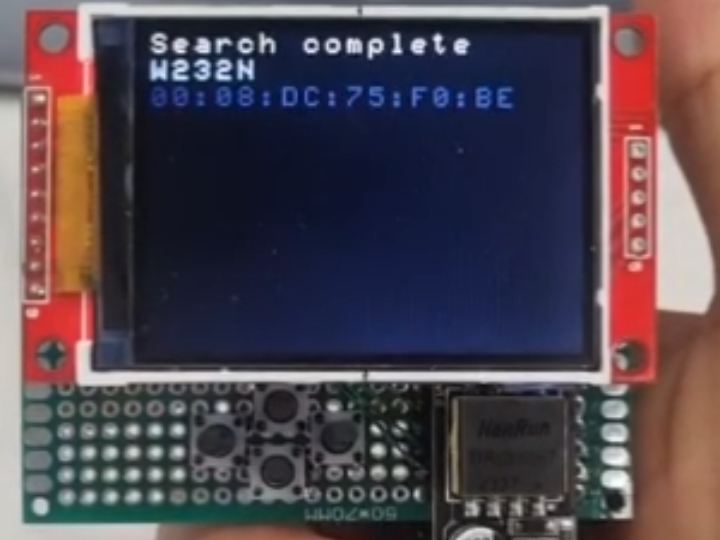
In this post, I’d like to introduce a simple device that uses a W55RP20-EVB-PICO to search for WIZnet modules on the same network and display each module’s device name and MAC address on an LCD.
Project Overview
Hardware Configuration
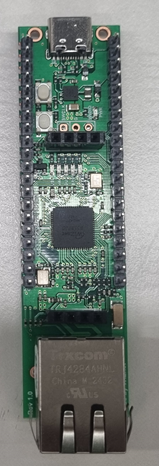
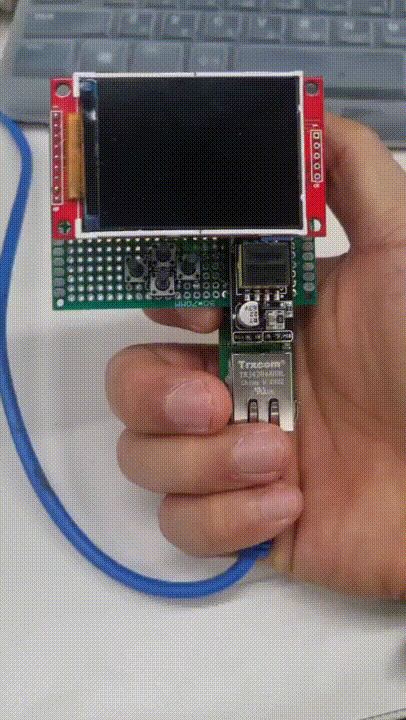
- W55RP20-EVB-PICO
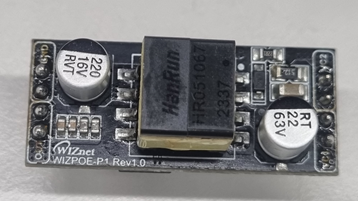
- WIZnet PoE-P1 module
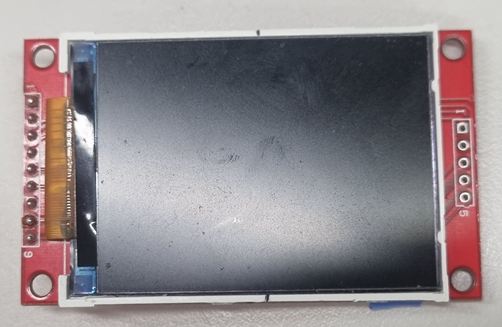
- LCD
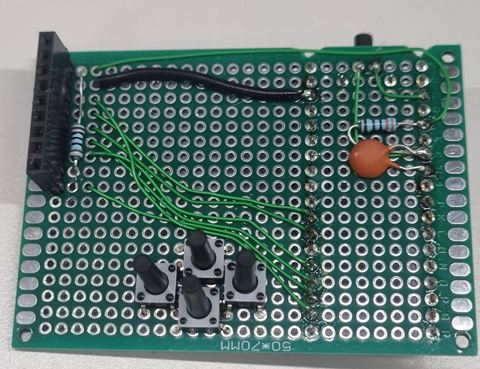
- A small adapter board for connecting the LCD and buttons to the W55RP20-EVB-PICO
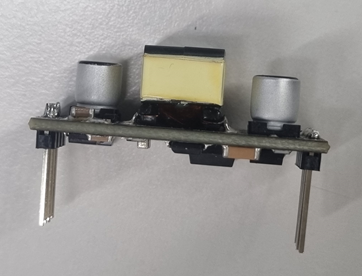
PoE-P1 Module: Due to its structure, the header pins were made longer to connect directly to the W55RP20-EVB-PICO.
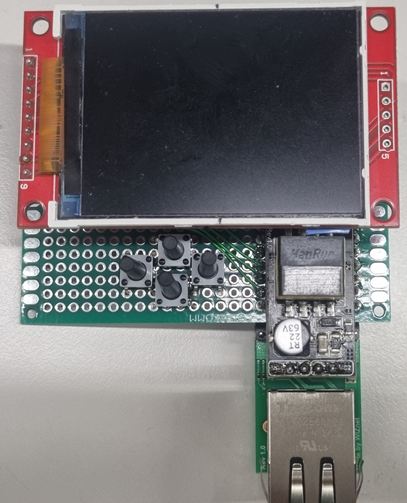
When assembled, it’s easy to hold with your right hand and press the button comfortably.
How It Works
Power On & Network Check
- When powered on, the device checks the network status.
- After confirming a network link (Link-up), it prompts you to press the Search button.
Search Button
- The button is located on the edge of the custom board, making it easy to press like a trigger button.
- Once pressed, it broadcasts a Config command on UDP port 50001 to search for WIZnet modules within the same network.
Parsing Responses
- Upon receiving responses from WIZnet modules, the device parses each packet to extract the device name and MAC address.
- The parsed information is then displayed on the LCD.
Below is a short video demonstrating the device in action.
Future Plans
Up/Down/Left/Right Buttons
- Implement navigation buttons to select a specific device from the discovered list.
Device Settings
- Allow more detailed configuration, such as baud rate, IP address, and TCP server/client modes.
- Eventually, enable the user to apply custom settings directly to the selected module, making it simpler to manage various network environments.
Thank you for reading! I’ll continue improving this project, so stay tuned for future updates.

