WizFi360 Weather Station
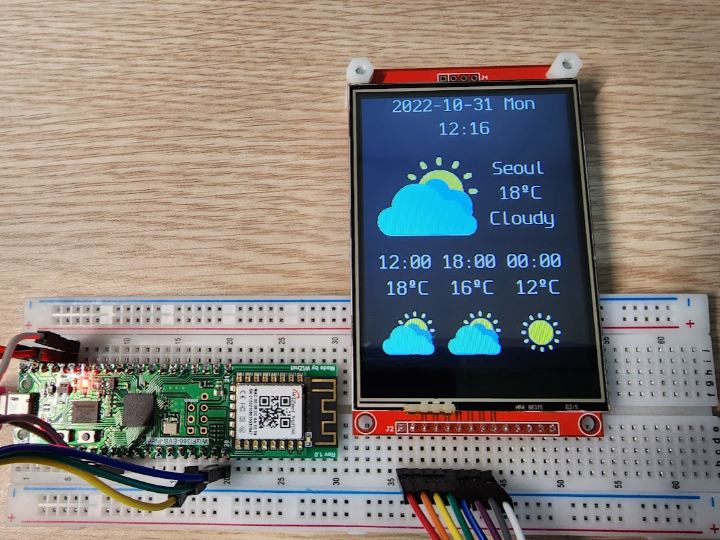
This is a weather station using WizFi360. It receives weather data from public weather api services and display weather information.
7
Components
Hardware components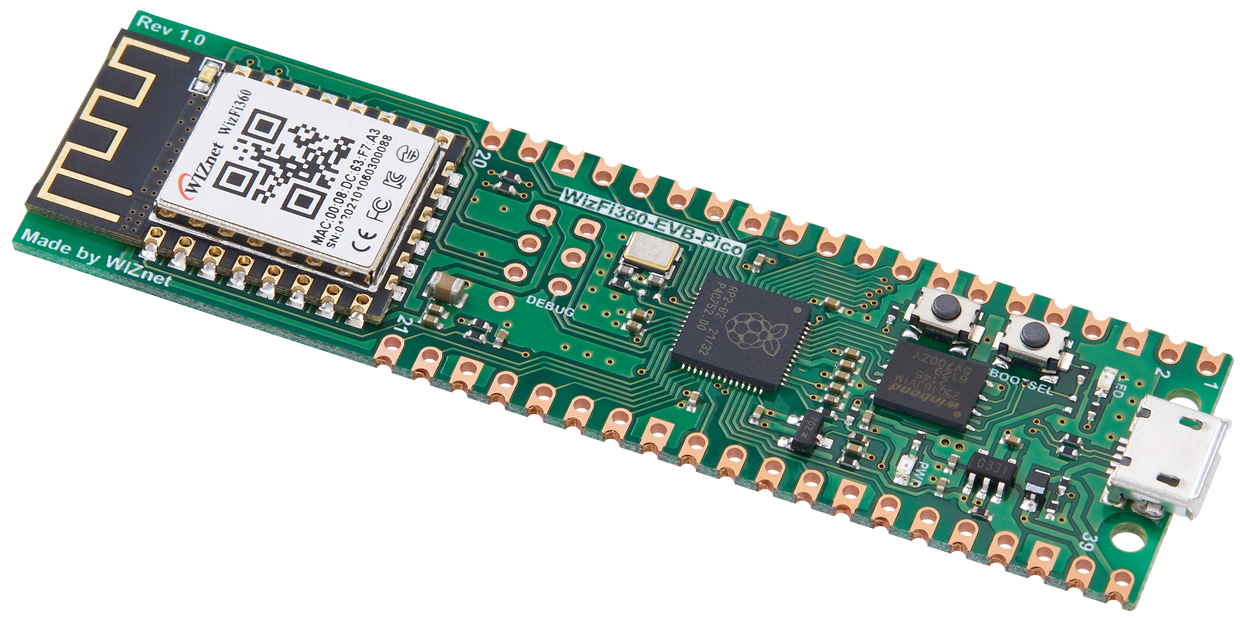
WIZnet - WizFi360-EVB-Pico
x 1
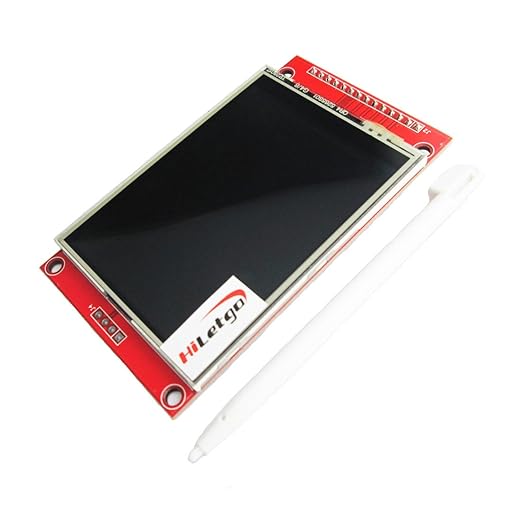
HiLetgo - ILI9341 2.8" SPI TFT LCD Display Touch Panel 240X320 with PCB 5V/3.3V
x 1
SPI TFT LCD (Controller: ILI9341)

OpenWeather - OpenWeather
x 1

Public weather information service
행정안전부 - Public Data Portal (공공데이터포털)
x 1
Public weather information service
Project description
Overview
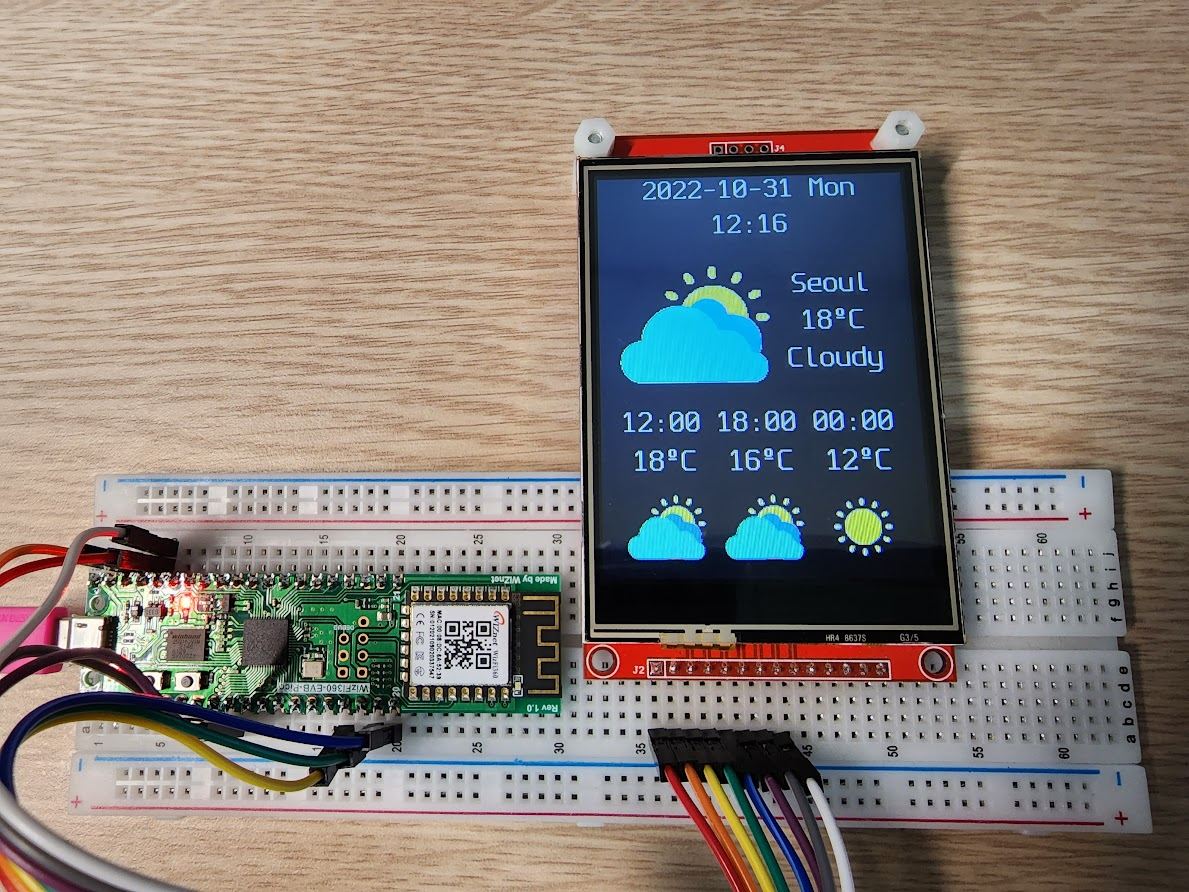
This is weather station using WizFi360. It receive weather information from data.go.kr (see https://www.data.go.kr/data/15084084/openapi.do ) and display weather information to LCD display.
Running Video
Install
- Install CircuitPython from https://github.com/ronpang/WizFi360-cpy
- CircuitPy Drive will be created after installed CircuitPython.
- Extract Source code(WizFi360-weather-station.zip) to CircuitPy Drive.
- Extract Library(lib.zip) to CircuitPy Drive.
Config
- Edit WiFi SSID/Wifi Password in secrets_example.py file.
- Edit latitude, longitude in secrets_example.py file.
- Save as secrets_example.py to secrets.py
Run
- Install Thonny from https://thonny.org/
- Choose menu Tools -> Options...
- Click Interpreter Tab.
- Set Interpreter to "CircuitPython (generic)".
- Choose Port to connected serial port.
- Open weather_station.py file in WizFi360-weather-station.
- Run weather_station.py file.
Hardware environment
- WizFi360-EVB-Pico.
- LCD Display (ILI9341 3.2" SPI TFT): connected to WizFi360 SPI ports (http://www.lcdwiki.com/3.2inch_SPI_Module_ILI9341_SKU:MSP3218)
Software environment
- CurcuitPython https://github.com/ronpang/WizFi360-cpy
- Adafruit CircuitPython Bundle (https://github.com/adafruit/Adafruit_CircuitPython_Bundle)
- adafruit_ili9341: CircuitPython ILI9341 LCD Display low level driver
- displayio : various LCD support layer on CurcuitPython, supporting bitmap display (i.e. weather icon)
- adafruit_bitmap_font: bitmap font library displaying on LCD
Weather data sources
- https://www.data.go.kr/data/15084084/openapi.do : KMA(Korea Meteorological Agency) short-term weather forcast
This open api provide wheather information.
You must get service key from https://data.go.kr/data/15084084/openapi.do before getting the weather data.
Originally, openweathermap(https://openweathermap.org/) was selected to receive weather infomation. but openweathermap does not HTTPS respond on using WizFi360 + CircuitPython environment. So, KMA service is used getting weather information. You can use another wheather api if you can convert weather information to KMA format.
Wiring
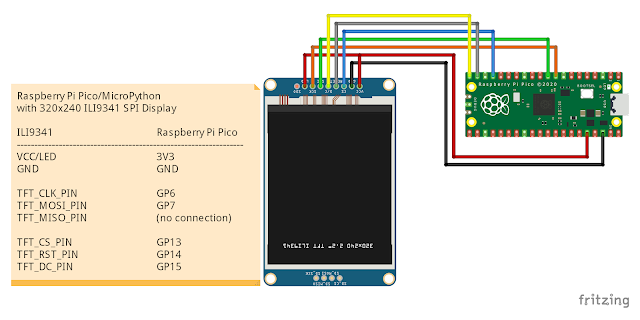
Wiz360-EVB-Pico is fully compatible to Raspberry Pi Pico. So, wiring is the same as Raspberry Pi Pico and ILI9341 SPI Display.
Conclusion
WizFi360 provides excellent environment running CircuitPython. Wi-Fi, HTTP Communication, LCD control through SPI works well. It enables to make lightweight but powerful IoT Device. I hope enhanced version will be released continuously.
Documents
-
WizFi360 to LCD Display (ILI9341 3.2" SPI TFT) Wiring
From WizFi360 to LCD Screen wiring
-
Application code (in CircuitPython)
Application code to receive weather information and display to LCD Screen.
-
Adafruit CircuitPython Bundle
Libraries depend on WeatherStation application. It contains only libraries to need running application.


