Simple MQTT Message Board with Arduino Ethernet
Build a simple MQTT message board with Arduino Ethernet.
2
Components
Hardware components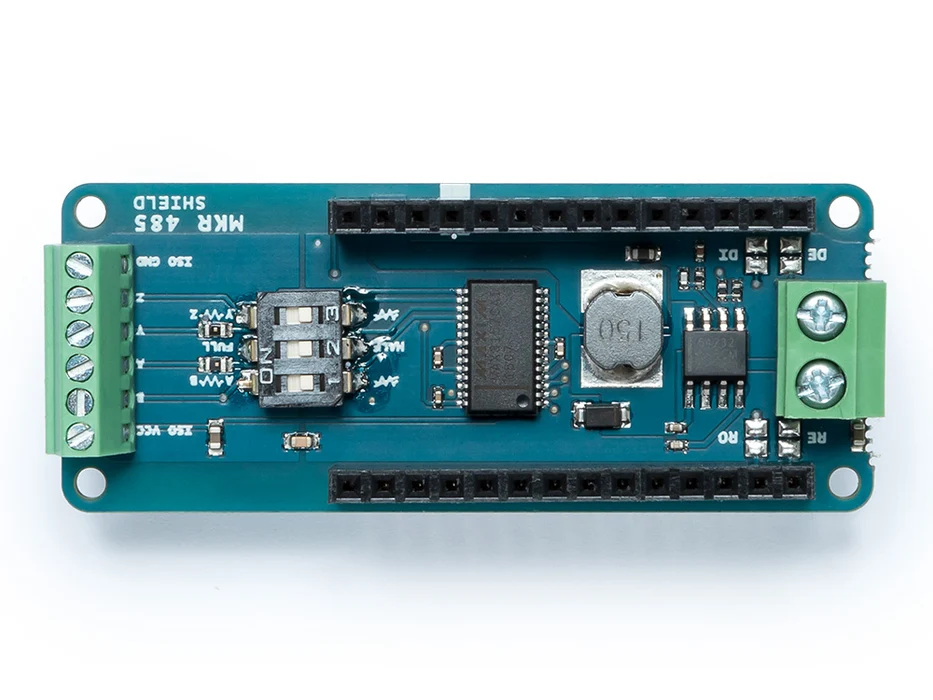
Arduino - Arduino MKR 485 Shield
x 1

Project description
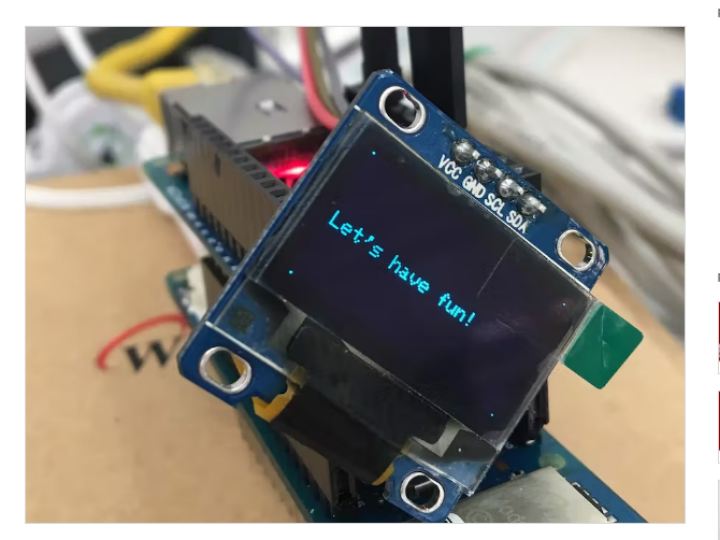
Simple MQTT message board with Arduino Ethernet version 2 library: https://github.com/arduino-libraries/Ethernet). Just look at the result pics first!

To compile this project, you need to install mqtt library from https://github.com/256dpi/arduino-mqtt, and refer to my previous project https://create.arduino.cc/projecthub/bjnhur/simple-remote-display-with-mobile-app-3862e7 for the display.
For this example, you need to register to https://shiftr.io, following the below pics.


To send a message to your Arduino Ethernet board, you also need to install a MQTT client tool on your PC. I’ll introduce a “MQTTLens” chrome app.
After that, on your pc, we can send message through MQTT (thanks to https://shiftr.io & MQTTLens – chrome app)


You can get more information about MQTTLens tool and https://shiftr.io from
– MQTT Client tool – MQTTLens (https://wiznxt.tistory.com/581)
– MQTT broker or cloud service (https://wiznxt.tistory.com/582)
But Korean version (might read these postings with Google translator;))
Finally, I believe, you can see a good result as the below pics.


