W55RP20 Sleep WakeUp example
This is an example of entering sleep mode and being woken up by WOL magic packet.
0
Components
Hardware components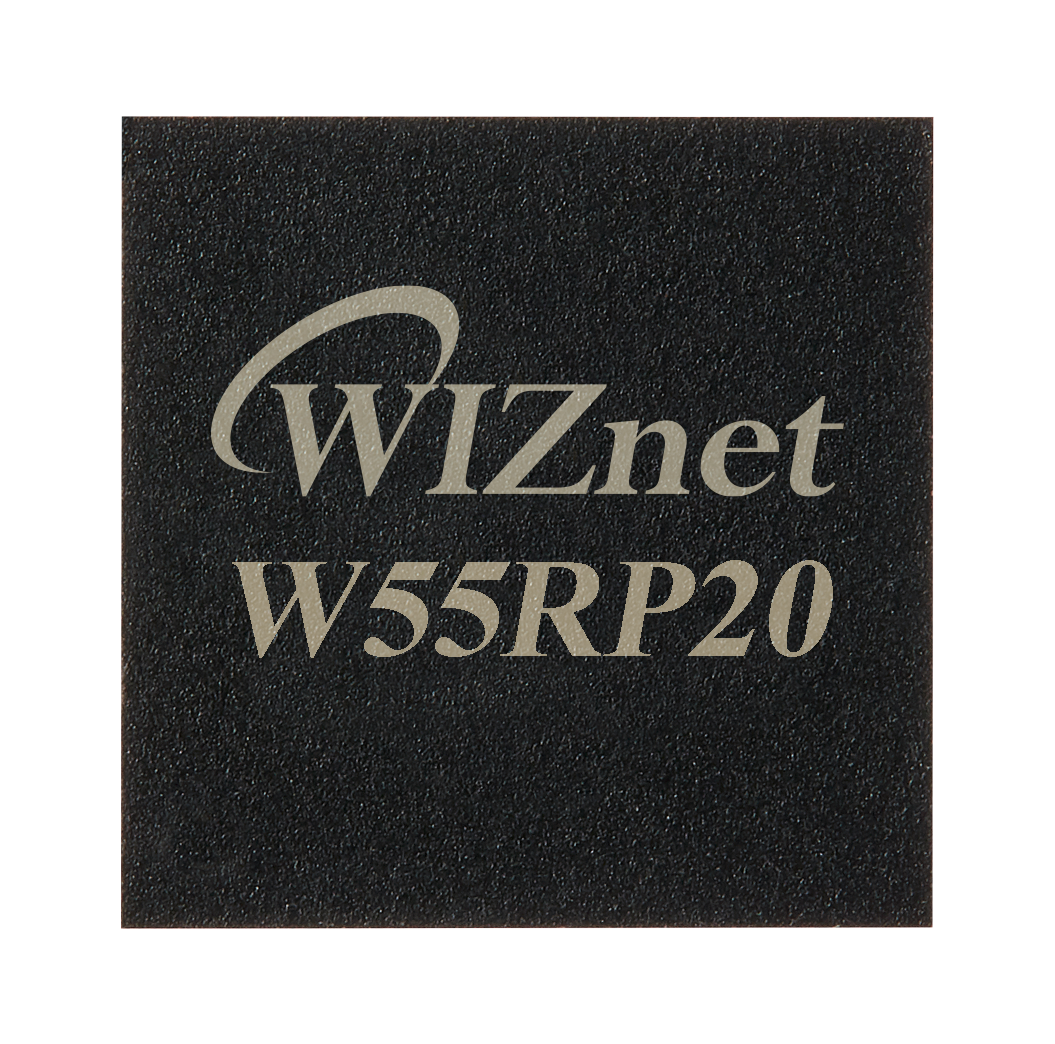
WIZnet - W55RP20
x 1

Project description
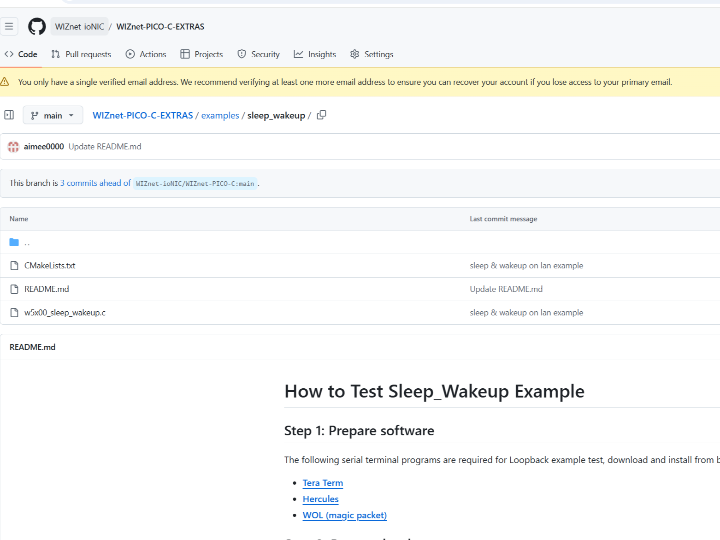
github link : https://github.com/WIZnet-ioNIC/WIZnet-PICO-C-EXTRAS/tree/main/examples/sleep_wakeup
WOL?(Wake On LAN)
Wake-on-LAN (WOL) is a network protocol that allows a computer to be remotely powered on by sending a special packet, often called a "magic packet," through a network. The system receiving this packet can turn on as long as it has power and the network interface card (NIC) supports WOL. It is typically used for remote management, troubleshooting, or access to devices that are powered off but connected to a network.
How to test Sleep Wakeup example
Setup board configuration
Setup board to W55RP20_EVB_PICO in CMakeLists.txt in WIZnet-PICO-C-EXTRAS/ directory.
# Set board
#set(BOARD_NAME WIZnet_Ethernet_HAT)
#set(BOARD_NAME W5100S_EVB_PICO)
#set(BOARD_NAME W5500_EVB_PICO)
set(BOARD_NAME W55RP20_EVB_PICO)
#set(BOARD_NAME W5100S_EVB_PICO2)
#set(BOARD_NAME W5500_EVB_PICO2)
Setup network settings
Setup network configuration such as IP in 'w5x00_sleep_wakeup.c' which is the Sleep_Wakup example in 'WIZnet-PICO--C-EXTRAS/examples/sleep_wakeup/' directory.
/* Network */
static wiz_NetInfo g_net_info =
    {
        .mac = {0x00, 0x08, 0xDC, 0x12, 0x34, 0x56}, // MAC address
        .ip = {192, 168, 11, 2},                     // IP address
        .sn = {255, 255, 255, 0},                    // Subnet Mask
        .gw = {192, 168, 11, 1},                     // Gateway
        .dns = {8, 8, 8, 8},                         // DNS server
        .dhcp = NETINFO_STATIC                       // DHCP enable/disable
};
/* Port */
#define PORT_WOL 9000Setup WOL program
1. Download WOL program
https://apps.microsoft.com/detail/9nblggh51pb3?hl=ko-KR&gl=KR
2. Open WOL program and add module.
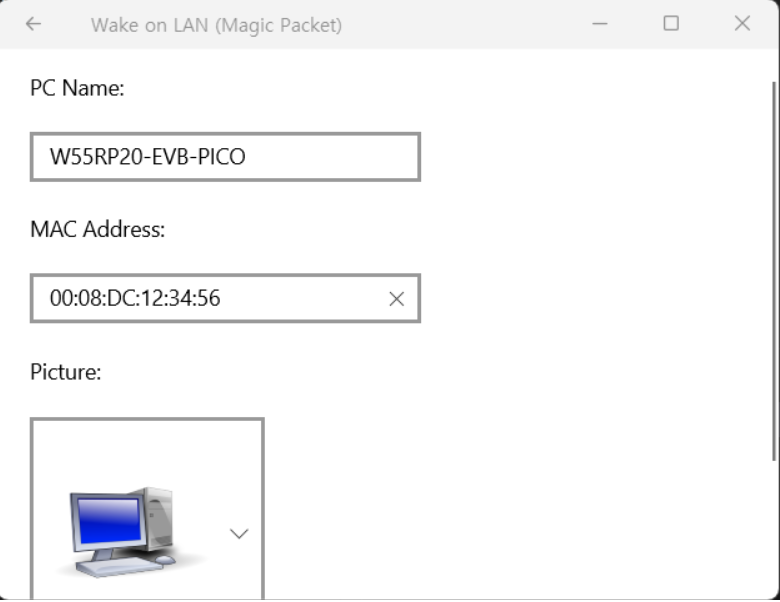
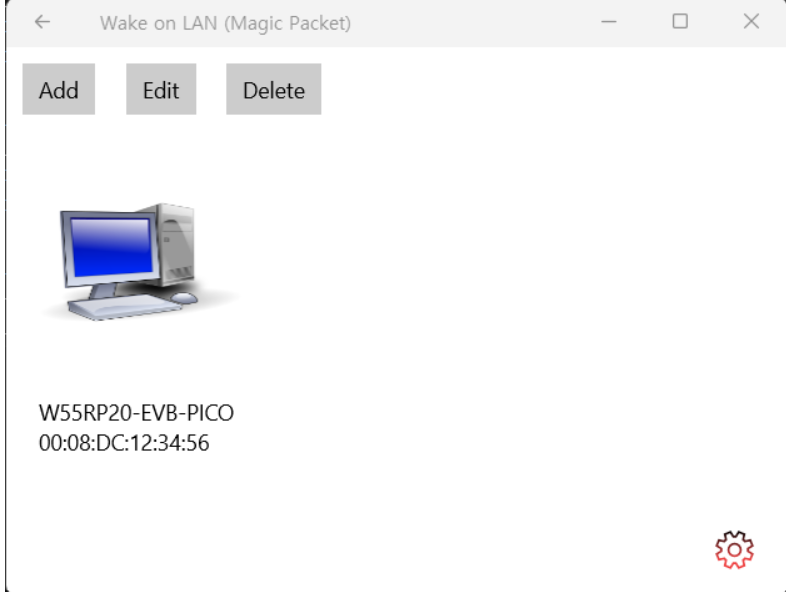
Build & Run
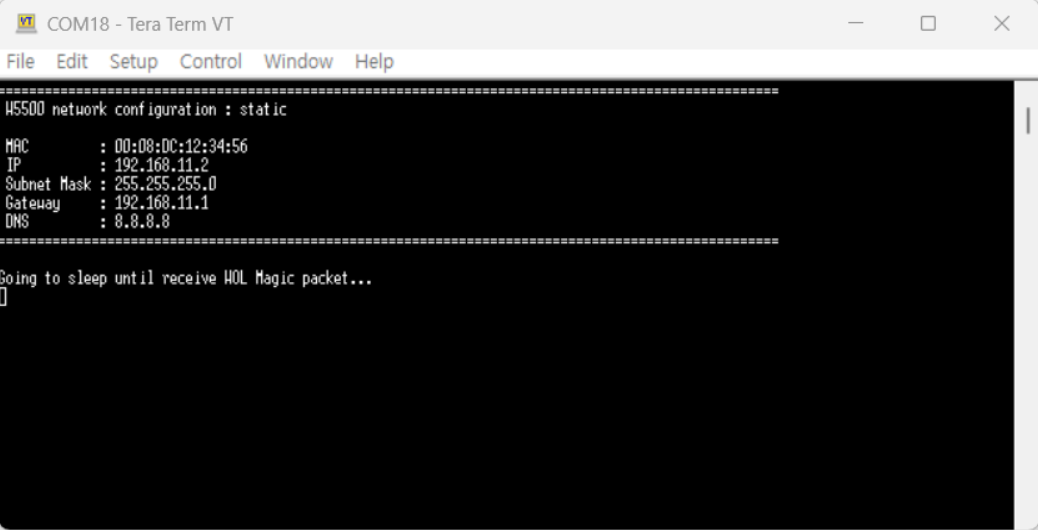
If the Sleep_Wakeup example works normally, you can see network information and go to sleep mode. User LED will not blinking in sleep mode.
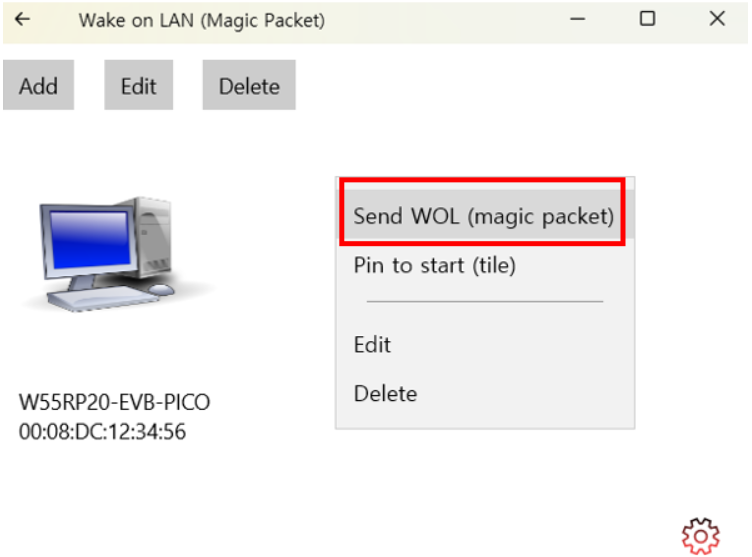
Send WOL magic packet in WOL program. (Click right button on mouse)
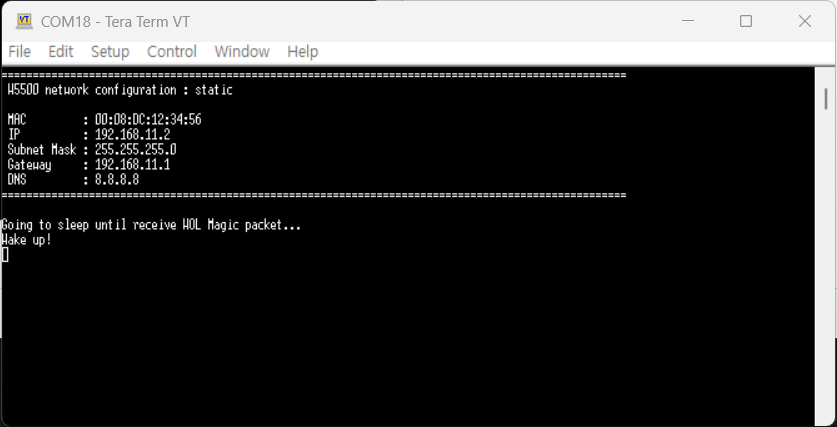
You can see module is wake up by WOL packet and running. User LED will blinking.
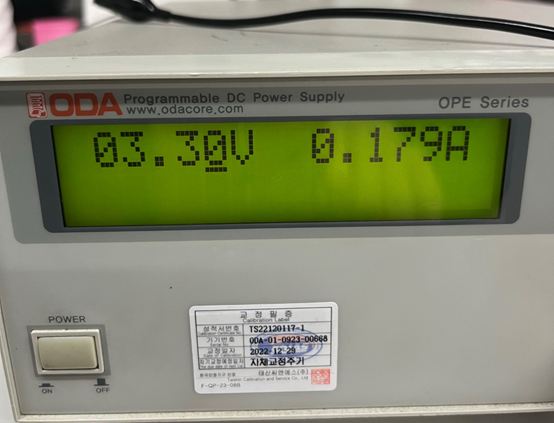
The power consumption when the wol is turned on in sleep mode and in activation mode was measured as follows.
| Before send WOL magic packet | After send WOL magic packet |
 | 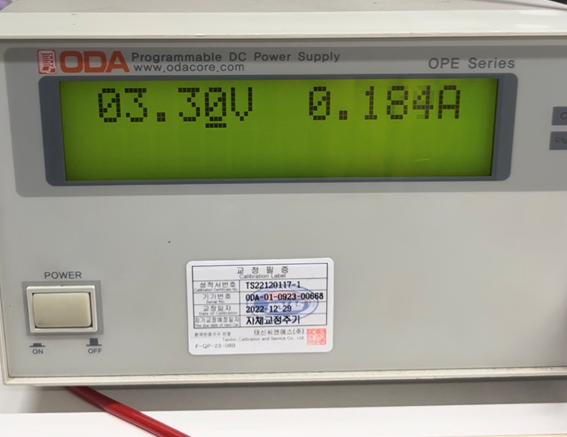 |


