Practical Guide to Receive Idle Interrupt and Transmit Idle Interrupt with MicroPython + Pico
RP2040 MicroPython demos for UART RXIDLE and TXIDLE interrupts.
COMPONENTS
PROJECT DESCRIPTION
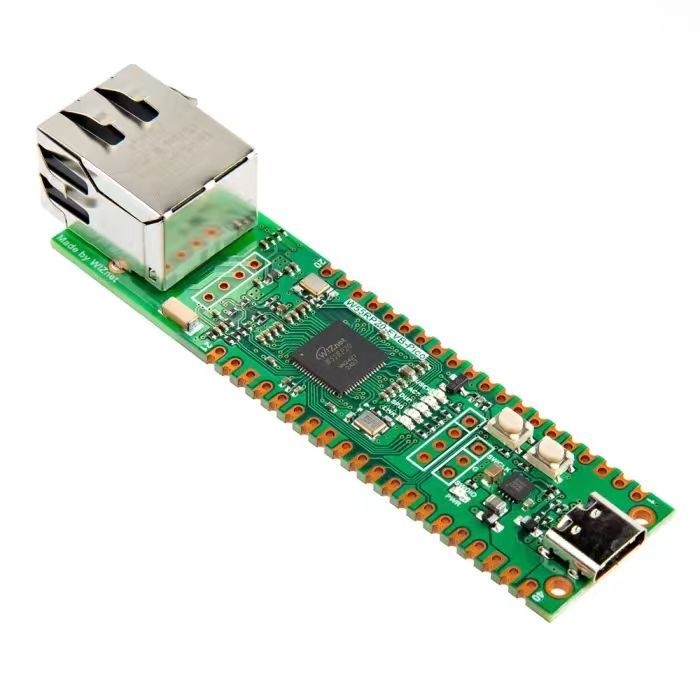
【Preliminary Note】The original hardware example in this article was written based on the RP2040. The actual hardware used in this hands-on demonstration features the W55RP20 as the main controller chip. The circuit logic and UF2 flashing operation principles are universally applicable, with only the main controller model differing. The original chip model mentioned in the circuit descriptions below is provided for reference purposes only.
1. Preparations before the experiment
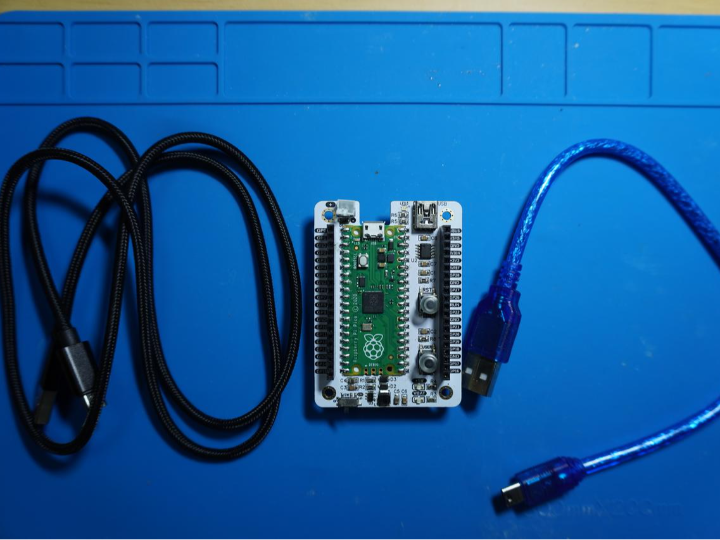
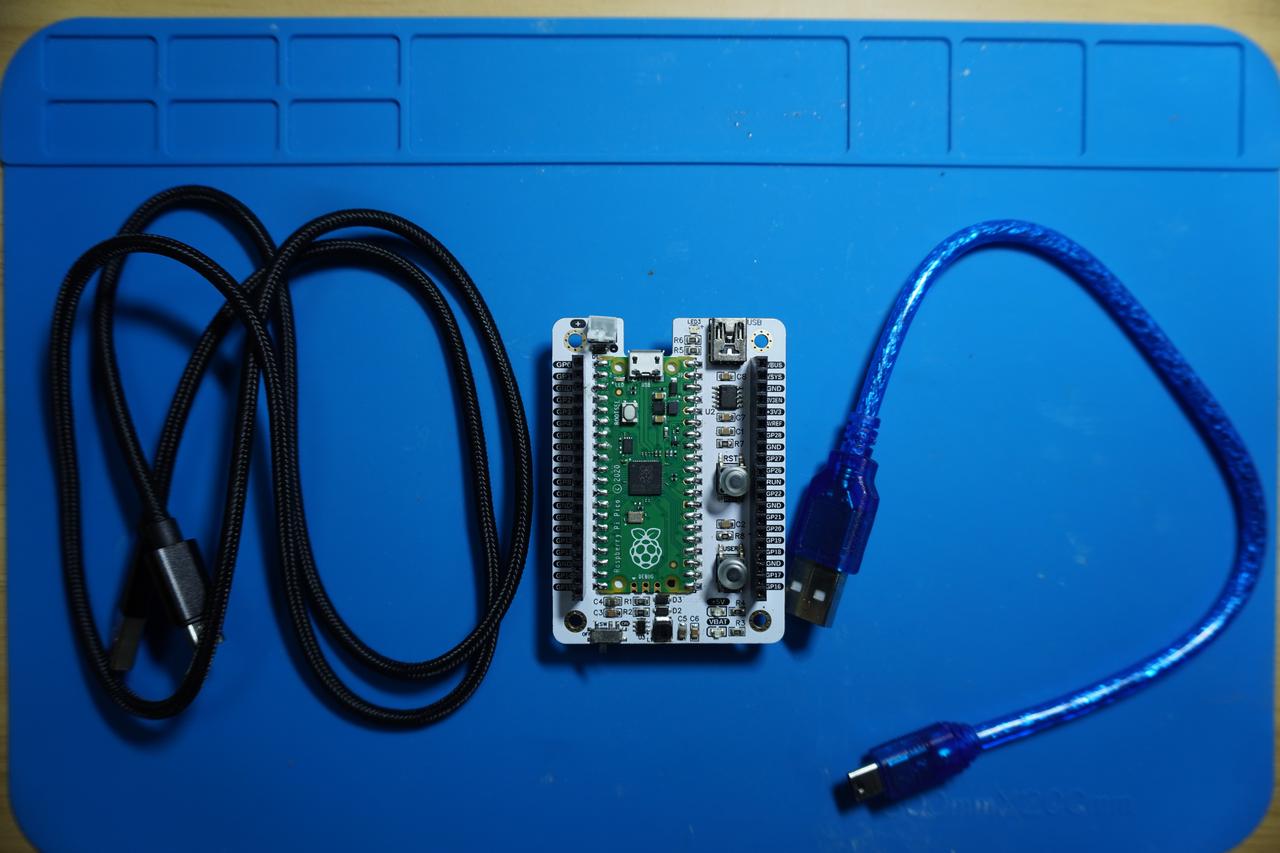
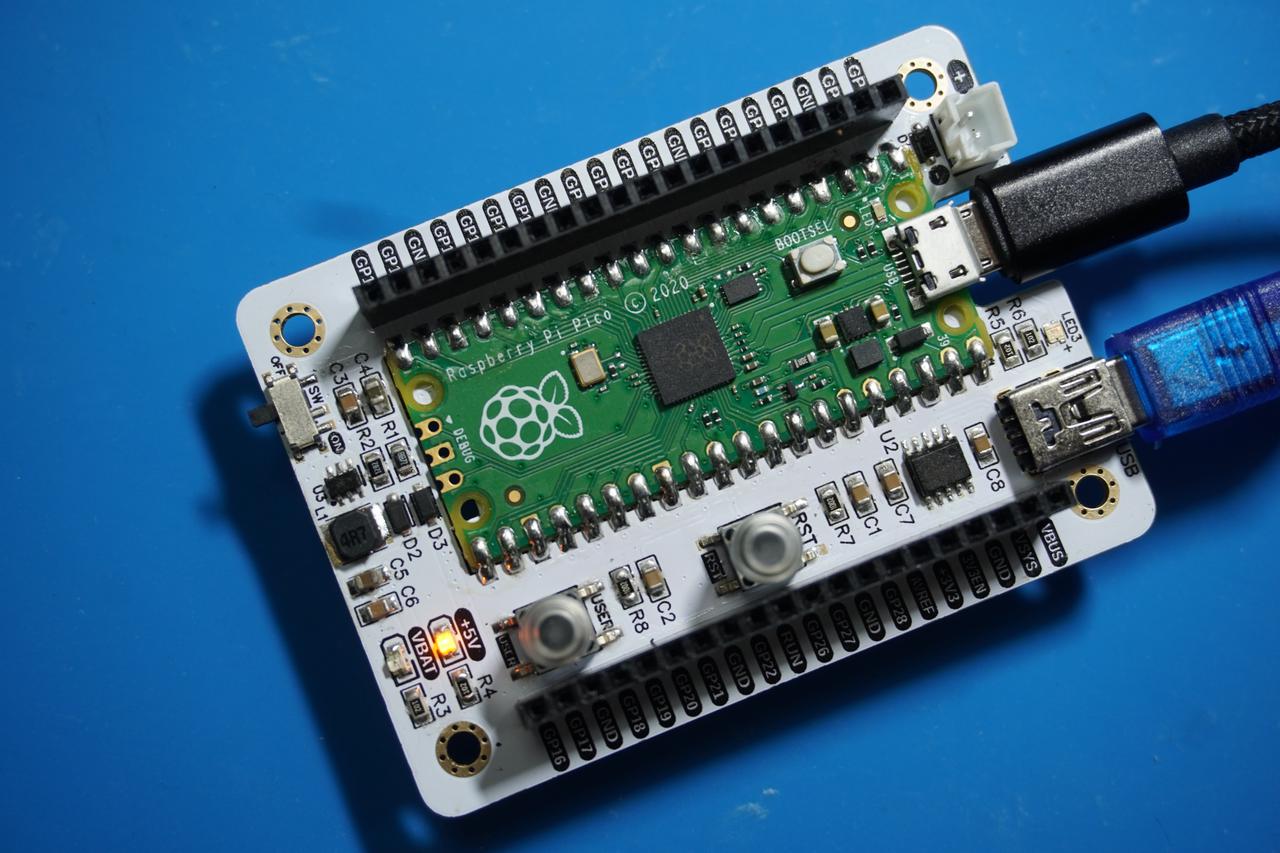
In the following experiment, we need to use a MiniUSB data cable to connect the Fengya No. 1 Board - Universal Compatible Expansion Board 's UART0 USB port to the USB port on the computer:
2. Receive idle interrupt (IRQ_RXIDLE): Receive a complete data frame
The UART receive idle interrupt (IRQ_RXIDLE) is a core interrupt mechanism for UART communication in MicroPython / embedded development. Put simply: when the UART receive pin (RX) transitions from the busy state of "sustained data transmission" to the idle state of "no new bytes received within the specified duration", this interrupt will be triggered.Its core value lies in accurately identifying the completion of receiving "a complete frame of data/instruction" — it does not rely on fixed frame lengths or end markers (such as \r\n), and as long as data transmission pauses (idle), it determines that a frame of data has been received, perfectly solving the problem of "how to judge the end of variable-length instruction transmission", making it a common solution for parsing serial port instruction frames in scenarios such as the Internet of Things and industrial control.
Here, we periodically collect simulated temperature and humidity data in the code below, and respond to specific commands and return corresponding data through the UART idle interrupt; after the UART receives a command and triggers the idle interrupt, it parses the command and returns environmental data (or a prompt for unknown commands), then resets the buffer.
In the code above, we perform the following operations:
Program startup and initialization;
The program enters an infinite loop and repeatedly performs the following operations at a cycle of 1 second:
Call collect_env_data function to simulate environmental data collection: generate temperature data ranging from 18.0 to 35.0°C and humidity data ranging from 30.0 to 80.0%(both retaining 2 decimal places), and update the global env_data_cache cache;
Print the currently collected temperature and humidity data (for debugging use), and control the status LED to turn on for 0.1 second before turning off (to visually indicate the Data Acquisition action);
Delay for 1 second to simulate the actual sampling interval of the sensor, then repeat the above steps.
When the serial port receives a complete command (triggering the "receive idle" interrupt), the main loop is suspended and the interrupt processing logic is executed:
Read all unprocessed characters from the serial port and store them in the pre-allocated 128-byte receive buffer (index restriction is applied to prevent out-of-bounds access);
Decode the buffer data into a UTF-8 string, strip leading and trailing whitespace, and parse the instruction content;
Command Matching: If the command is "GET_ENV_DATA", the latest temperature and humidity data in the cache will be returned via the serial port; for other commands, the prompt "Unknown command" will be returned;
Reset the buffer index, the interrupt handling is completed, and the program returns to the main loop to continue executing the Data Acquisition task.
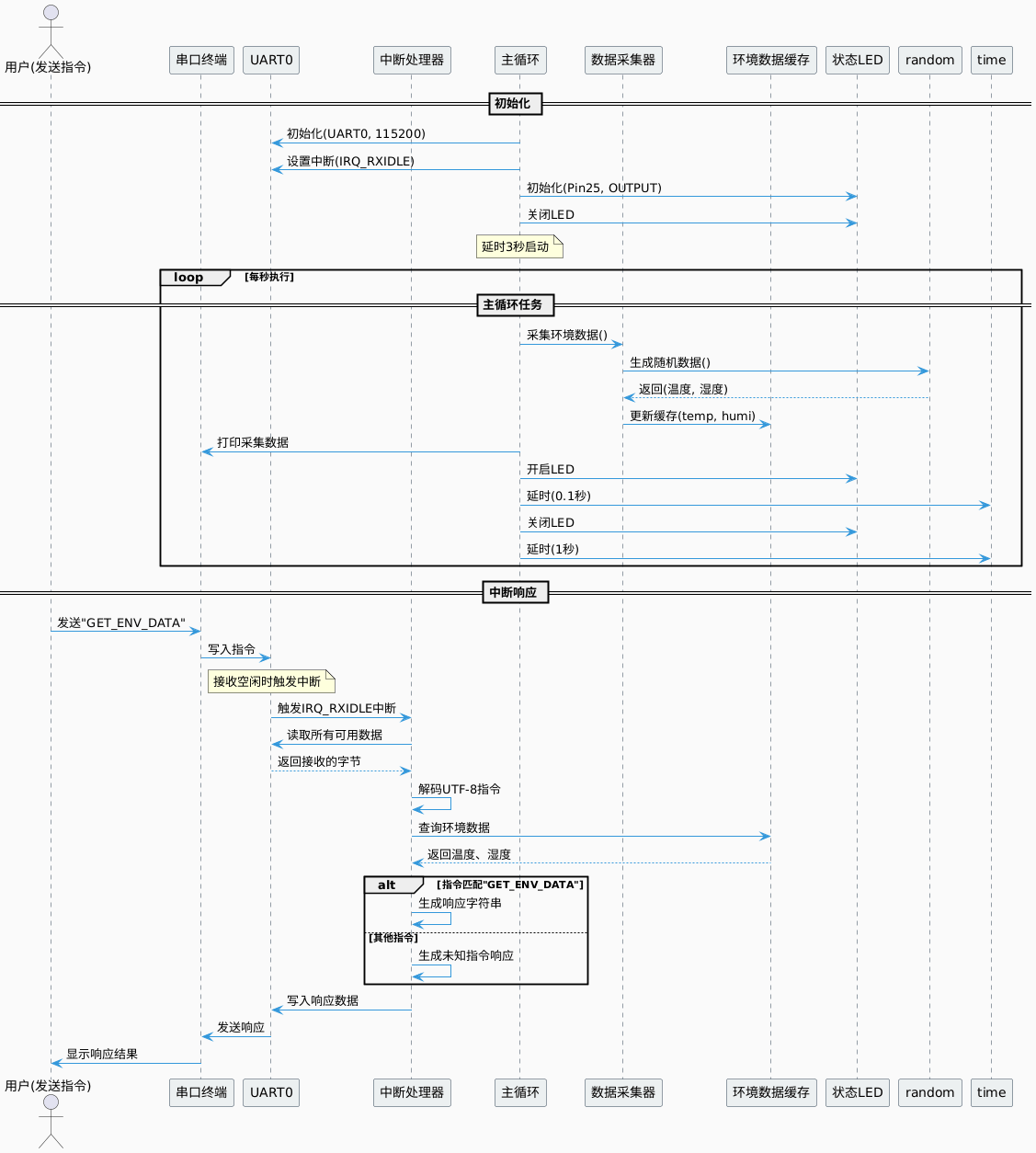
The overall flow chart is shown below:
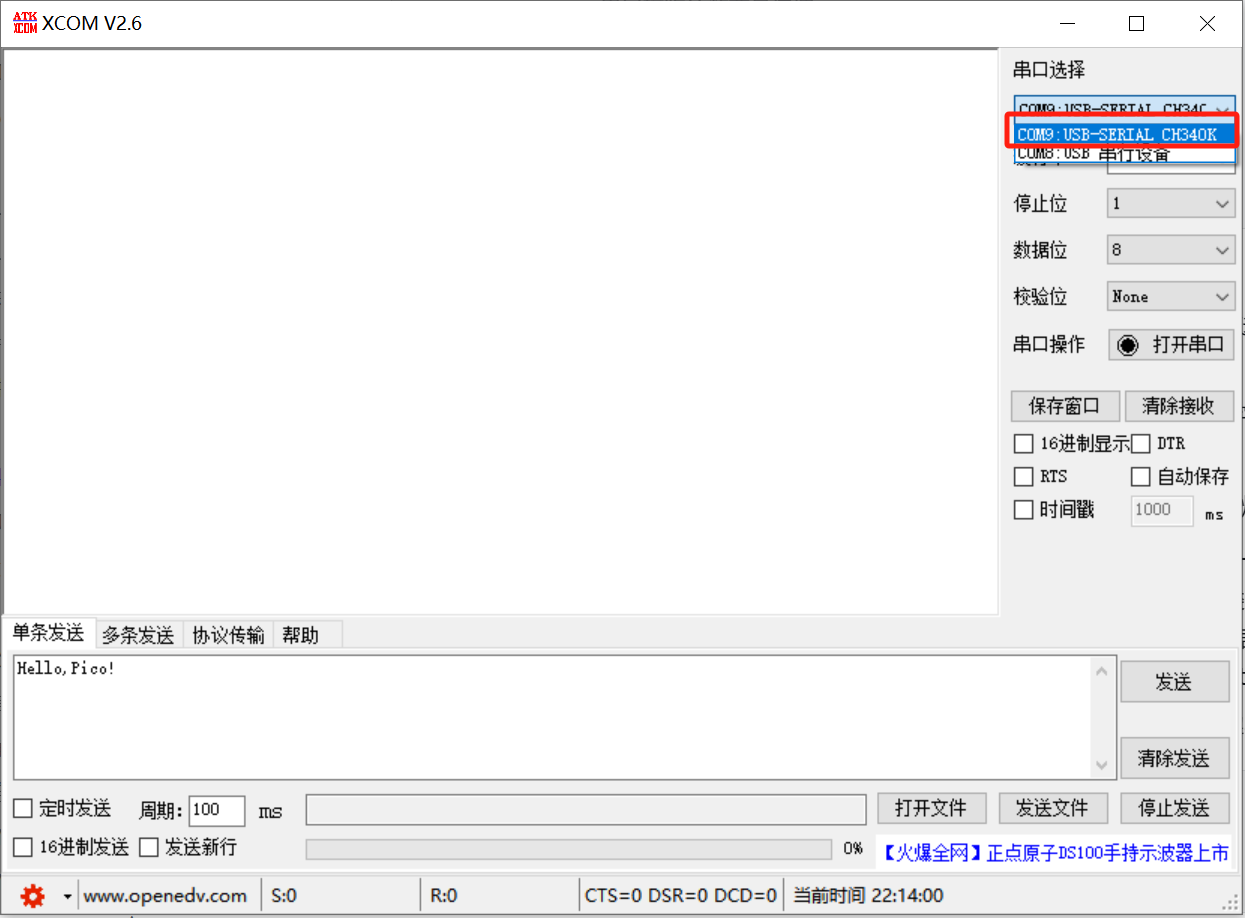
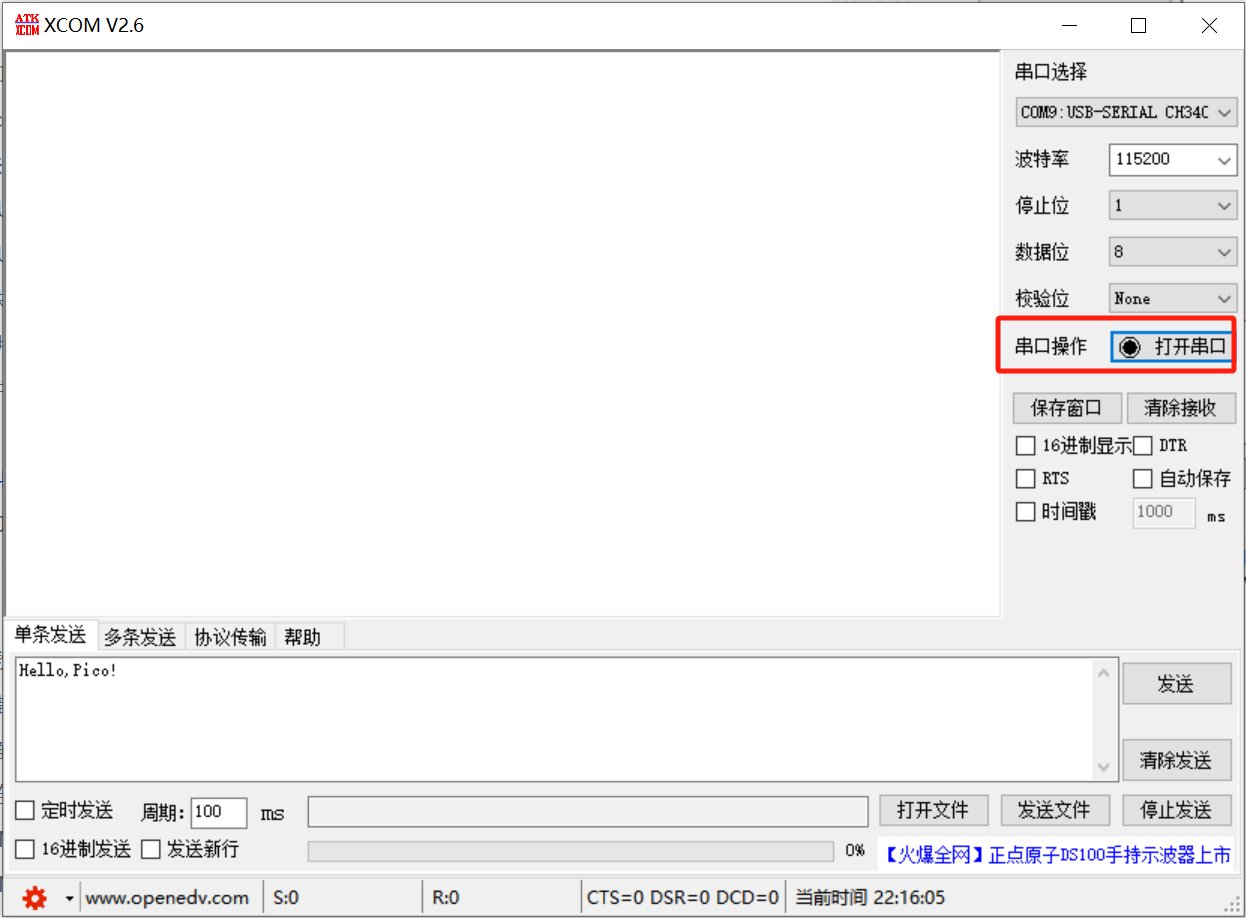
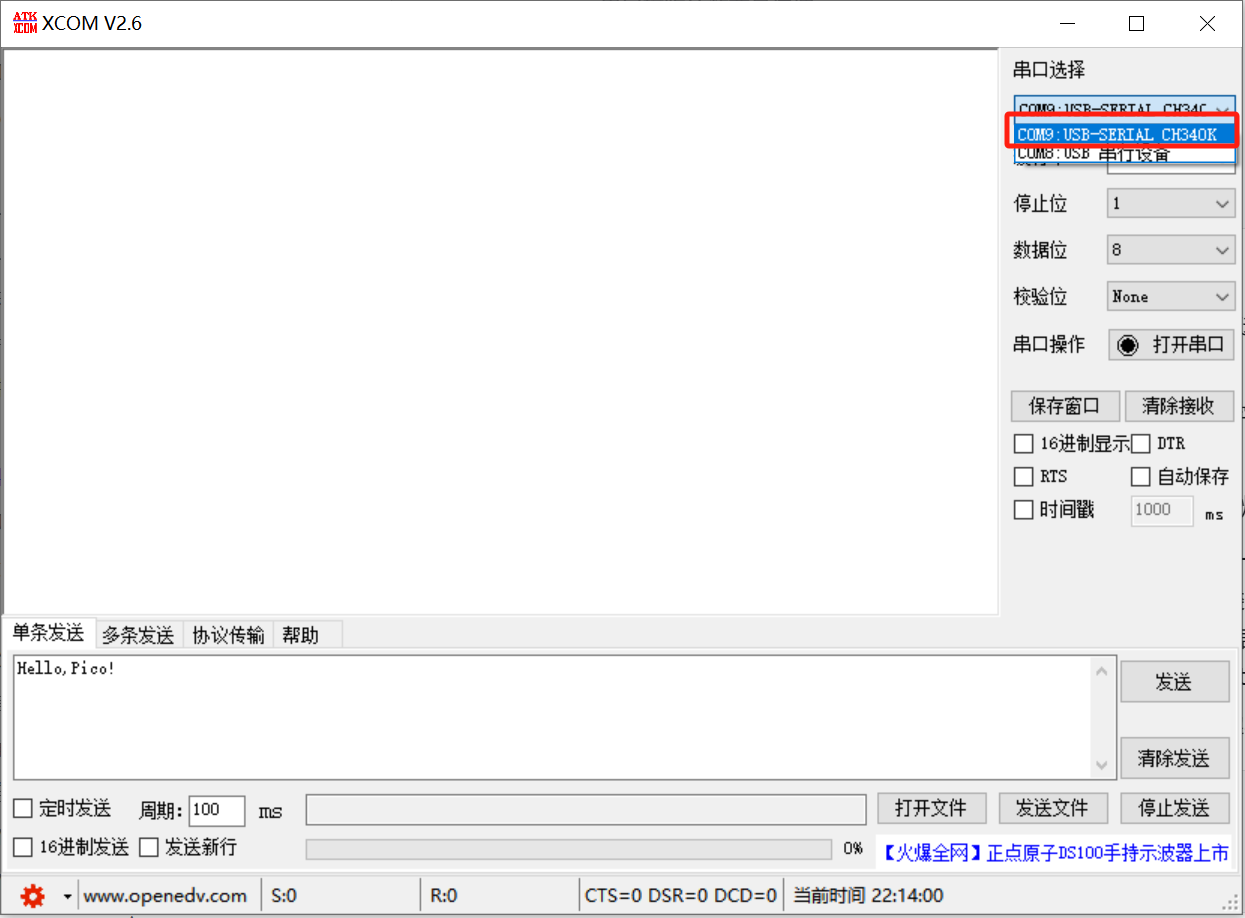
Launch the XCOM software and select the COM port corresponding to the CH340K chip:
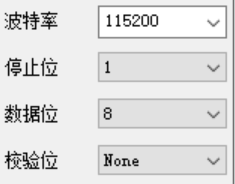
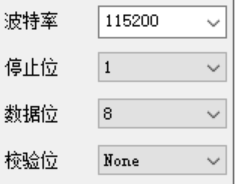
The serial communication parameters are consistent with those in the program:
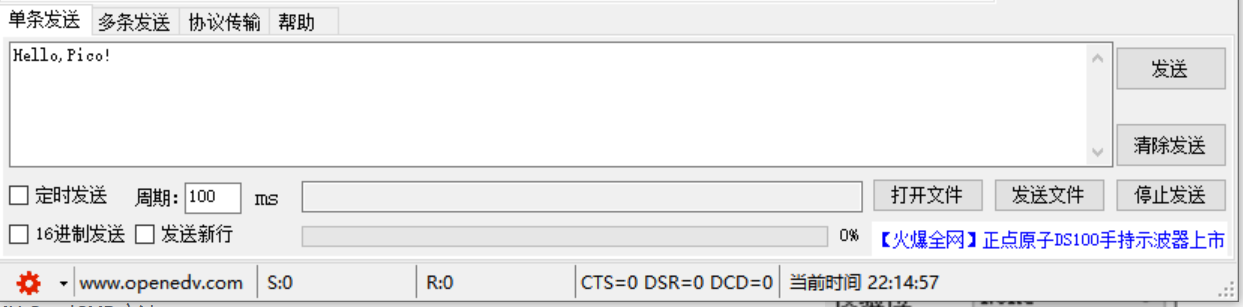
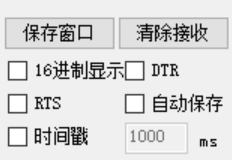
The remaining transmission and reception parameters can be kept as default:
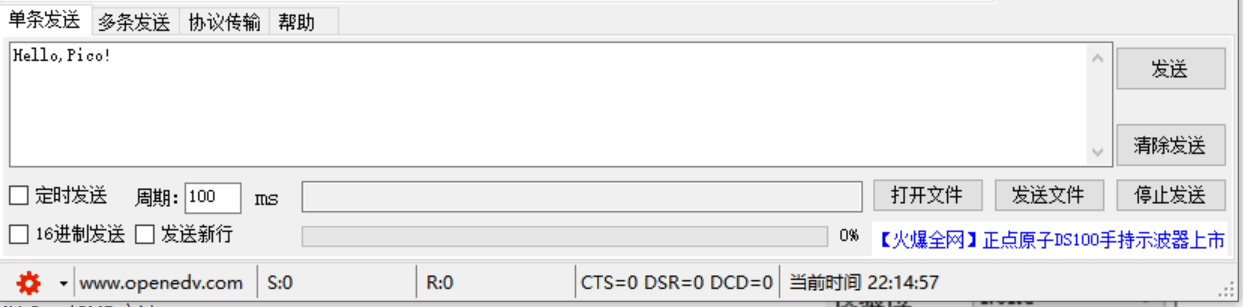
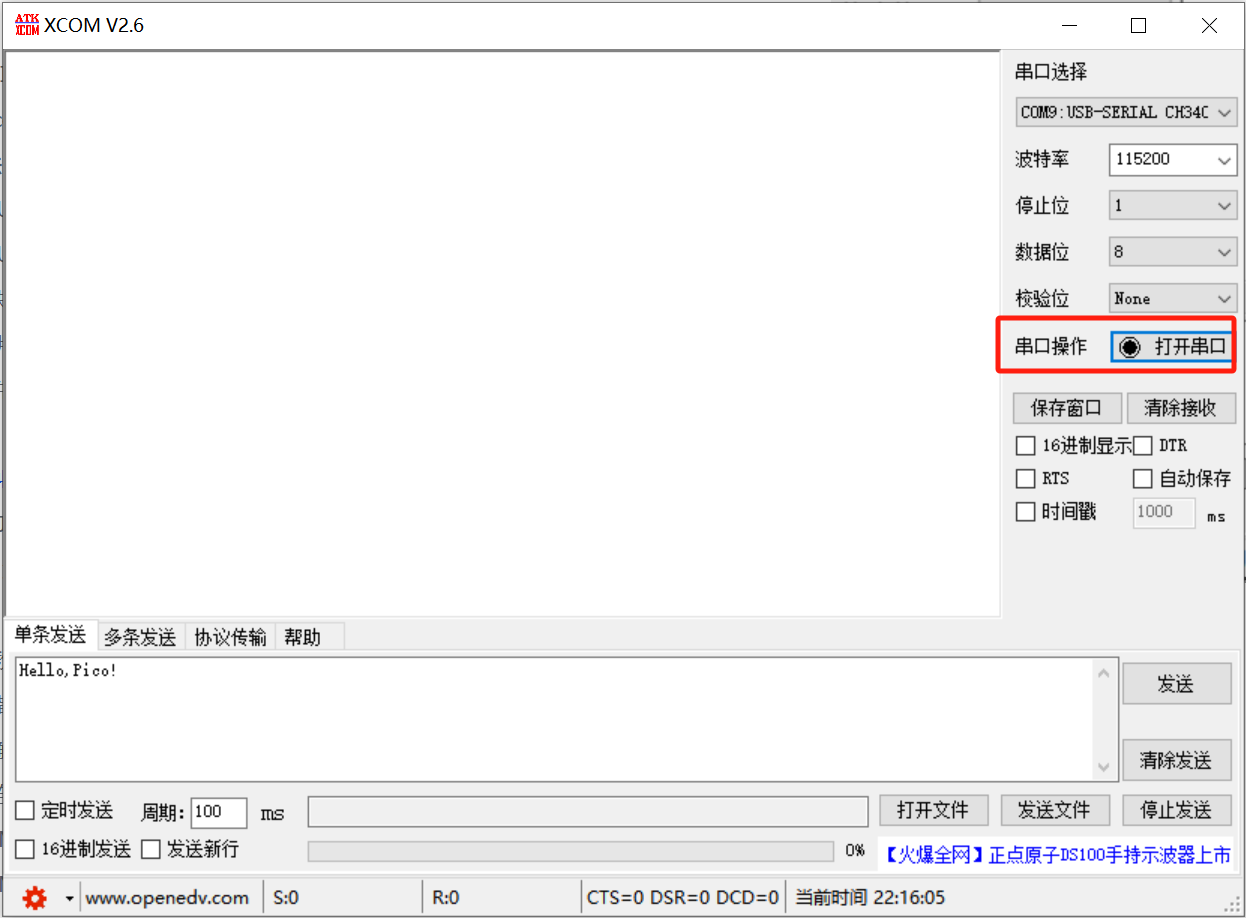
Click to open the serial port:
Burn the program, open the terminal, and the following content will be displayed:
As can be seen, the LED on the core board flashes periodically, and the serial port command response function also works as expected (sending GET_ENV_DATA returns the corresponding temperature and humidity data, while sending OTHER_COMMAND will prompt an unknown command), indicating that the overall function operates normally.
3. Transmit idle interrupt (IRQ_TXIDLE): Confirm that the transmission of long data is completed
The UART transmission idle interrupt (IRQ_TXIDLE) is a core interrupt mechanism for the data transmission link in UART communication. Specifically, this interrupt is triggered when the UART transmitter (TX) has completely sent all bytes to be transmitted in the transmit buffer, the transmit buffer is empty, and the TX pin enters an idle state with no data output.Its core value lies in accurately confirming that "the transmission process of a long segment of data / a complete frame of data has been thoroughly completed", rather than merely triggering the transmission action. It is particularly suitable for scenarios requiring the transmission of large-sized data (such as batch sensor logs, long text responses, and binary data streams), and can effectively prevent data loss or disorder caused by modifying the buffer, closing the serial port, or initiating the next transmission before the completion of transmission is confirmed.
It corresponds to the receive idle interrupt (IRQ_RXIDLE):
IRQ_RXIDLE Focus on the event of "complete data frame reception finished";
IRQ_TXIDLE Focus on the event that "the complete data frame has been fully transmitted".
In the code below, we use the IRQ_TXIDLE interrupt to indicate that the long log transmission is nearly complete, and implement reliable serial transmission of simulated sensor logs in combination with the batch caching mechanism.
In the code above, we have completed the following tasks:
Program startup and initialization;
The program enters an infinite loop and repeatedly performs the following operations at a cycle of 2 seconds:
Log generation: This function is called only when the transmission status (tx_status) is IDLE generate_sensor_log to generate a simulated temperature and pressure sensor log in a fixed format (including log ID, timestamp, temperature, and barometric pressure), add the log to the cache list sensor_logs and print the generation information;
Batch sending: call the send_log_batch function. If the number of cached logs is ≥3 and the system is in IDLE state, execute the batch sending logic:
Switch tx_status to SENDING and reset the TXIDLE interrupt flag txidle_flag;
Concatenate the 3 logs in the cache into a complete long text (with the "LOG BATCH END" end marker), and write and send them in one go via UART0 to ensure hardware atomic operations and avoid data truncation;
Call uart. flush () to block and wait until all data is sent (during which it is detected every 5ms, as a replacement for the unreliable uart. txdone ());
If the TXIDLE interrupt is triggered (txidle_flag is True), print the prompt "Transmission is nearly complete" and reset the flag;
Clear the log cache and restore tx_status to IDLE;
Status indication: Control the LED according to tx_status (lit when SENDING, off when IDLE), and print the current transmission status;
Delay for 2 seconds: reduce the loop frequency, cut down transmission conflicts, and adapt to the features of the hardware buffer.
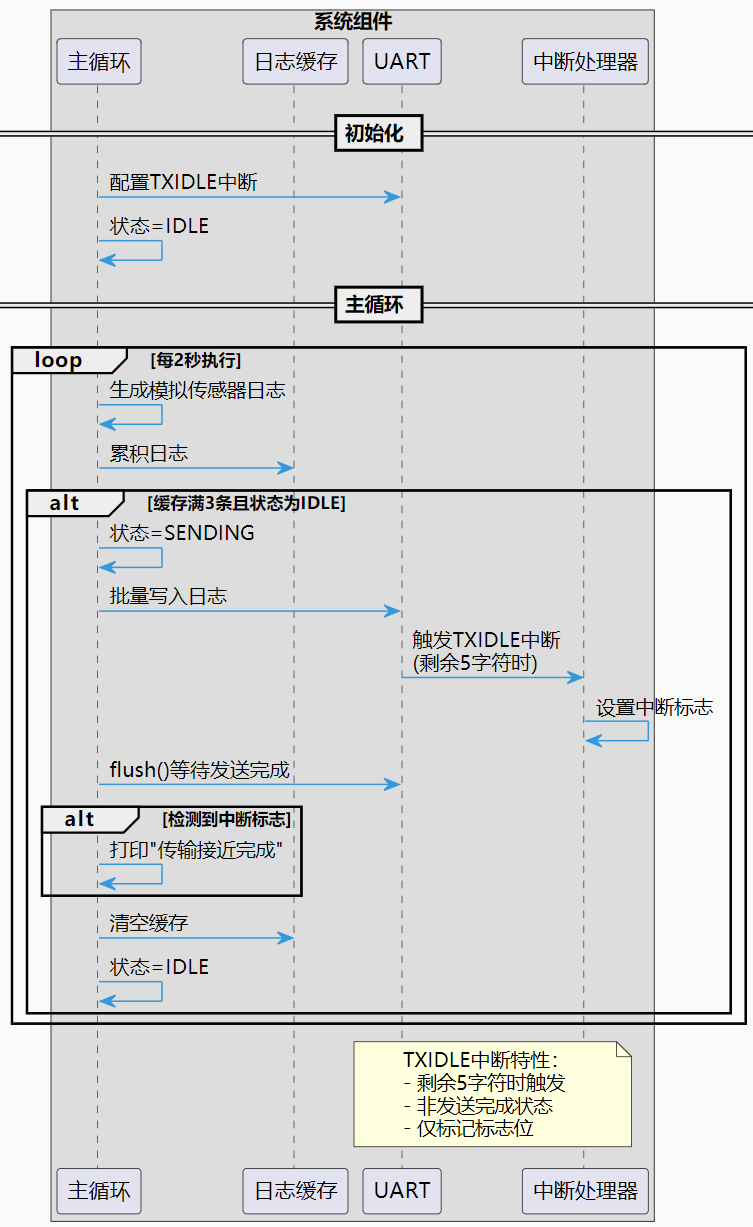
TXIDLE interrupt response: When the remaining 5 characters in the UART0 send buffer are to be sent (RP2 hardware characteristics), the IRQ_TXIDLE interrupt is triggered, and the uart_txidle_handler function is executed: only when the tx_status is SENDING, the txidle_flag is marked as True (only the status is marked, and the write operation is not performed to avoid hardware preemption leading to data disorder), for the main loop to determine the status of the transmission approaching completion.
The complete flow chart is as follows:
Open the XCOM software and select the COM port corresponding to the CH340K chip:
The serial communication parameters are consistent with those in the program:
Keep the rest of the sending and receiving parameters as default:
Click to open the serial port:
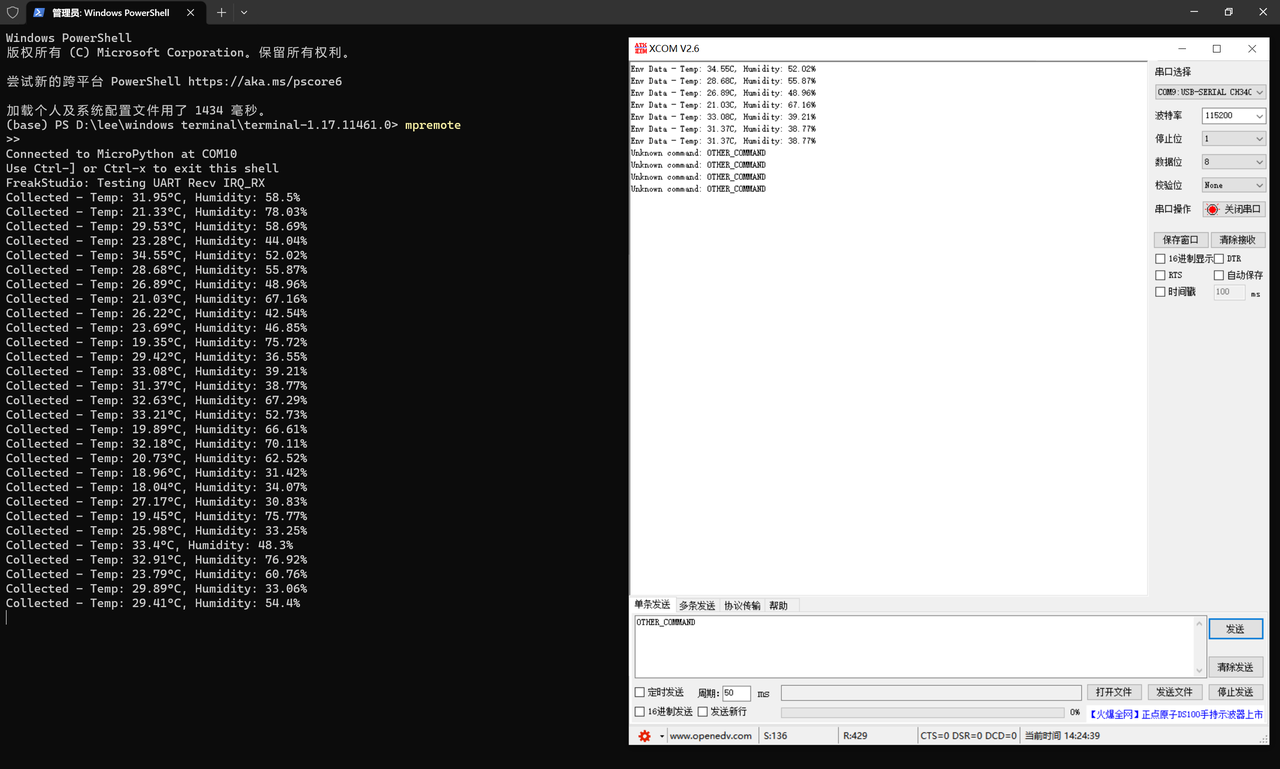
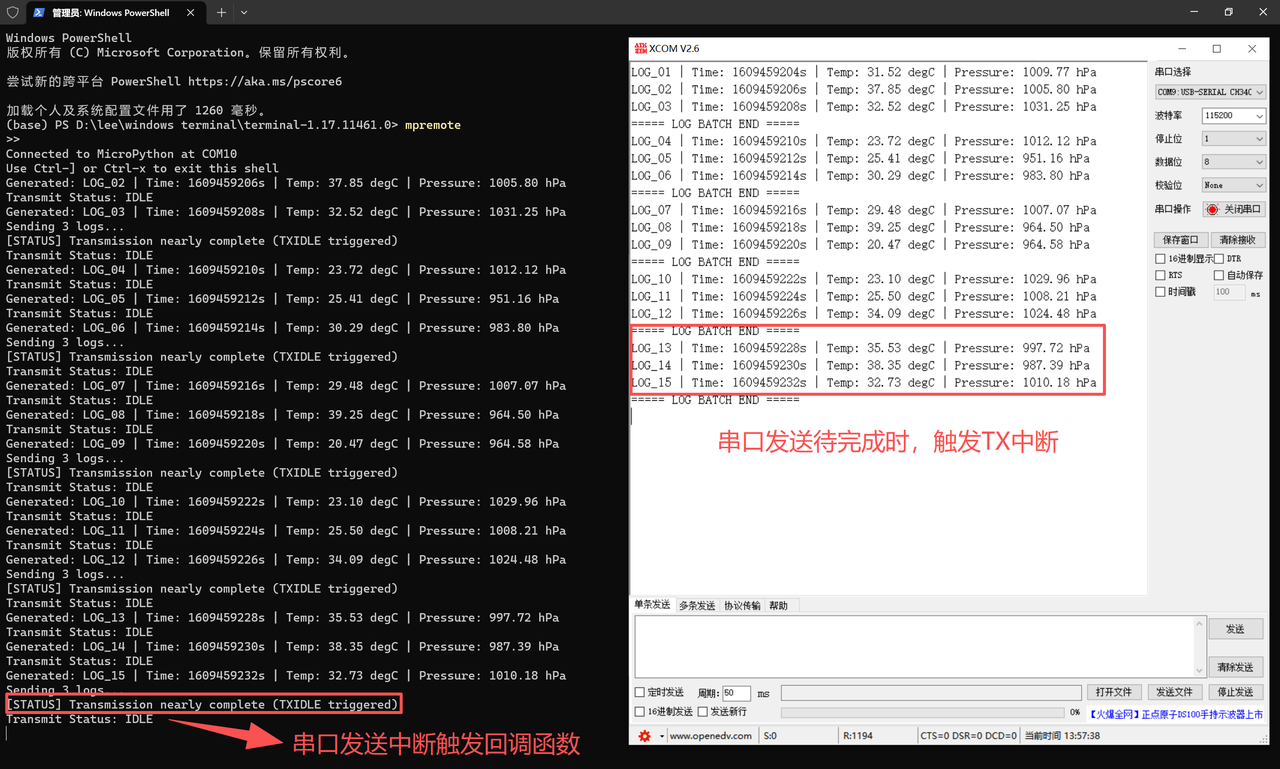
Burn the program, open the terminal, and the following content will be displayed:
We can see that the running effect of the program fully meets the expectations:
The main loop periodically generates simulated sensor logs in a fixed format (the terminal on the left continuously outputs the log information corresponding to "Generated"), and automatically enters the sending state when the log cache accumulates to 3 entries (the terminal displays "Sending 3 logs");
During the transmission process, the IRQ_TXIDLE interrupt is triggered, and the terminal synchronously prints the callback prompt "Transmission nearly complete"("serial port transmission interrupt triggers callback function"); meanwhile, the serial port assistant on the right side completely receives the batch log marked with "LOG BATCH END".
The status will be restored to IDLE after the transmission is completed.
The loop of the log generation - caching - transmission process is orderly, which not only verifies the marking function of the TXIDLE interrupt for the long data transmission status, but also ensures the reliable serial port transmission of batch logs.
When using the MicroPythonUART transmit idle interrupt (IRQ_TXIDLE) on the RP2 platform, the core precaution is to strictly control the total number of characters sent in a single batch to adapt to the limited capacity of the RP2 UART hardware transmit buffer (FIFO):
If the total number of characters far exceeds this capacity, data will accumulate in the software buffer. Meanwhile, the TXIDLE interrupt of RP2 is only triggered when there are 5 remaining characters to be sent. When used with the unreliable uart. txdone ()(which only checks whether the single-character transmit register is empty without detecting the FIFO), it is easy to misjudge that the transmission is completed, modify the transmission status in advance and clear the cache, which will interfere with the final transmission process of the hardware and result in data truncation;
Therefore, the number of characters sent in a single transmission shall be controlled within the safe load range of the FIFO, and priority shall be given to using uart. flush ()(which blocks until all data, including that in the FIFO, is completely sent) instead of uart. txdone (). Meanwhile, the hard= True for disabling interrupts shall be replaced with software interrupts to avoid data disorder aggravated by hardware interrupt preemption, and ensure the synchronization between interrupt triggering and transmission status management.