MicroPython Basics: Stream vs Block I/O Devices Explained
This tutorial explains MicroPython select poll() I/O multiplexing and demonstrates serial port event monitoring, data reading and exception handling.
COMPONENTS
PROJECT DESCRIPTION
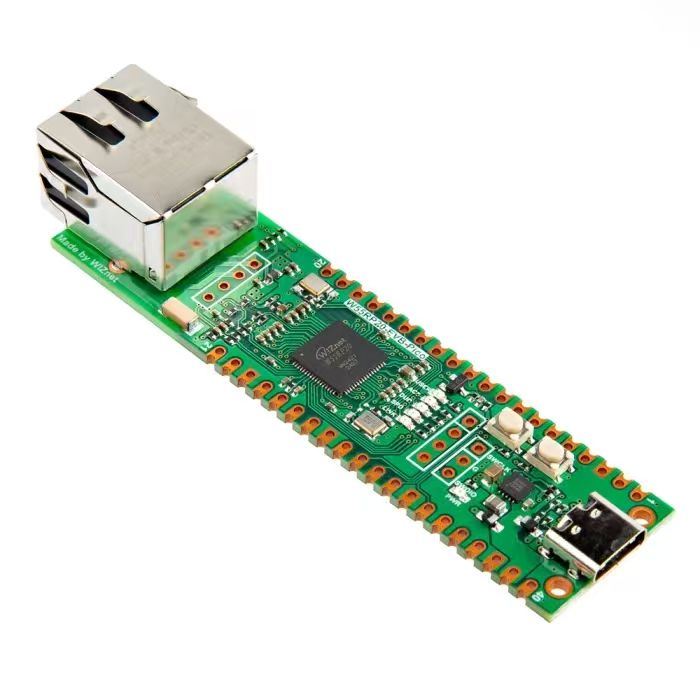
【Preliminary Note】The original hardware example in this article was written based on the RP2040. The actual hardware used in this hands-on demonstration features the W55RP20 as the main controller chip. The circuit logic and UF2 flashing operation principles are universally applicable, with only the main controller model differing. The original chip model mentioned in the circuit descriptions below is provided for reference purposes only.
1. select module
Consider the following scenario: we are developing a wireless motion sensor that can detect motion data, as well as temperature and humidity data, and transmit the data to a mobile phone via Bluetooth. On the Raspberry Pi Pico, one UART is connected to the gyroscope sensor, and the other UART is connected to the temperature and humidity sensor.
At this point, the gyroscope sensor and the temperature and humidity sensor will periodically transmit data to the Raspberry Pi Pico. We need to read the data when it is available, and perform other operations (such as sending the received sensor data to the Bluetooth chip) when there is no data to read. To implement this function, we can continuously use the two UART. any () methods in a while loop for judgment: start receiving data when there is receivable data on either serial port, and only carry out other operations after the data is received.At this point, the program will be stuck waiting for serial port data to be received. If no data is received for a long time (for example, the external temperature and humidity sensor is damaged due to a hardware circuit fault and cannot send data), the program will be blocked.This problem can be solved by running data receiving tasks, data sending tasks and other tasks with multithreading, using coroutines, and using timers to start multiple scheduled execution tasks. However, using the select module to monitor the status changes of the serial port and perform corresponding operations when there is data available for reception is undoubtedly the most concise method. The select module provides an effective way to monitor the status of multiple IO objects at the same time and perform corresponding processing when there is data to be read or written.
Meanwhile, let's imagine a more complex scenario: the device also requires network communication via a socket to send and receive data. In this case, implementing the monitoring of two serial ports and the socket port using other methods would be extremely cumbersome and inelegant.
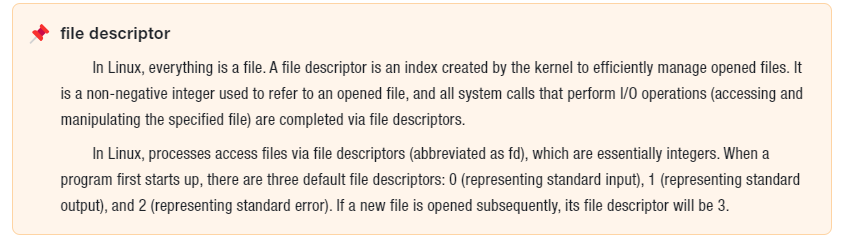
The select module is a module in Python's standard library, which provides the basic function of I/O multiplexing. In Python, I/O multiplexing refers to the ability to simultaneously monitor the state changes (such as readable, writable, etc.) of multiple file descriptors (e. g., sockets), and perform corresponding operations when any one of the file descriptors is ready. This technology can greatly improve the performance and efficiency of programs when processing a large number of concurrent connections.Using the select module can avoid the overhead of threads or processes, as it can handle multiple I/O events within a single thread. This is extremely critical for high-concurrency network servers, since the creation and destruction of threads or processes consume massive amounts of resources.
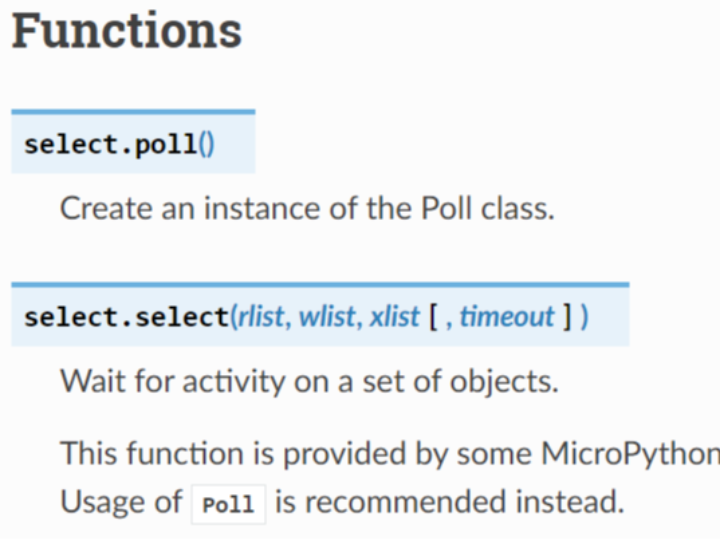
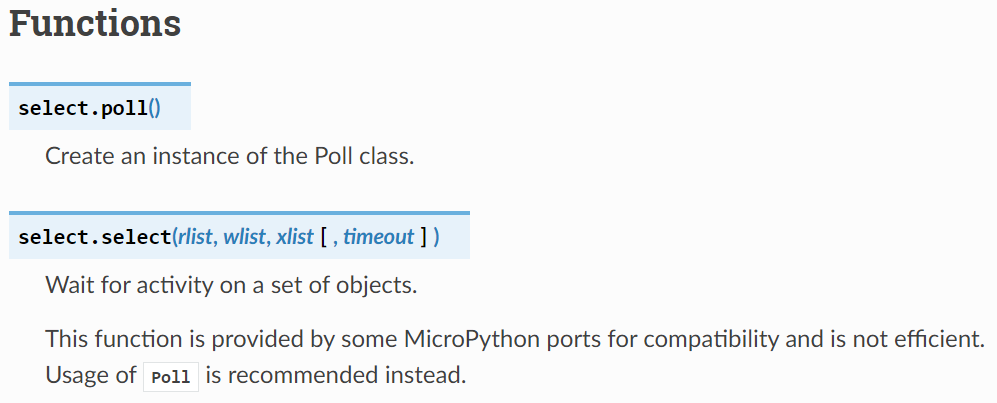
In MicroPython, the select module has the following methods:
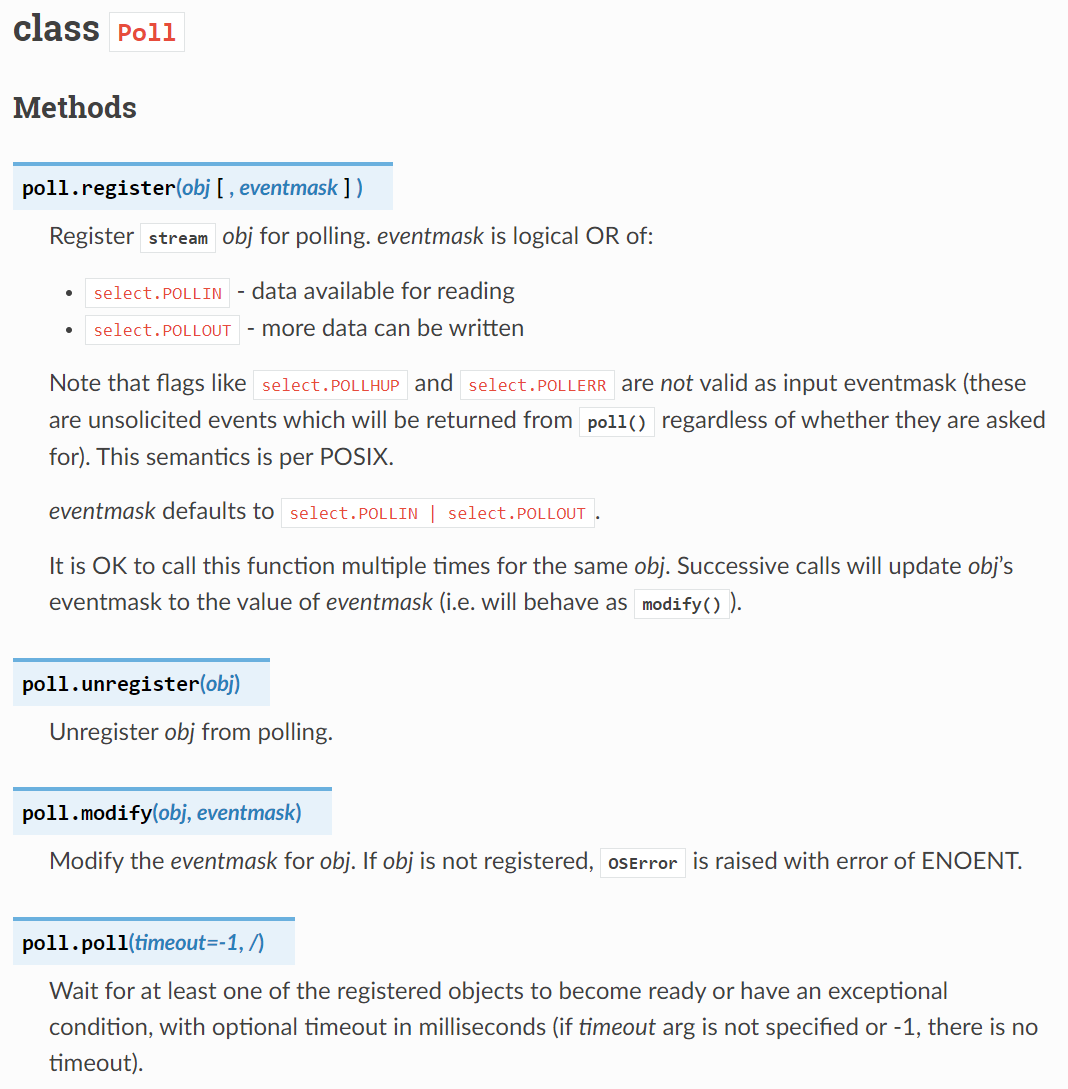
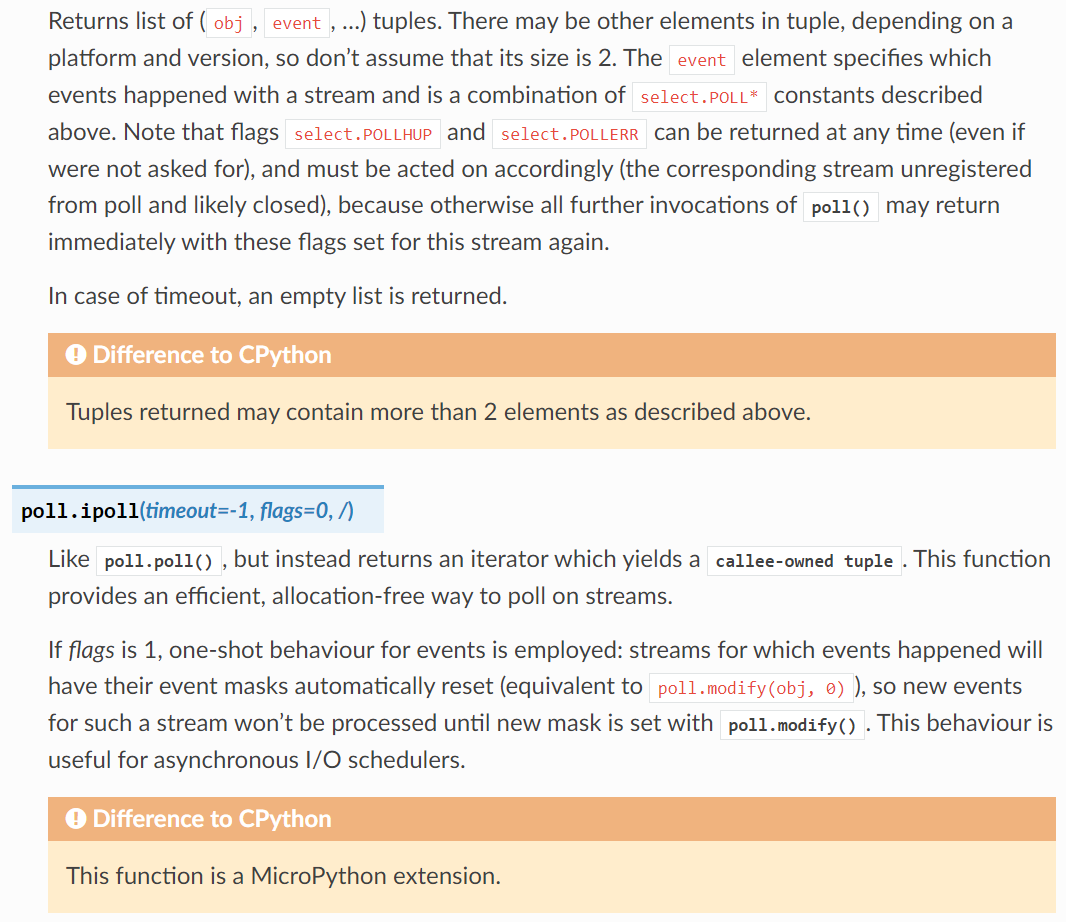
Simply put, we first need to call select. poll () to create an instance of the Poll class, which is the polling object used to monitor devices that read and write data in ByteFlow mode, then use the Poll. register method to register the devices to be monitored with this polling object. After that, we call the Poll. poll method to listen for events; this method will block and wait until one or more devices are ready for I/O operations (such as reading or writing). When an event occurs, the Poll. poll method will return a list containing event objects.Each event object has an `fd` attribute, which indicates the device where the event occurs, and an `events` attribute, which indicates the event type of the device. We can determine the event type and the corresponding device by reading the `fd` and `events` attributes, and then perform the corresponding operations.
2. Use the select module to monitor serial port events
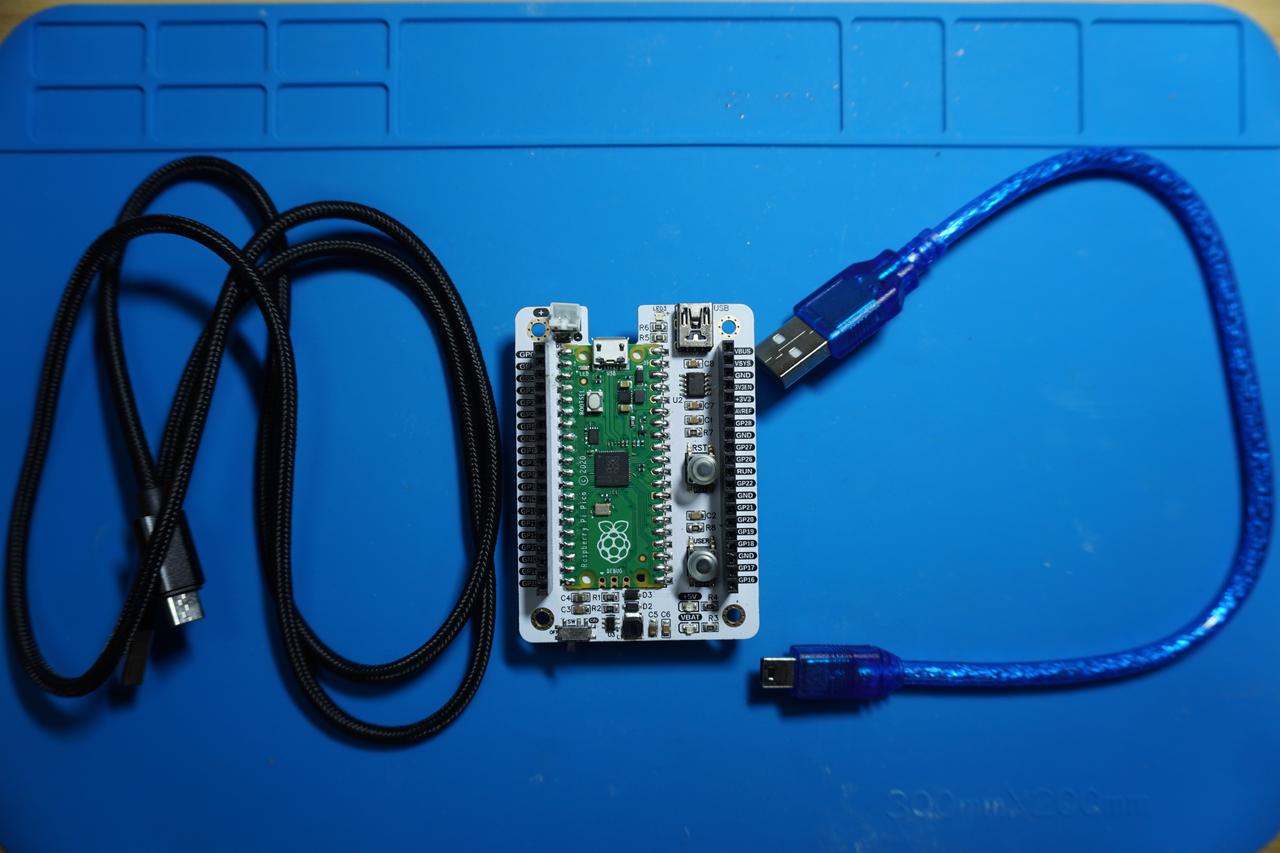
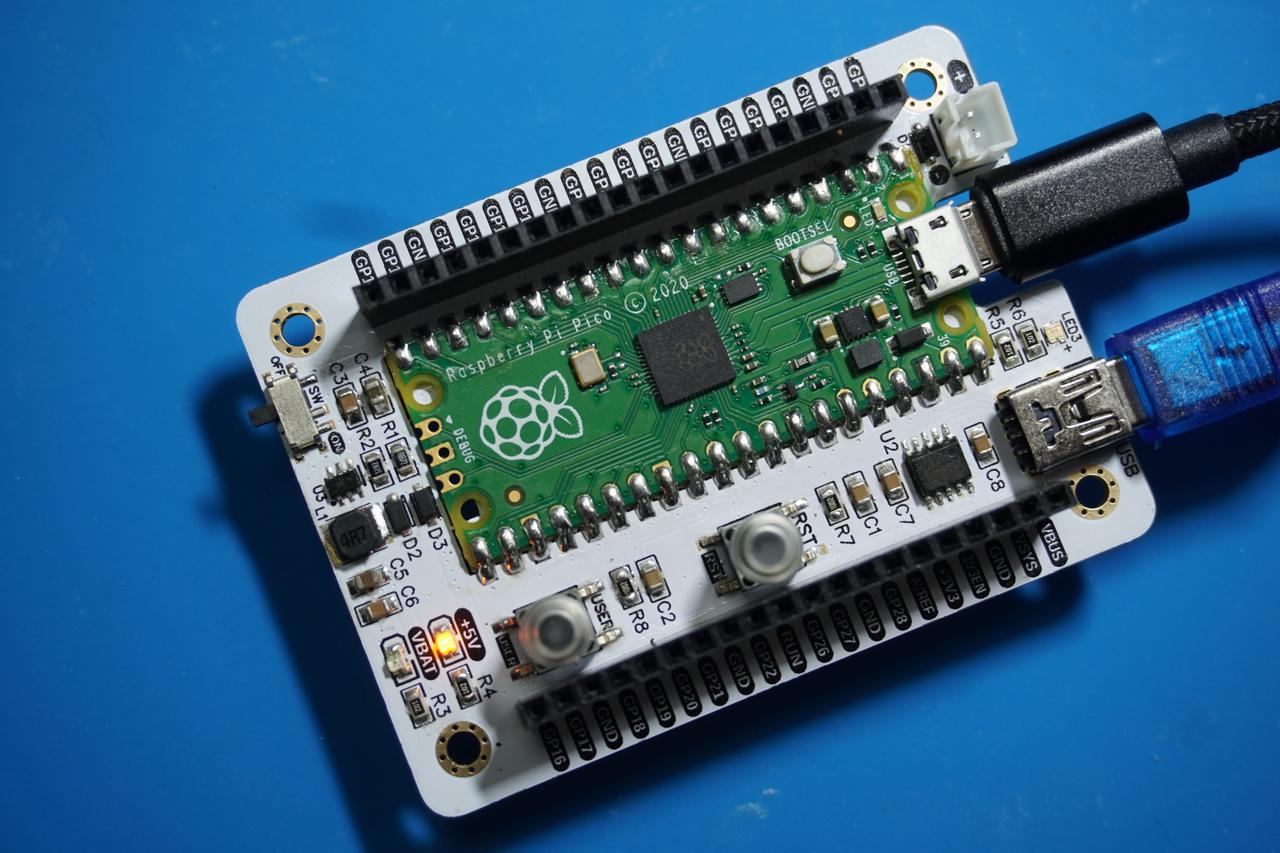
In the following experiment, we need to use the MiniUSB data cable to connect the Fengya No. 1 Board - Universal Compatible Expansion Board 's UART0 USB port to the USB port on the computer:
In serial communication, the workflow of using the select module to monitor the active status of the serial port is as follows:
Create a serial port object: Use machine. UART to create a serial port object, and configure parameters such as baud rate, data bits, and parity bits.
Create a poll object: Use select. poll () to create a poll object for polling and registering serial port events.
Register the serial port device: Register the serial port device to the poll object, and monitor the POLLIN event, which means that when there is data readable on the serial port, the polling mechanism will be triggered.
Polling serial port events: Use poll. poll () to perform polling and wait for I/O events of the serial port device. The polling method will block until there is data readable on the serial port or return after a timeout.
Processing serial port data: Once poll () returns an event, the program can use uart. read () to read and process the serial port data.
In the following code, we use the select module to monitor serial port events and read data, handle events such as serial port errors and device disconnection, and store the received data in a buffer. The code will also clear the buffer when it is full to ensure that no data overflow occurs.
The sample code is as follows, located in the folder of the supporting materials: elegance-devkit v1\Demo\10 UART_SelectRead:
In the above code, we first use UART to create a serial port object and configure an LED.
Then a select. poll object uart_read_poll is created, which is used to monitor the active status of the serial port, including:
POLLIN: Readable event, indicating that there is data available to be read from the serial port.
POLLERR: An error event, indicating that an error has occurred in the serial port device. POLLERR event indicates that some kind of error has occurred in the device (such as a serial port line error or a device driver error), which may result in the failure to perform normal data read or write operations.
POLLHUP: Disconnection event, indicating that the serial port device is disconnected (e. g., the serial port cable is unplugged or the virtual serial port on the computer closes the connection). Note that in MicroPython for Raspberry Pi Pico, the serial port will not automatically send a disconnection notification when the serial port device is disconnected, and the operating system itself does not actively detect the physical disconnection of the serial port; only when a USB-based virtual serial port device is disconnected may the POLLERR or POLLHUP event be triggered.
Next, we use the uart_read_poll. register method to register the serial port object with the poll object, so as to monitor these events;In the main loop, uart_read_poll. poll (50) is used to listen for serial port events. The poll method will block until an event is triggered, or return if no event occurs within 50 milliseconds. Here, events is a list containing device objects, and the event objects as elements in the list are in the form of tuples, namely (fd attribute - device name, events attribute - event type).
If an event occurs, the program iterates through the events list and checks the device and event type for each entry:
Error event (POLLERR): If a serial port error is detected, the handle_uart_error function will be called to handle the error. This function will attempt to reset the serial port connection and reinitialize the serial port settings.
Disconnection event (POLLHUP): If a serial port device disconnection is detected, call the handle_uart_disconnect function to stop serial port operations and prepare for reconnection.
Readable event (POLLIN): If there is data available to read on the serial port, the system will attempt to read one byte of data and add it to the buffer. The received data will be printed out.
Meanwhile, the received data will be stored in a list named uart_buffer. To prevent buffer overflow, a maximum length uart_buffer_max_len is set, and the buffer will be cleared once the amount of data in it exceeds this maximum value.
At each stage of the program, LED acts as an indicator light to show the status of the system:
If the event is processed (e. g., data is read), the LED will light up.
After the data processing is completed, the LED will turn off, indicating that the data reading has been finished.
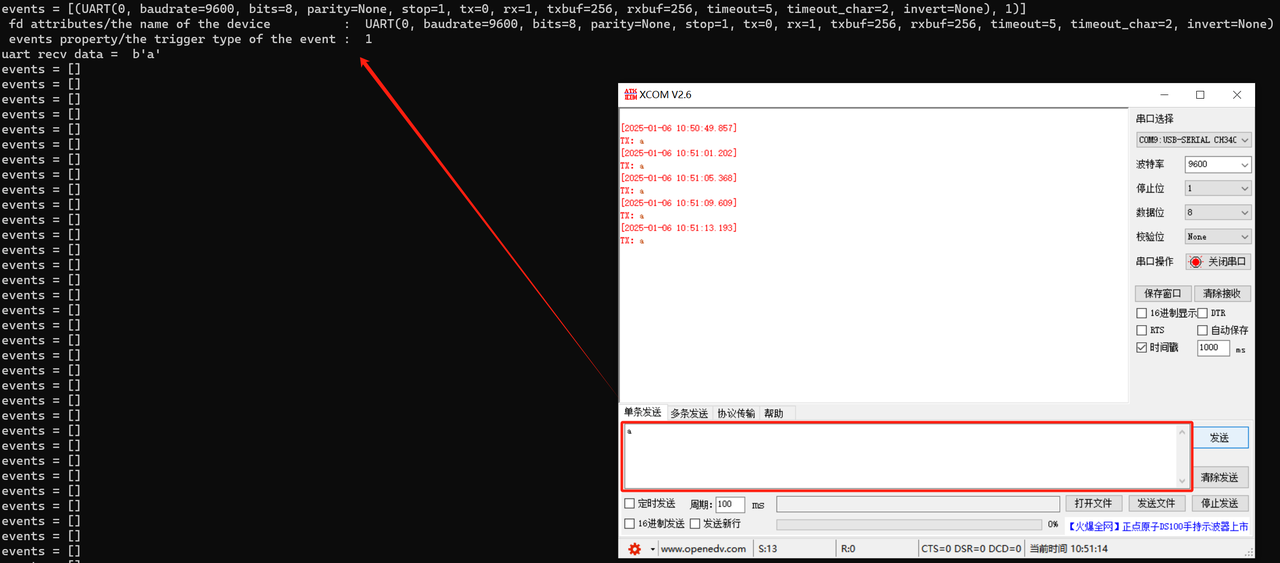
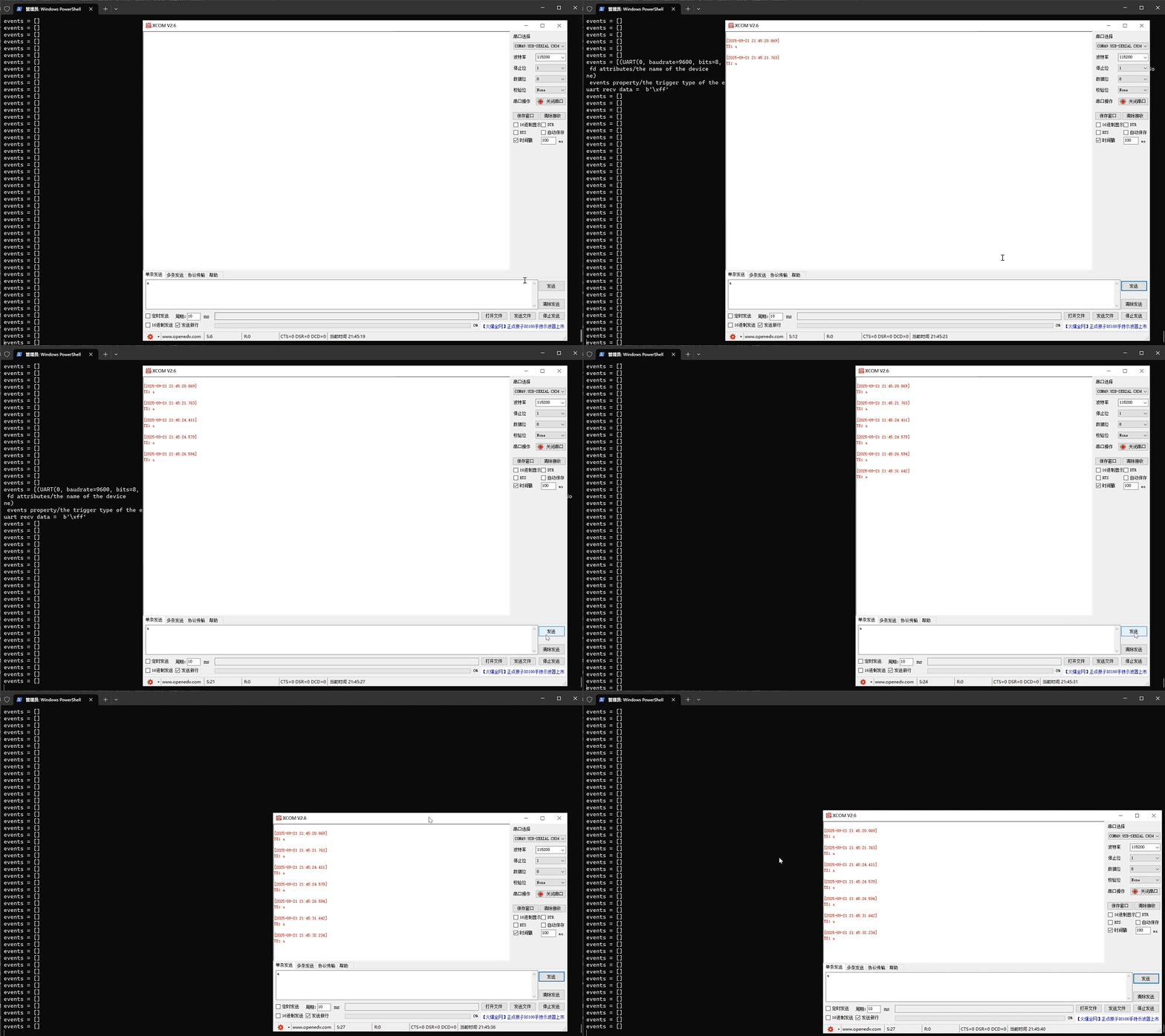
Next, we burn the program into the Raspberry Pi Pico, open the terminal, and send data via the XCOM serial port assistant. The operation status is as follows:
When serial port data is received, the terminal outputs the following:
events = [(UART(0, baudrate=9600, bits=8, parity=None, stop=1, tx=0, rx=1, txbuf=256, rxbuf=256, timeout=5, timeout_char=2, invert=None), 1)]
fd attributes/the name of the device          :  UART(0, baudrate=9600, bits=8, parity=None, stop=1, tx=0, rx=1, txbuf=256, rxbuf=256, timeout=5, timeout_char=2, invert=None)
events property/the trigger type of the event :  1
uart recv data =  b'a'
Output the event list (events), device name, event type, and the data received via the serial port (uart recv data = b'a').
When multiple stream devices are performing data receiving operations (for example, three serial ports are all connected to external sensors), using the select module for event monitoring can help us correctly complete data reception and further processing whenever data is received on any serial port.
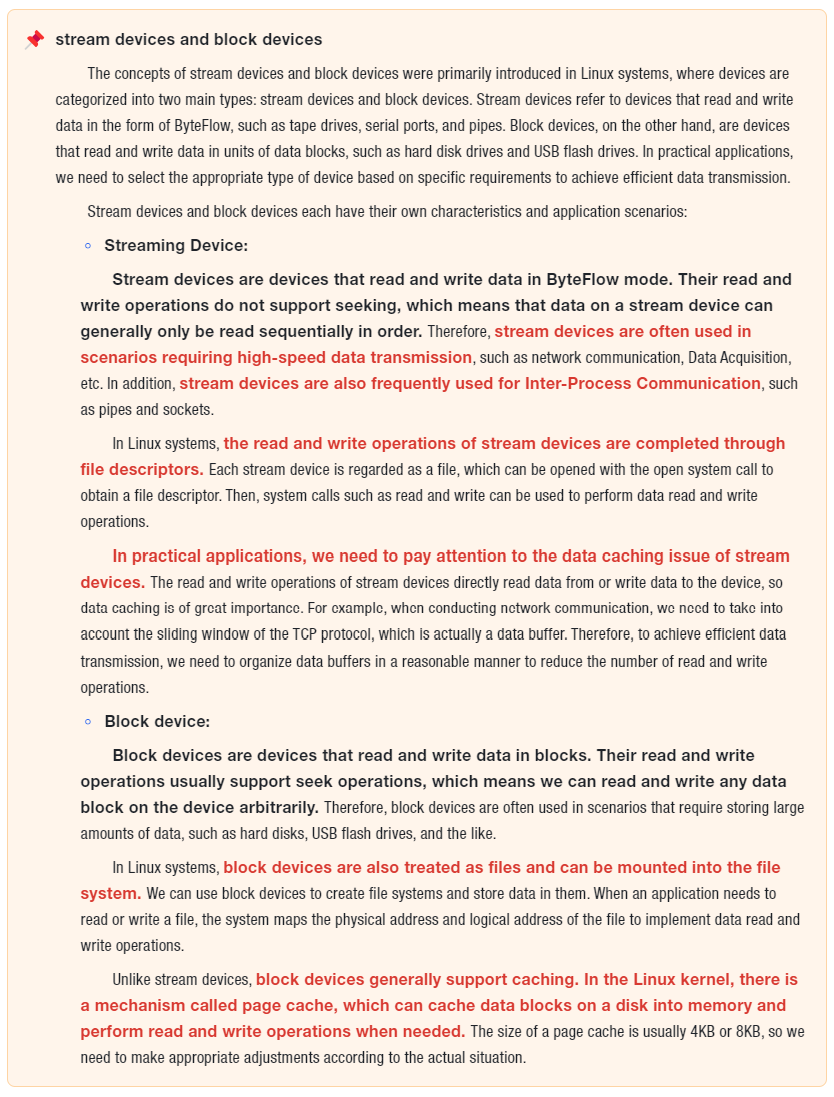
stream devices and block devices
The concepts of stream devices and block devices were primarily introduced in Linux systems, where devices are categorized into two main types: stream devices and block devices. Stream devices refer to devices that read and write data in the form of ByteFlow, such as tape drives, serial ports, and pipes. Block devices, on the other hand, are devices that read and write data in units of data blocks, such as hard disk drives and USB flash drives. In practical applications, we need to select the appropriate type of device based on specific requirements to achieve efficient data transmission.
Stream devices and block devices each have their own characteristics and application scenarios: