【Hardcore Real Stuff】MicroPython vs CPython: Positioning, Syntax & Hardware Comparison
This article introduces MicroPython, its distinctions from CPython, supported hardware platforms, .mpy precompiled bytecode, and the main differences in syntax,
COMPONENTS
PROJECT DESCRIPTION
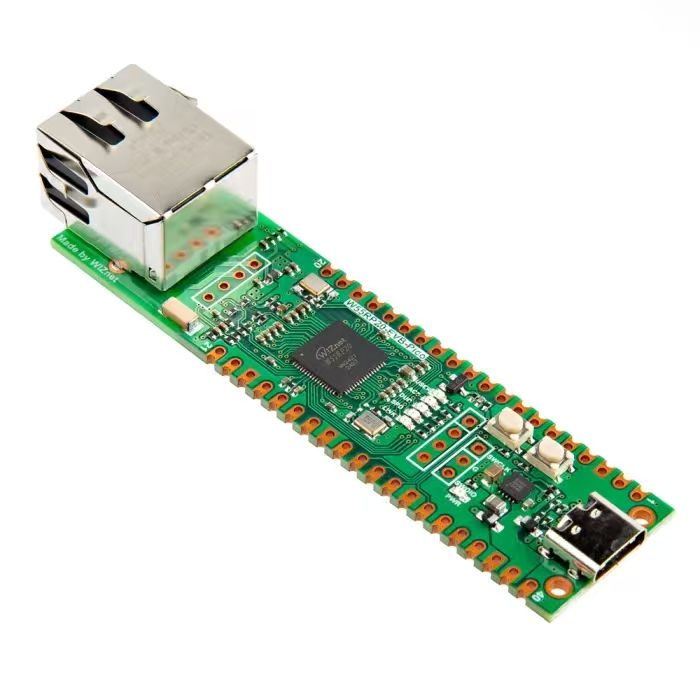
【Preliminary Note】The original hardware example in this article was written based on the RP2040. The actual hardware used in this hands-on demonstration features the W55RP20 as the main controller chip. The circuit logic and UF2 flashing operation principles are universally applicable, with only the main controller model differing. The original chip model mentioned in the circuit descriptions below is provided for reference purposes only.
1.MicroPython Intro.
We can compare standard Python (commonly referred to as CPython) to the full-featured work software on a computer: it comes with a complete set of functions and can handle complex tasks, but it takes up storage space, consumes resources, and can only run on devices with strong computing power and large memory such as computers;MicroPython is a version tailored specifically for embedded microcontrollers — a portable, streamlined edition that strips out the redundant features in standard Python that are unnecessary for embedded devices, while retaining Python's core syntax and commonly used functions. Boasting a small footprint and low resource consumption, it can run on devices with limited computing power and memory such as microcontrollers and development boards.Just as you wouldn't use the full version of computer work software to operate a smartwatch, MicroPython is the "lightweight Python" that can run on smartwatches and development boards — it retains Python's advantages of being easy to learn and having concise code, while also adapting to the hardware limitations of microcontrollers.
MicroPython is a streamlined version of Python that implements the full syntax of Python 3.4 (including exceptions, with, yield from, etc. , plus the async/await keywords from Python 3.5 and select features from later versions). It can run on a wide range of microcontrollers as well as Unix-like systems (including Linux, BSD, macOS, WSL) and Windows systems. Microcontroller targets can be as small as 256 kiB flash + 16 kiB RAM, but devices with at least 512 kiB flash + 128 kiB RAM can deliver a more comprehensive functional experience. The Unix and Windows ports allow for the development and testing of MicroPython itself, and provide a lightweight alternative to CPython on these platforms (especially on embedded Linux systems).
MicroPython provides the following core data types: str (including basic Unicode support), bytes , bytearray , tuple, list, dict, set, frozenset, array.array, collections.namedtuple, classes, and instances. Built-in modules include os, sys, time, re, and struct.It also supports the _thread module (multithreading), socket sockets and ssl for networking, as well as asyncio coroutines.
However, not all chips support the modules provided above. In some cases, adjustments need to be made to tailor these modules according to the specific conditions of different chips, similar to the way of building the Linux kernel, by selectively incorporating some key C driver codes related to hardware.
To adapt to embedded microcontrollers, most of the standard libraries have been trimmed, and only some modules such as partial functions and classes of math and sys are retained. In addition, many standard modules such as json and re have become ujson and ure prefixed with u in MicroPython, indicating that they are standard libraries developed for MicroPython.
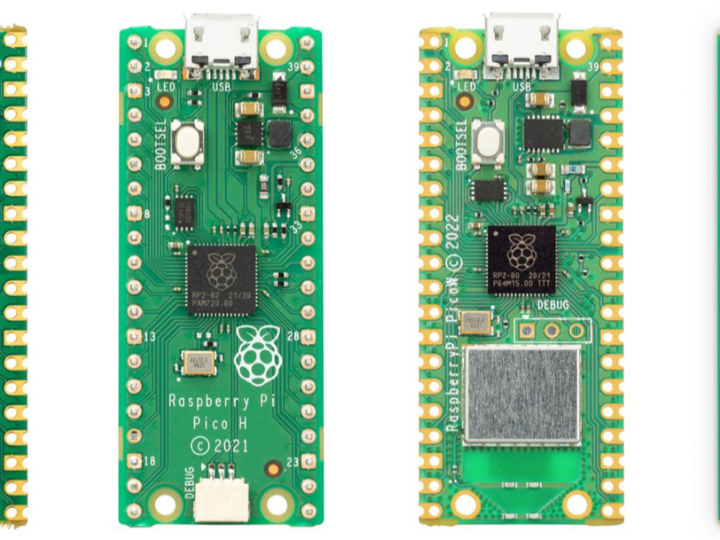
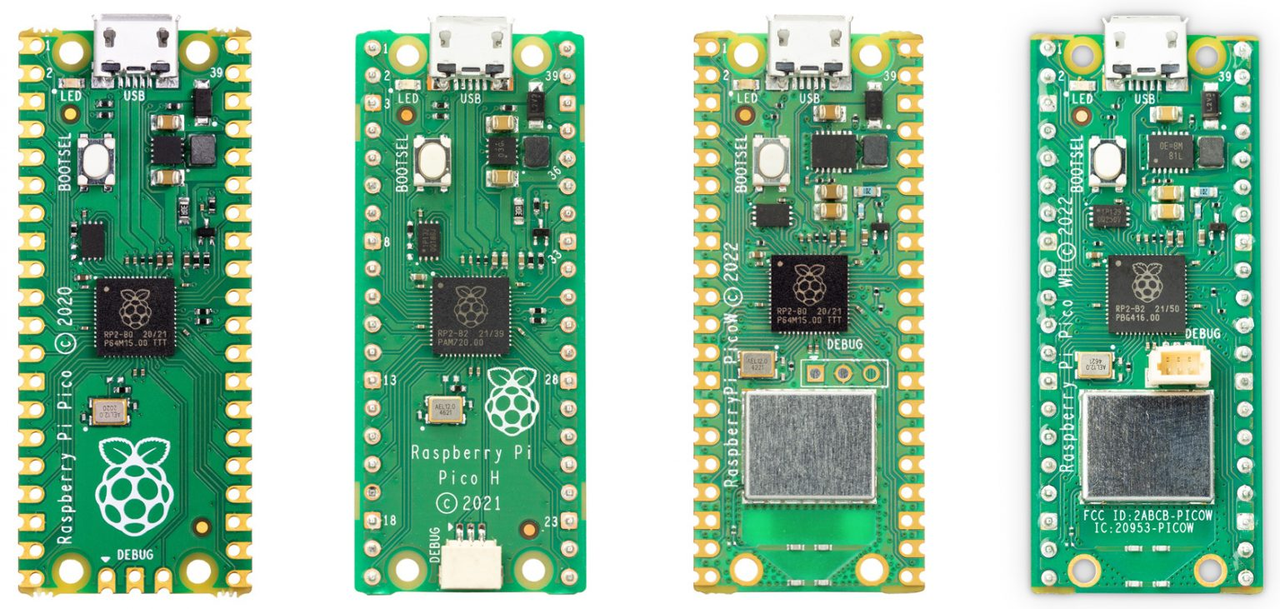
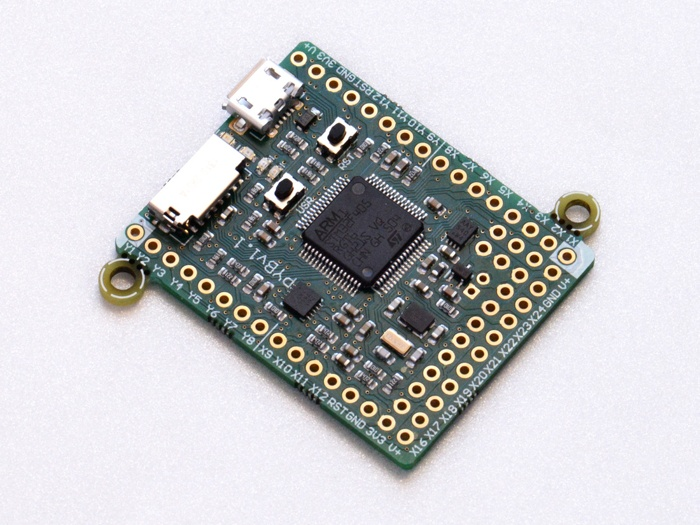
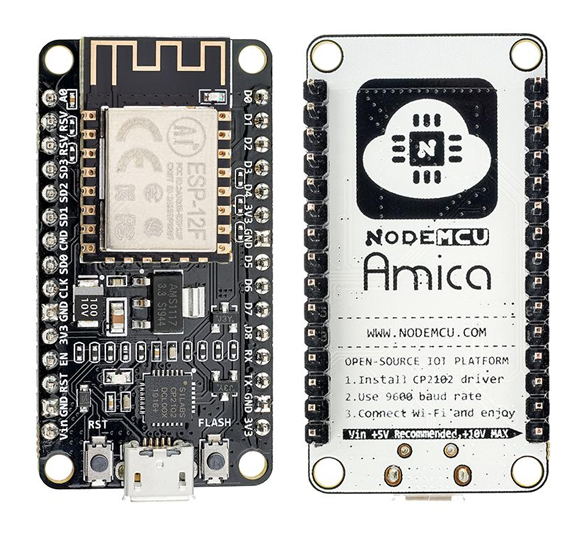
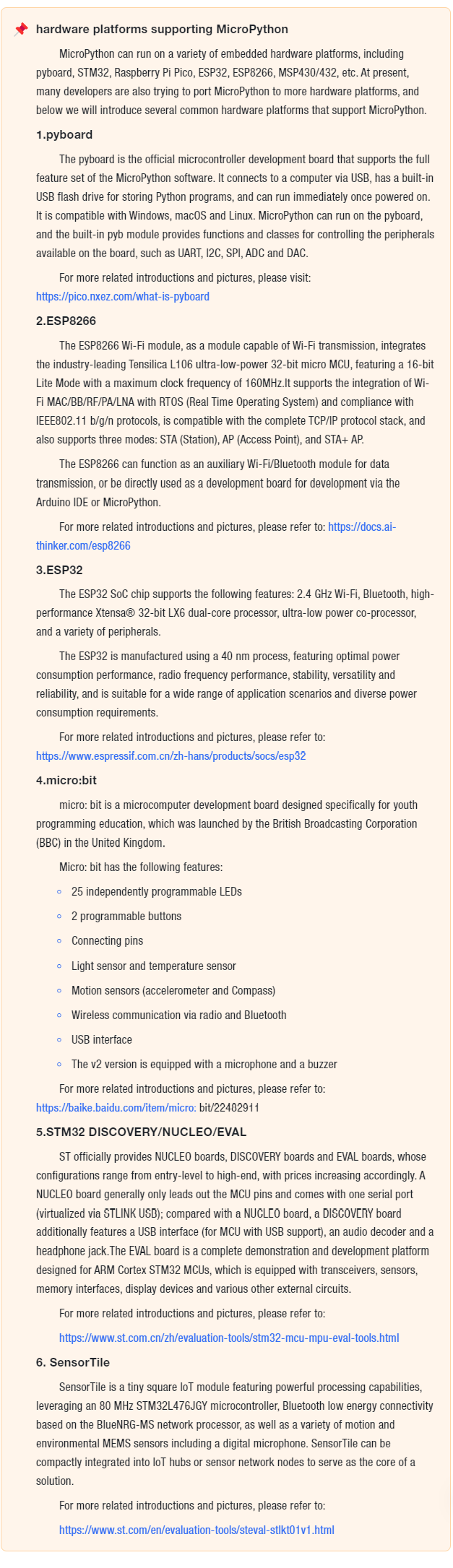
Currently, in addition to running on the originally developed pyboard microcontroller, MicroPython can also run on a large number of ARM-based embedded development boards/chips, such as Arduino UNO R3, Raspberry Pi Pico, STM32 series, etc. , which allows us to conveniently develop applications like automatic control and robotics using Python.
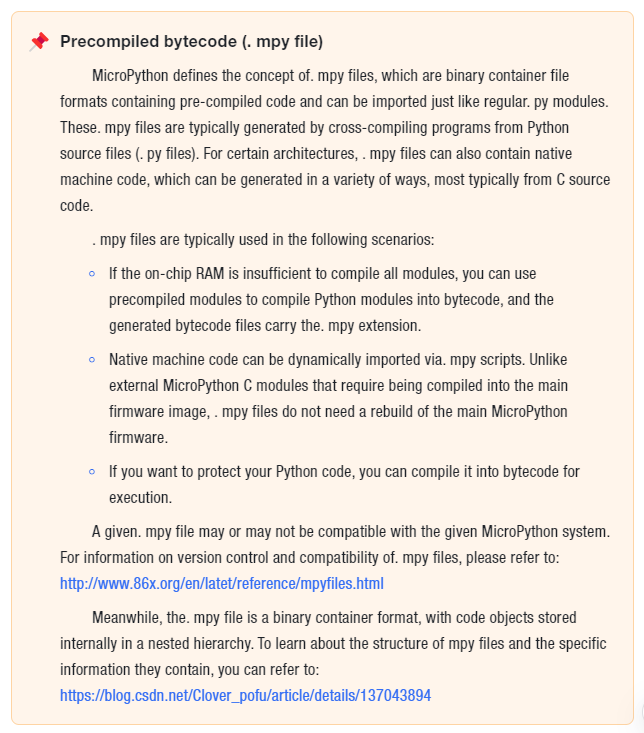
MicroPython can execute scripts in textual source form (. py files) or in pre-compiled bytecode form (. mpy files), and in both cases, the scripts can be loaded from the filesystem on the device or "frozen" into the MicroPython executable.
MicroPython also provides a set of MicroPython-specific modules for accessing hardware-specific functions and peripherals, such as GPIO, timers, ADC, DAC, PWM, SPI, I2C, CAN, Bluetooth and USB.
2.CPython和MicroPython的差异
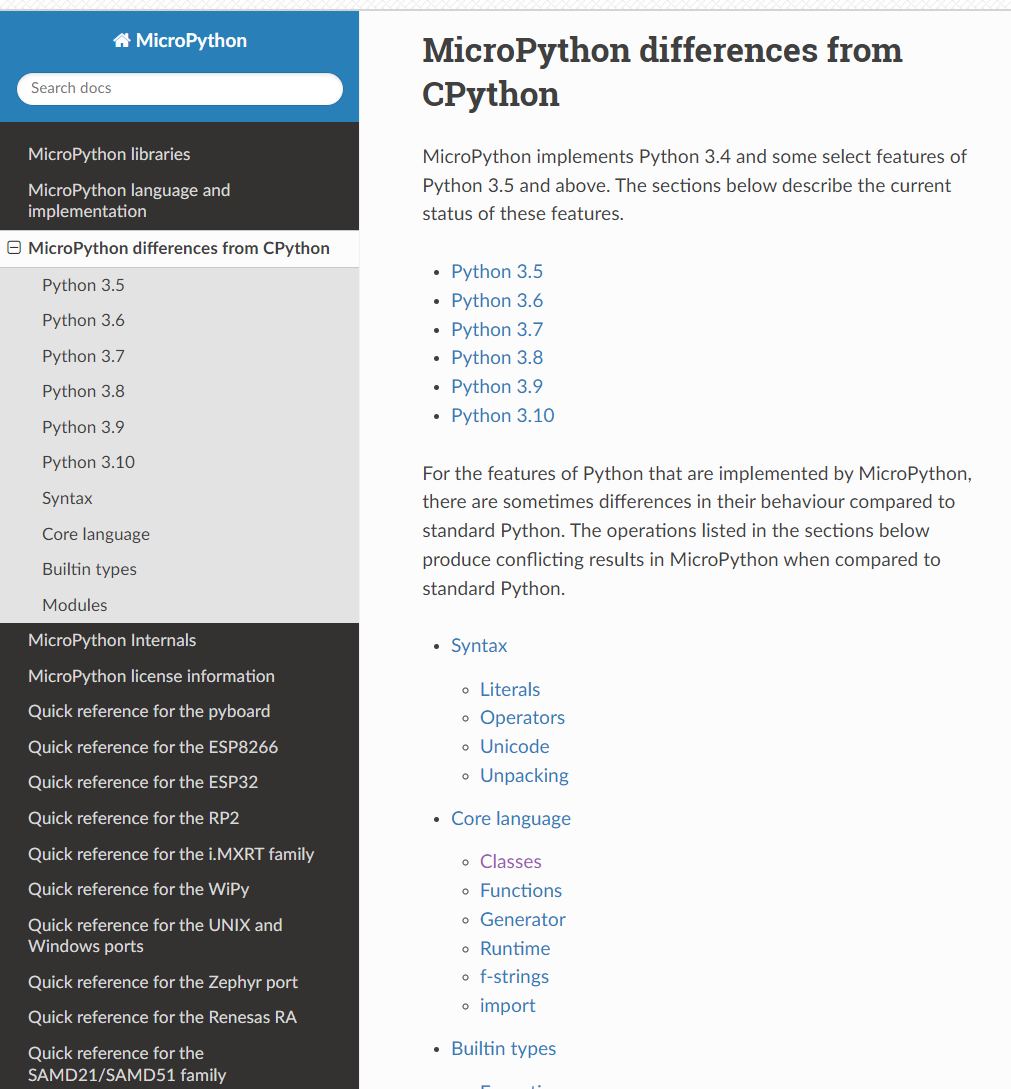
For the specific content of this section, please refer to: https://docs.micropython.org/en/latest/genrst/index.html .
This section is designed specifically for beginners who are new to MicroPython. Its core purpose is to help you quickly understand the differences between it and the CPython (the standard Python running on computers) that we commonly use — there's no need to get tangled up in complicated technical details. As long as you grasp the two key points of "version support scope" and "practical usage differences" first, you can avoid pitfalls when writing code later on.
First, it is necessary to clarify MicroPython 's " Python version basis": it does not support the latest Python version, but is implemented with Python 3.4 as the core, and additionally incorporates some selected features from Python 3.5and later versions.For instance, it supports some features from versions 3.5,3.6 up to 3.10, but not all of them. The tutorial will clearly list the specific "optional features" it supports in the version order from 3.5 to 3.10, so you don't need to memorize all of them; it's enough to know that it is based on version 3.4 and comes with some features from higher versions.
What matters more is the "actual behavioral differences": even if MicroPython implements a feature with the same name as CPython, it may behave differently in use. These differences mainly concentrate in 5 areas frequently used by beginners, which you will most likely encounter when writing code on a regular basis:
Syntax (Syntax): for example, literals (such as the notation of numbers and strings), operators (special operations beyond basic arithmetic like addition, subtraction, multiplication and division), Unicode character processing, as well as variable unpacking (operations like a, b =(1,2)), with some details differing from CPython;
Core language features (Core language): for example, the inheritance of class, the parameter handling of function, and the execution logic of generator — the actual behavior of these fundamental features may differ from what you are accustomed to in CPython;
Runtime (Runtime): For example, commonly used features like f-strings (formatted strings, such as f"hello {name}"), and the rules for import ing modules — these high-frequency features you use in daily coding may have special restrictions or usage in MicroPython;
Built-in types (Builtin types): Types that you use every day such as dictionaries (dict), lists (list), strings (str), and integers (int) — some of their methods or functions may differ from those of CPython — for example, certain advanced usages of dict and the encoding handling of str; error types like exceptions (Exception) and OSError may also have different trigger conditions and prompt messages;
Common Modules: for example, the array module for array processing, the os module for operating system-related operations, the json module for JSON processing, and the random module for generating random numbers. The features in MicroPython are usually "stripped-down versions" — only core functions are retained, and some methods available in CPython are not present in MicroPython, or have different parameters.
Finally, keep in mind that these differences do not mean that MicroPython is "incomplete"; rather, they are optimizations it makes to adapt to the "small memory, low performance" characteristics of embedded devices such as microcontrollers.
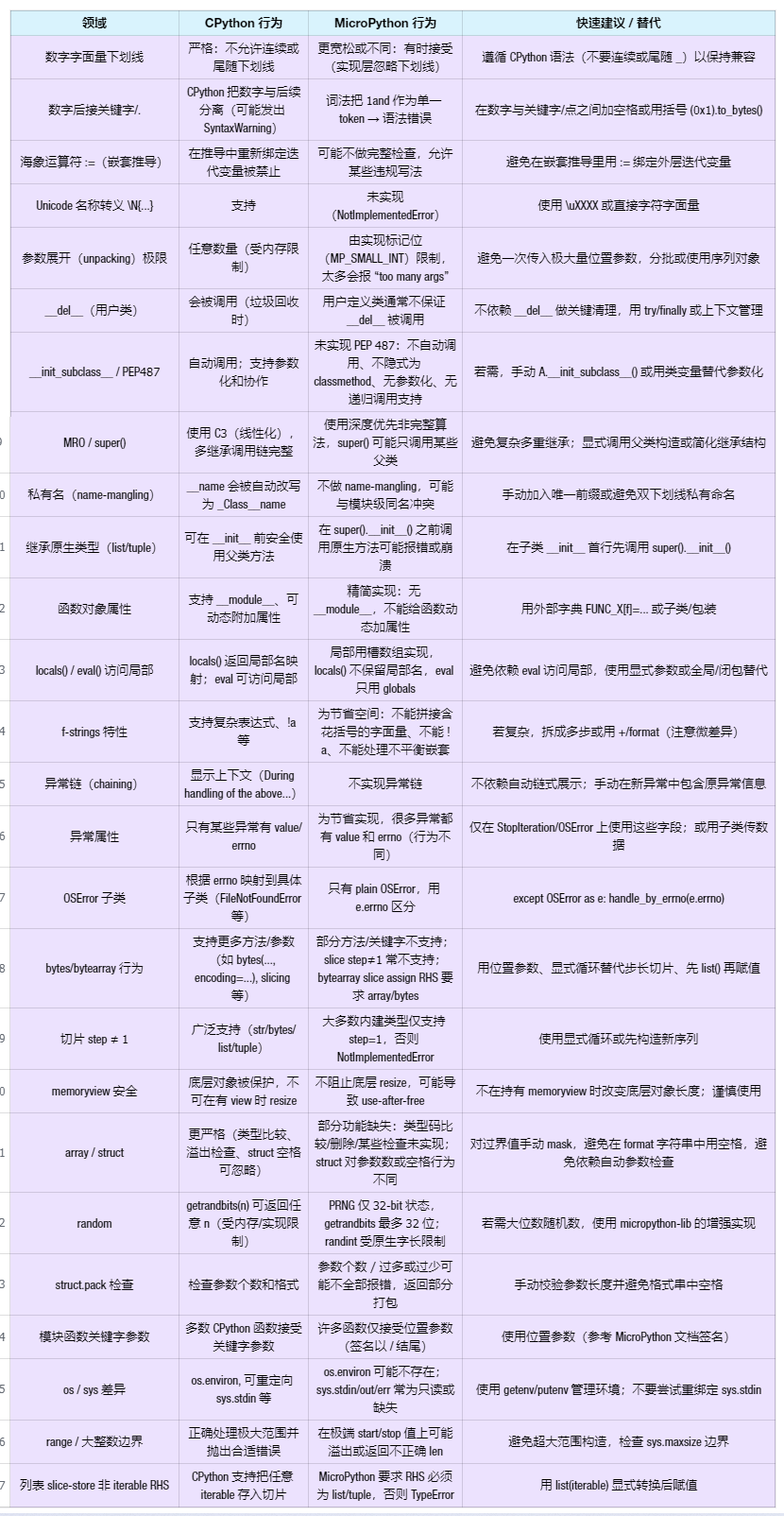
Here, we have briefly compiled a table to summarize these differences: