



Getting Started with MicroPython File I/O: Pico Temperature Logging Demo
Practical MicroPython file read‑write demo for Pico on‑chip temperature logging
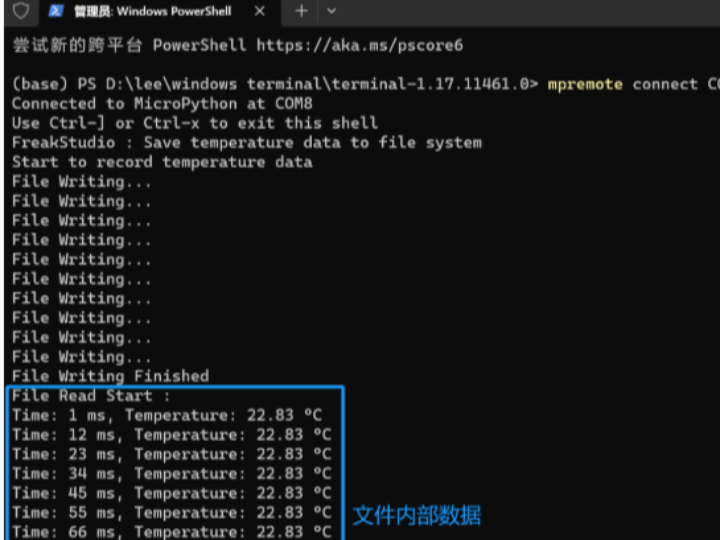
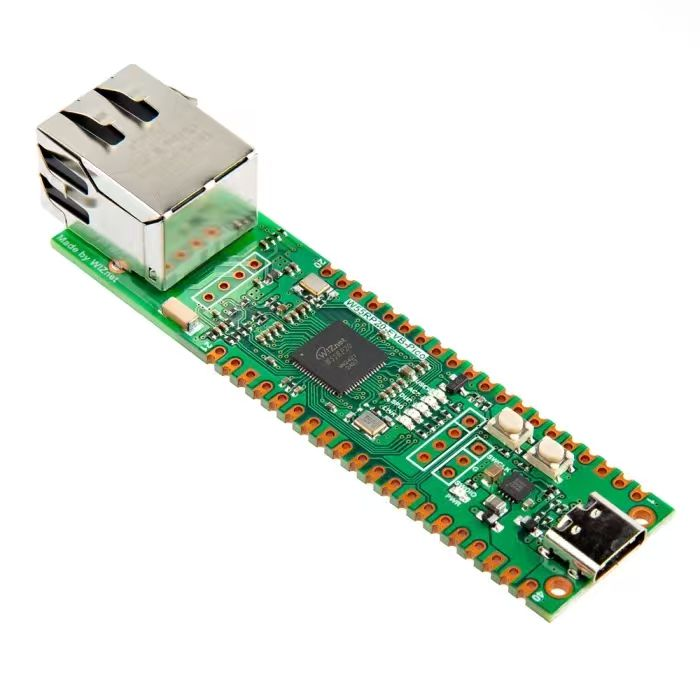
The sample code below demonstrates file read‑write operations using MicroPython os module. It reads data from the ADC internal temperature sensor, writes readings into a file, and then reads back the file content.
The source code can be found in the resource‑package path elegance‑devkit v1\Demo\70 FileSys_WriteRead.
Sample code:
# Python env   : MicroPython v1.23.0
# -*- coding: utf-8 -*-
# @Time    : 2024/9/16 11:58 AM
# @Author  : Li Qingshui
# @File    : main.py
# @Description : File system experiment, file read‑write and terminal redirection using os module
# ======================================== Import related modules =========================================
# Import OS module which provides file operation functions
import os
# Import hardware‑related modules
from machine import ADC
# Import time‑related modules
import time
# ======================================== Global variables ============================================
# Define file path for storing temperature‑sensor data
file_path = "temperature_data.txt"
# ======================================== Function definitions ============================================
def read_temperature() -> float:
    """
    Read ADC raw value and convert it to Celsius temperature for Raspberry‑Pi Pico internal temperature sensor.
    Workflow:
    1. Read 16‑bit raw ADC value
    2. Convert raw value to 0‑3.3 V voltage
    3. Apply RP2040 on‑chip temperature‑sensor conversion formula
    4. Round numerical result
    Args:
        None
    Returns:
        float: Converted temperature in degrees Celsius, rounded to two decimal places
    Raises:
        OSError: Raised if ADC read fails
        ValueError: Raised when calculation produces invalid temperature value
    """
    global sensor_temp
    # Read 16‑bit ADC value, range 0 ~ 65535, supply voltage assumed as 3.3 V
    adc_value = sensor_temp.read_u16()
    # Convert ADC reading to voltage with 16‑bit resolution
    voltage = adc_value * 3.3 / 65535
    # Raspberry‑Pi Pico built‑in formula converting voltage to temperature
    temperature = 27 - (voltage - 0.706) / 0.001721
    # Keep two decimal places
    temperature = round(temperature, 2)
    return temperature
# ======================================== Custom classes ============================================
# ======================================== Initialization ==========================================
# Power‑on delay
time.sleep(3)
# Print debug message
print("FreakStudio : Save temperature data to file system")
# Initialize on‑chip temperature sensor (ADC channel 4)
sensor_temp = ADC(4)
# ======================================== Main program ===========================================
# Open file in write mode; create file if it does not exist
file = open(file_path, "w")
# Record starting timestamp
start_time = time.ticks_ms()
print("Start to record temperature data")
# Record temperature readings and write them into file
for i in range(10):
    # Read current temperature
    temp = read_temperature()
    # Get current timestamp
    current_time = time.ticks_ms()
    # Calculate elapsed time
    time_diff = time.ticks_diff(current_time, start_time)
    print("File Writing...")
    # Write elapsed time (ms) and temperature value into file
    file.write("Time: {} ms, Temperature: {:.2f} °C\n".format(time_diff, temp))
    # Synchronize file system after each write to guarantee data persistence
    os.sync()
    # Sleep 10 ms
    time.sleep_ms(10)
# Close file handle
file.close()
print("File Writing Finished")
# Re‑open file for verification and read content
# Open file in read‑only mode
file = open(file_path, "r")
print("File Read Start :")
# Read file line‑by‑line
for line in file:
    # Print stripped line content to console
    print(line.strip())
# Close file handle
file.close()
In this example, ADC channel 4 accesses the internal temperature sensor. Function read_temperature converts raw ADC readings into voltage, then applies RP2040 temperature formula to get Celsius values. A file named temperature_data.txt is created and opened for writing.
Main‑program workflow:
- Open
temperature_data.txtin write mode. Usetime.ticks_ms()to record program start timestamp for elapsed‑time calculation. - Loop for 10 iterations. Each iteration reads temperature, computes elapsed time, writes formatted text records to file, and calls
os.sync()to flush file‑system cache for data safety. - Invoke
file.close()after writing completes to properly release resource handles. - Re‑open the file with read‑only permission, read line‑by‑line, print content to console for validation, then close the file.
Important note: os.sync() in MicroPython synchronizes file‑system caches, forcing buffered pending data to be written onto physical storage. Normally write() or close() only fills memory‑resident buffers; actual storage media gets updated only under certain conditions such as file‑close or buffer full.
For embedded devices using flash or SD‑card storage, sudden power loss may cause loss or corruption of unsynchronized data. For long‑running write‑intensive applications, periodic os.sync() calls reduce risk of data loss upon unexpected interruption.
Flash firmware and open serial terminal:
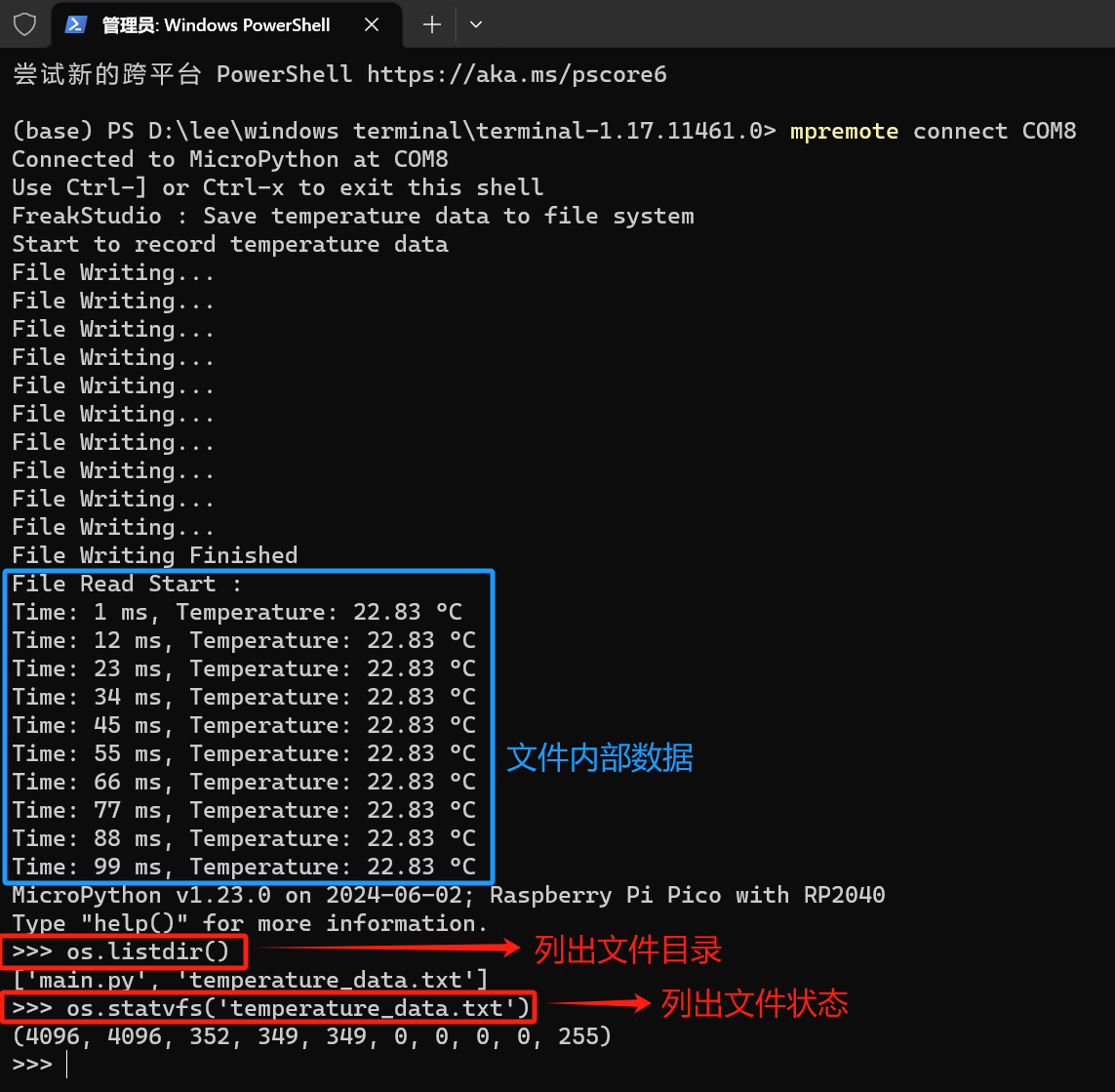
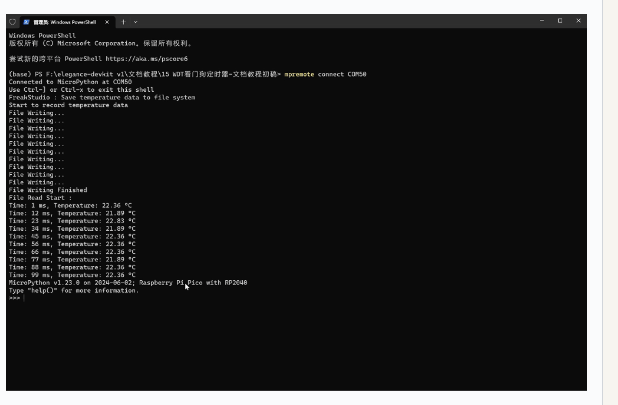
Time‑stamped temperature records are written into temperature_data.txt, and file content can be read back and printed successfully.
After program finishes, os.listdir() lists entries under current directory and confirms existence of temperature_data.txt. os.statvfs() returns a tuple carrying file‑system status information:
f_bsize — File‑system block size: 4096 bytes. f_frsize — Fragment size: 4096 bytes. f_blocks — Total number of blocks in file system: 352. f_bfree — Free blocks available: 349. f_bavail — Free blocks for unprivileged users: 349. f_files — Total inode count: 0, indicating this file system does not use inodes. f_ffree — Free inode count: 0. f_favail — Free inodes for unprivileged users: 0. f_flag — Mount flags for file system: 0, no special attributes such as read‑only. f_namemax — Maximum allowed filename length: 255 characters.
Multiply f_bsize by f_blocks to calculate Pico on‑board file‑system capacity: 1441792 bytes ≈ 1.37 MB.