Embedded 101: Wokwi vs Unicorn — Pick the Right MicroPython Online Simulator
It introduces embedded online simulation platforms Wokwi and Unicorn supporting MicroPython, and covers graphical programming with Graft Dev Kit and Bipes.
COMPONENTS
PROJECT DESCRIPTION
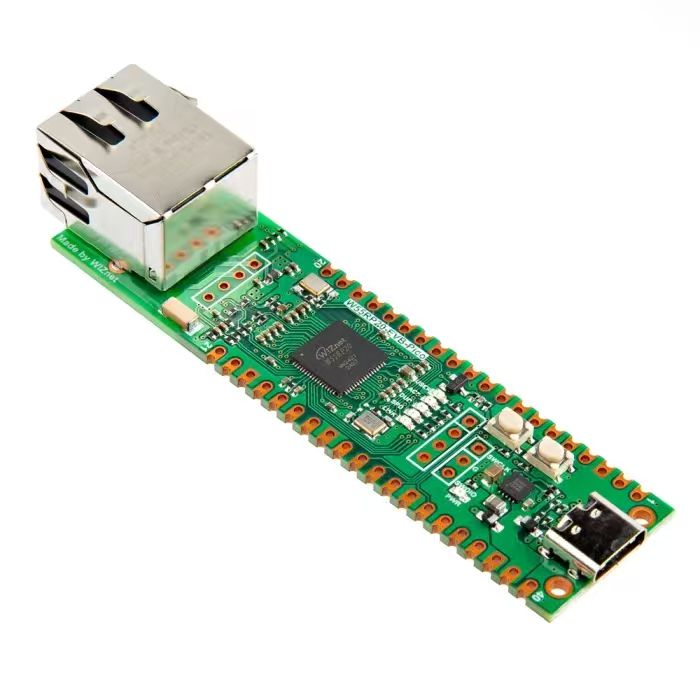
【Preliminary Note】The original hardware example in this article was written based on the RP2040. The actual hardware used in this hands-on demonstration features the W55RP20 as the main controller chip. The circuit logic and UF2 flashing operation principles are universally applicable, with only the main controller model differing. The original chip model mentioned in the circuit descriptions below is provided for reference purposes only.
For embedded system learning, a good development board is an absolute necessity. But what if you don't have an embedded (MCU) development board at hand and are eager to learn embedded knowledge? In that case, we can use some online simulation platforms to complete the relevant learning of embedded knowledge. An online simulation platform can be understood as a simulation of a real microcontroller and its peripheral sensors, where we can finish code writing, flashing and running, and observe the working status of the microcontroller and sensors at the same time.Here, we recommend two online simulation platforms that support MicroPython, namely Wokwi and Unicorn.
1.Wokwi
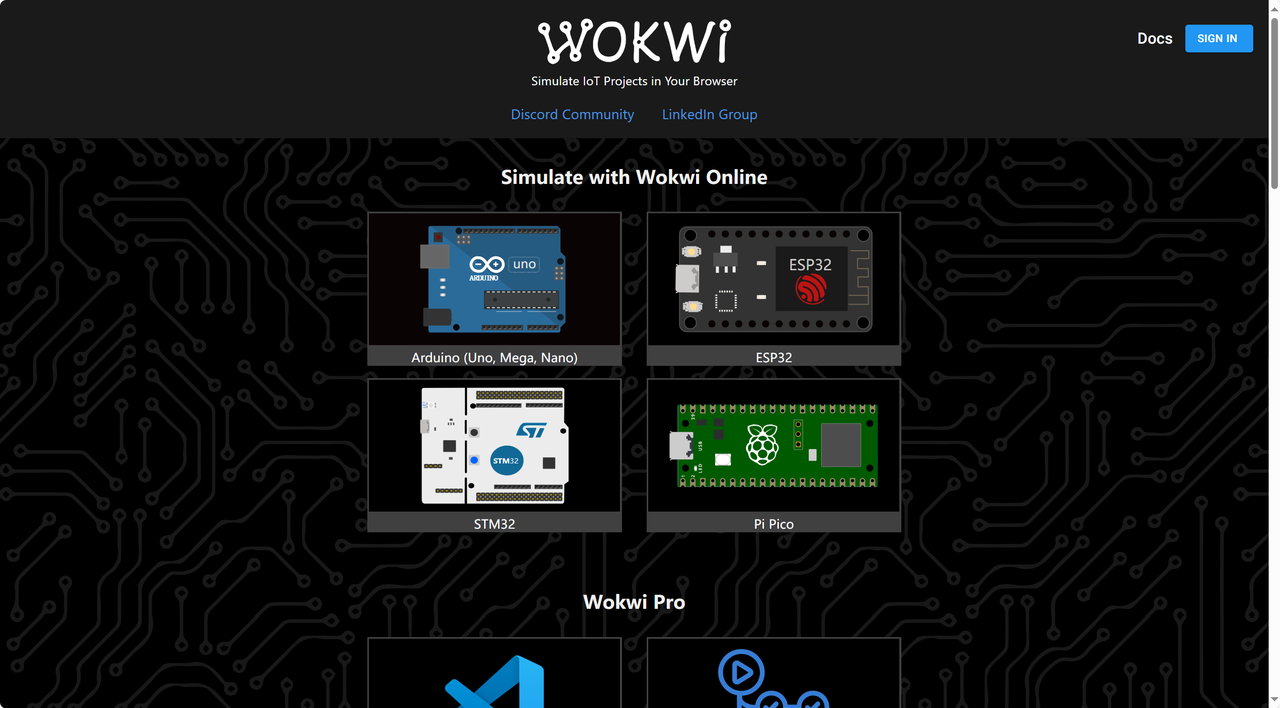
Wokwi is a powerful and practical free-to-use online simulator for embedded systems and IoT applications, which allows users to build detailed circuit diagrams and write and run code in real time for mainstream microcontrollers such as ESP32, STM32, Arduino and Raspberry Pi Pico in a virtual environment without the need for actual physical hardware.For enterprise-level engineering project development, Wokwi may appear to have limited functionality in certain high-complexity or specific hardware interaction scenarios, but it undoubtedly provides an extremely convenient and low-cost learning and Development Environment for electronic DIY enthusiasts, school teaching and remote home-based developers.
With the help of the Wokwi platform, learners and developers can easily drag and drop various electronic components to build Modularization circuit designs just like operating physical objects, and write and debug programs through the integrated code editor. Such a simulation process not only eliminates the risk of hardware damage that may be caused by physical debugging, but also greatly lowers the cost threshold for technical education — learners no longer need to invest a large amount of money in purchasing various development boards and supporting components to master the knowledge of different modules.All in all, Wokwi, as an all-in-one online service, simplifies the design and debugging of embedded programming and IoT projects, catering to the entry-level needs of beginners while facilitating flexible practice and exploration for advanced users.
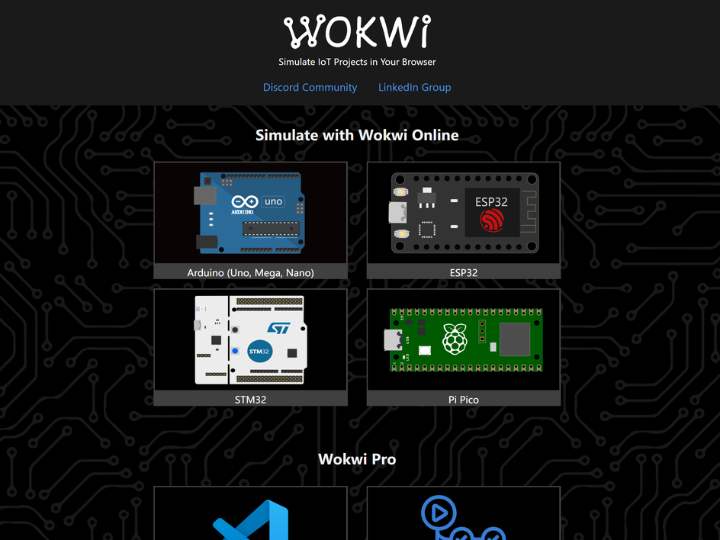
And as can be seen from the introduction on Wokwi's official website, it not only supports online simulation, enabling the entire process of editing and running simulations to be completed in the cloud, but also supports local program editing and compiling in the form of a VS Code plugin, after which the binary files are sent to the simulation platform for operation, which effectively protects the security of developers' program code.
At the same time, Wokwi also has some special features, including:
WiFi Simulation - The simulation project can connect to the Internet. You can use MQTT, HTTP, NTP and many other network protocols
Virtual Logic Analyzer - Capable of capturing digital signals (such as UART, I2C, SPI) during simulation and analyzing them on your computer
Powerful GDB Emulation - A robust debugger for Arduino and Raspberry Pi Pico designed for advanced users
SD Card Emulation - Files and directories can be stored and retrieved using code
The official website of Wokwi is: https://wokwi.com/
MicroPython Online Simulation and REPL Environment
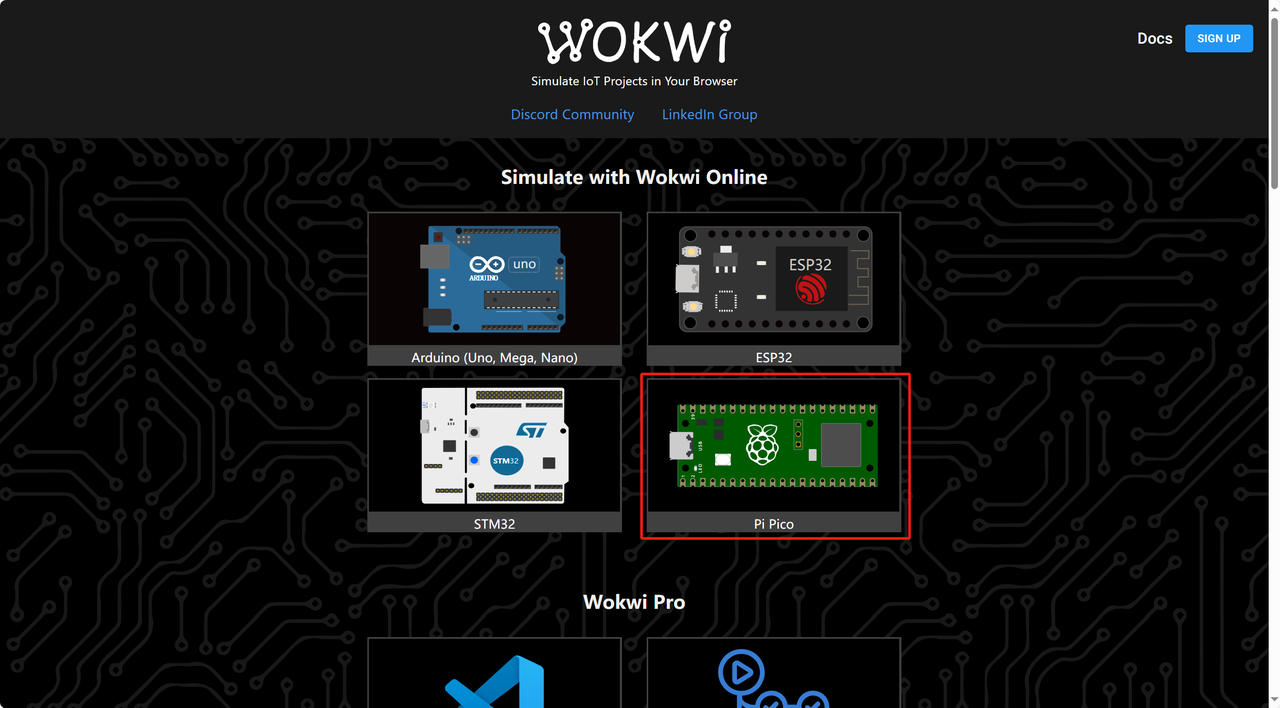
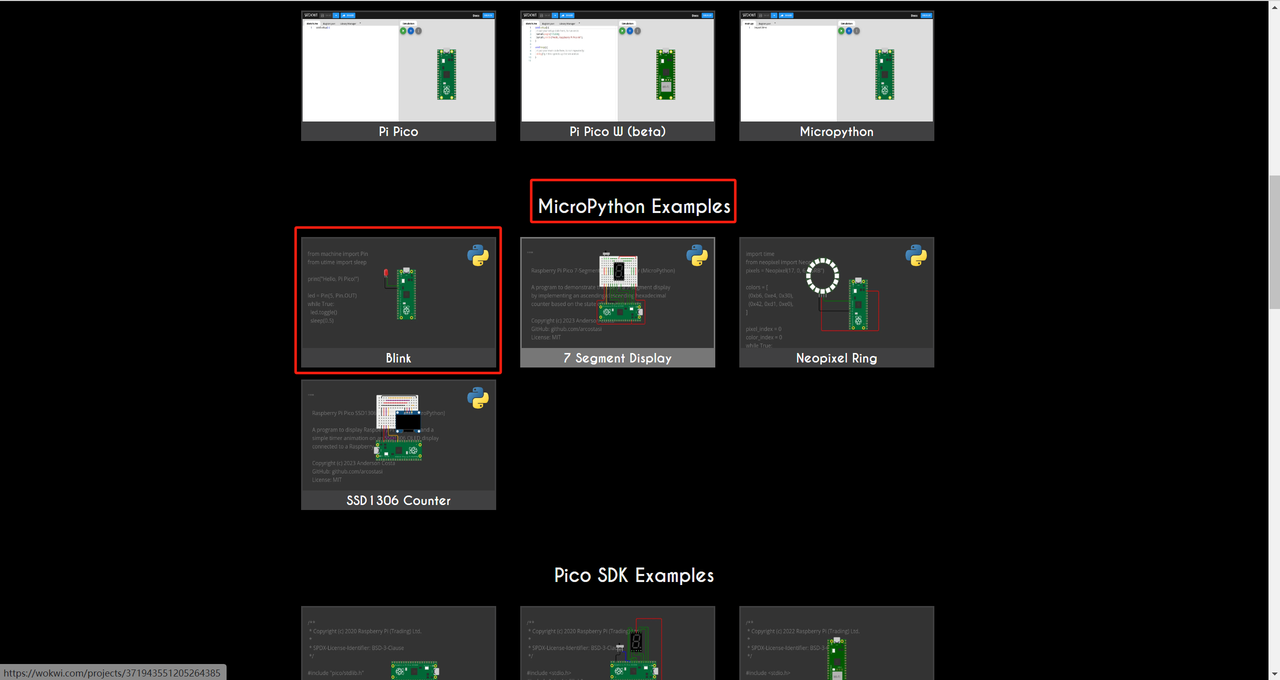
Here, we choose the Raspberry Pi Pico development board and click on any MicroPython routine:
Select Pi Pico hardware emulation in Wokwi
MicroPython sample projects on Wokwi
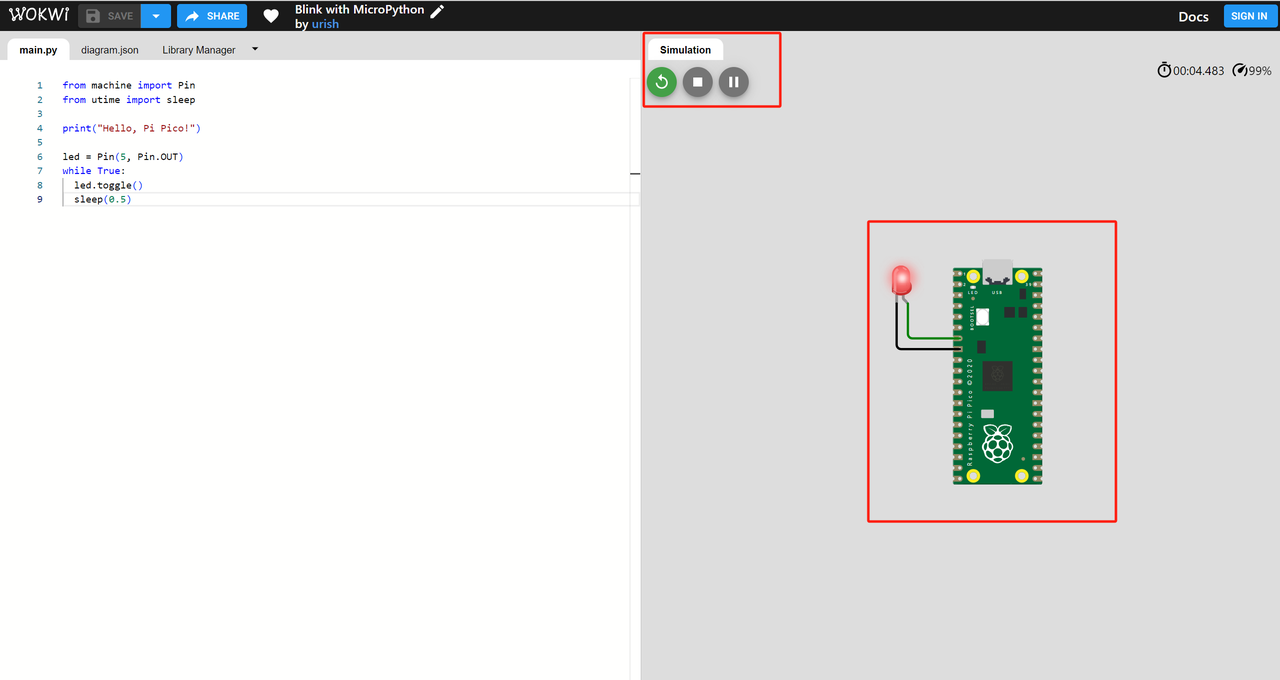
Here we select the "Blink" LED blinking example program, click the green button to run it, and you will see the LED blink:
Pi Pico LED Blink Simulation in Wokwi
2.unicorn
Unicorn is a lightweight, cross-platform and multi-architecture CPU emulator framework, which allows us to focus better on CPU operations while ignoring the differences between hardware devices. Just imagine that we can apply it to these scenarios: for instance, when we simply need to simulate code execution instead of requiring a real CPU to perform those operations, or when we want to analyze malicious code and detect virus signatures in a safer manner, or when we intend to verify the meaning of certain code during the reverse engineering process, using a CPU emulator can greatly facilitate our work.
The MicroPython unicorn contains the MicroPython port for this virtual microcontroller, available at: https://micropython.org/unicorn/
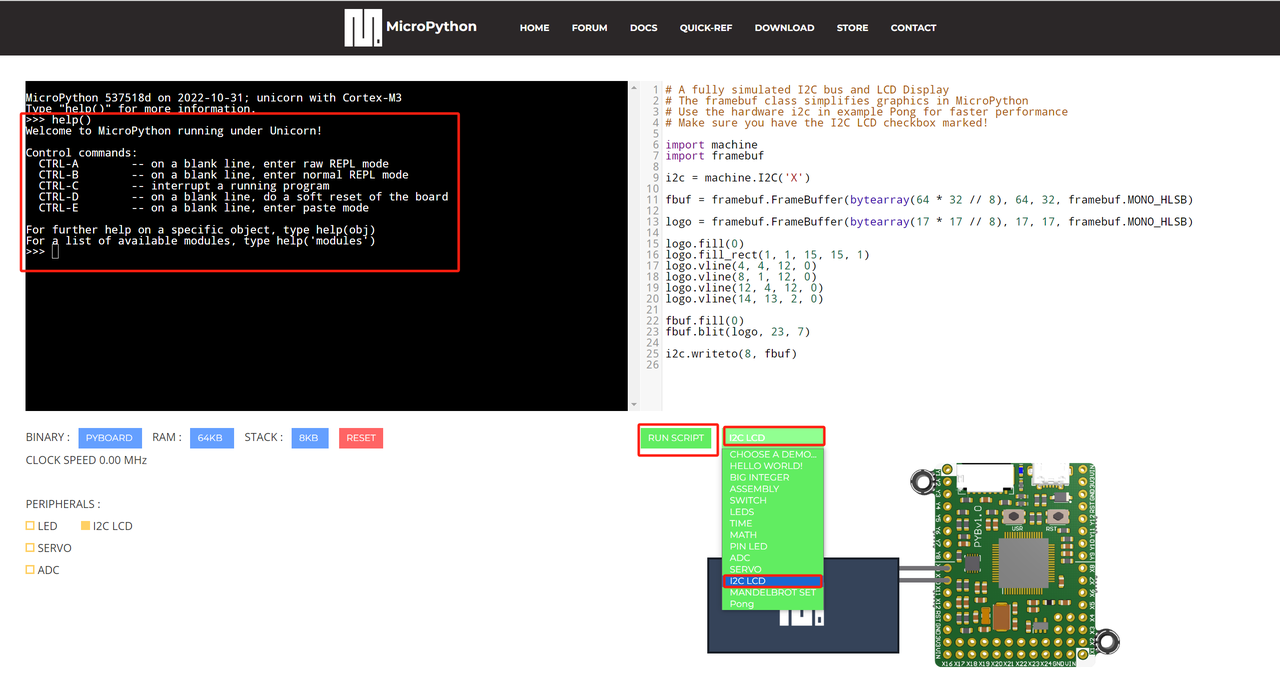
We open the MicroPython unicorn, select an example program of "I2C LCD", click to run it, and we can see that an icon is displayed on the LCD screen.
MicroPython Unicorn Online Simulation and REPL Environment
3. Graft Dev Kit - Bipes-based graphical programming
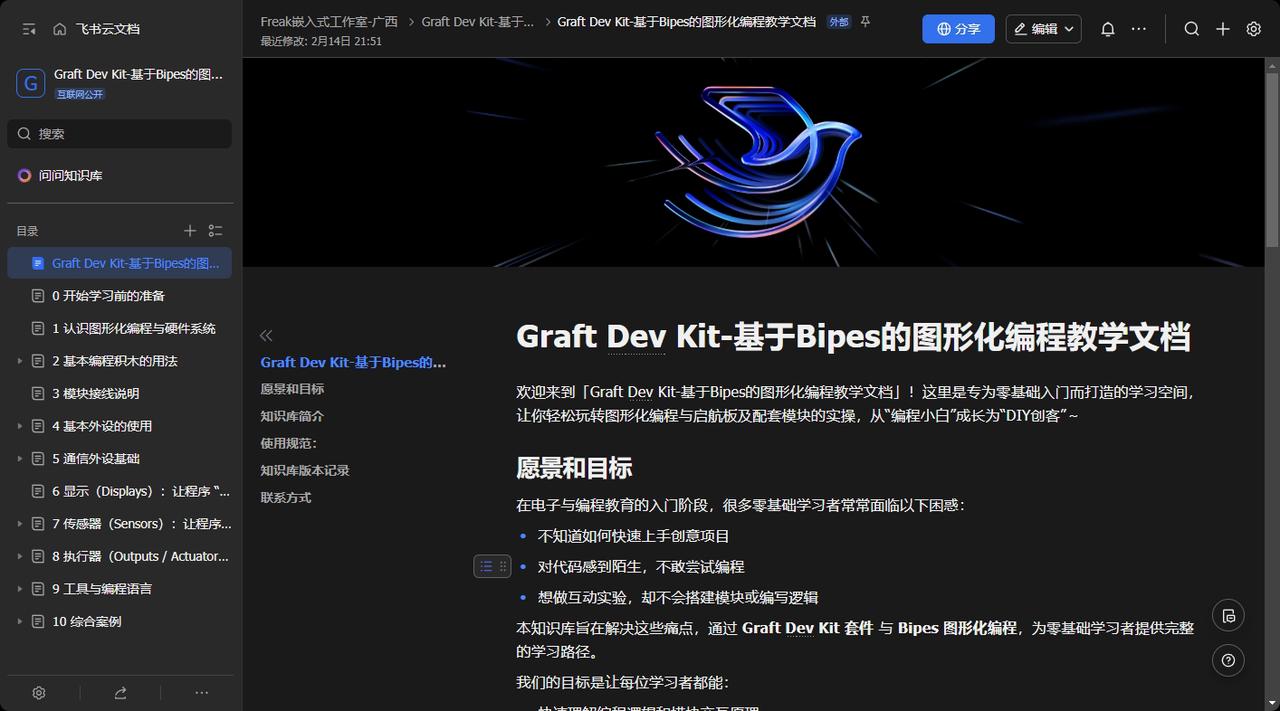
Knowledge Base Link: https://f1829ryac0m.feishu.cn/wiki/space/7594314709898136761? ccm_open_type= lark_wiki_spaceLink&open_tab_from= wiki_home
This Knowledge Base is built around the Graft Dev Kit and the Bipes graphical programming environment, focusing on the starter board and its supporting modules to cover a complete learning path from basic introduction to comprehensive practice. It is primarily intended for:
Zero-base group (can get started easily even without programming foundation, focusing on the learning of Graft Dev Kit suite);
Information technology teachers in primary and secondary schools (teaching reference and curriculum design creatives);
Parents interested in IoT programming (parent-child collaborative learning guidance materials).
You will learn how to use the sensors, actuators and control modules in the Graft Dev Kit suite, build program logic through graphical block-based programming, understand the relationship between input-processing-output, and be able to combine the modules into a complete interactive system.
The core features of this Knowledge Base are as follows:
Zero-threshold graphical programming: No coding required, experiments can be completed by dragging and dropping blocks
The kit is tightly integrated with the software: each module corresponds to a Bipes software block, offering intuitive operation
Hands-on priority, with logical understanding as the core: Each experiment is designed around specific phenomena, emphasizing the input-processing-output logic
Systematic Learning Path: From basic to complex experiments, step by step, to easily master the capabilities required for maker projects
With this Knowledge Base, whether you are a student, a teacher or a maker enthusiast, you can steadily improve your capabilities from zero foundation to a systematic level by going through module familiarization, experiment construction, and finally independent completion of creative projects.