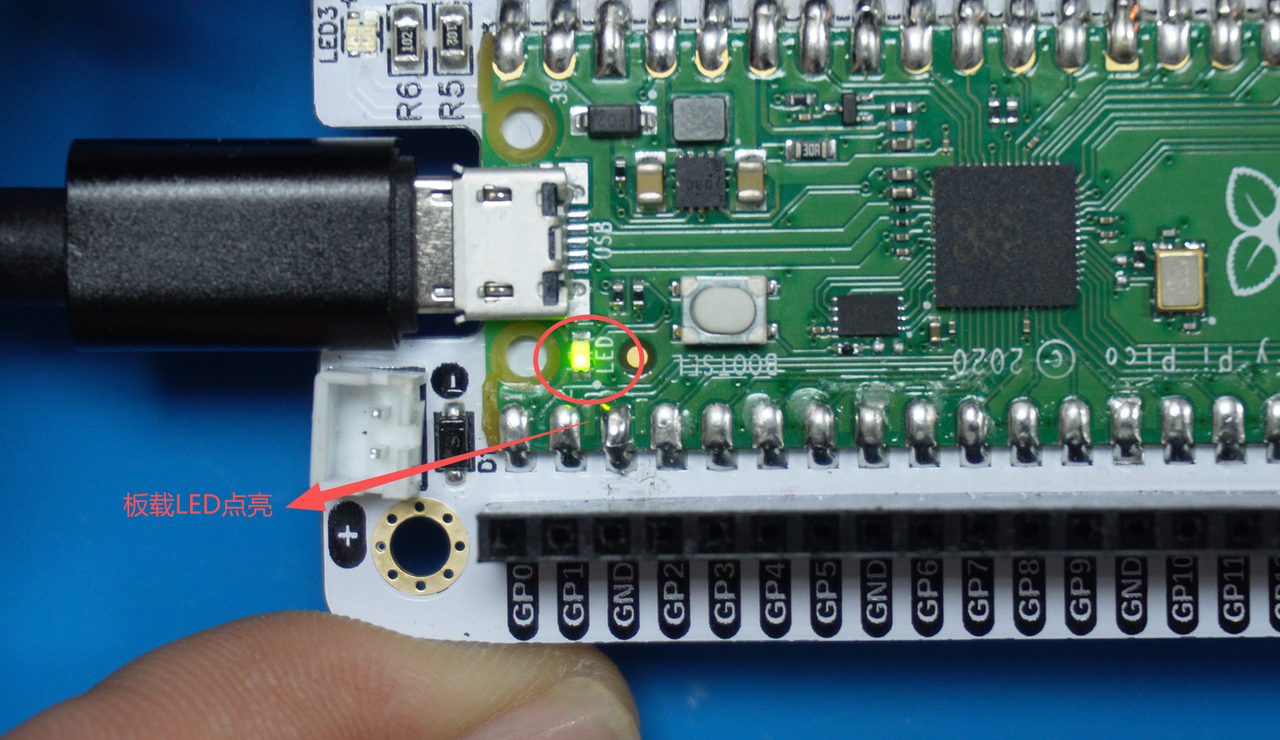
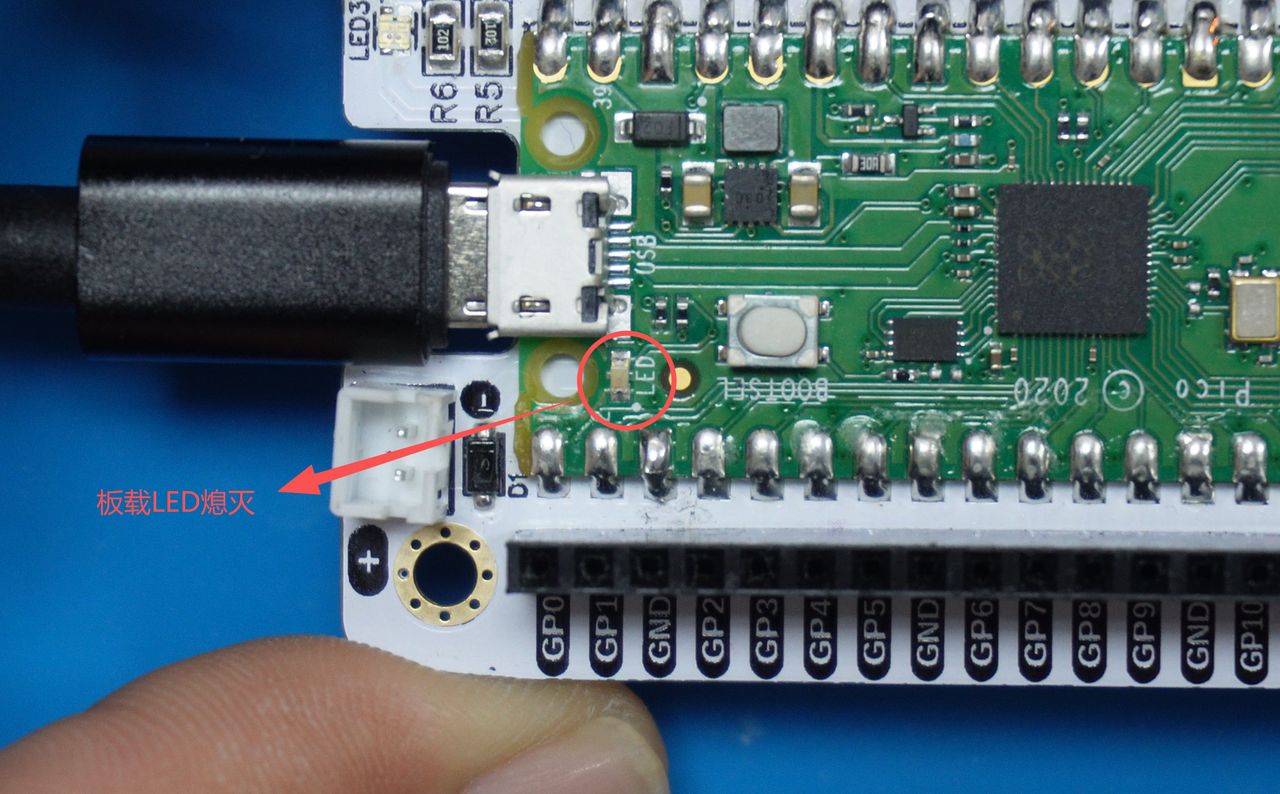
This experiment implements key-controlled LED toggle on Fengya No.1 board with software debounce, and notes MicroPython Pin only supports positional arguments.
COMPONENTS
PROJECT DESCRIPTION
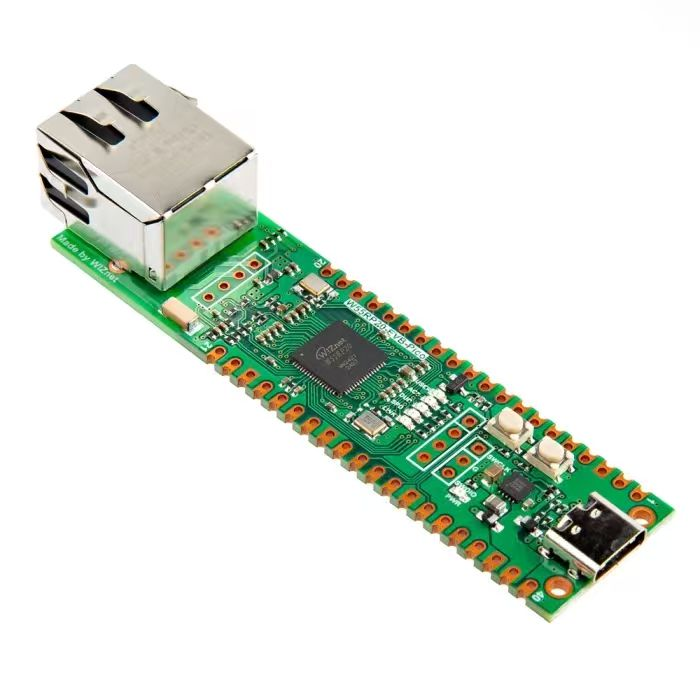
【Preliminary Note】The original hardware example in this article was written based on the RP2040. The actual hardware used in this hands-on demonstration features the W55RP20 as the main controller chip. The circuit logic and UF2 flashing operation principles are universally applicable, with only the main controller model differing. The original chip model mentioned in the circuit descriptions below is provided for reference purposes only.
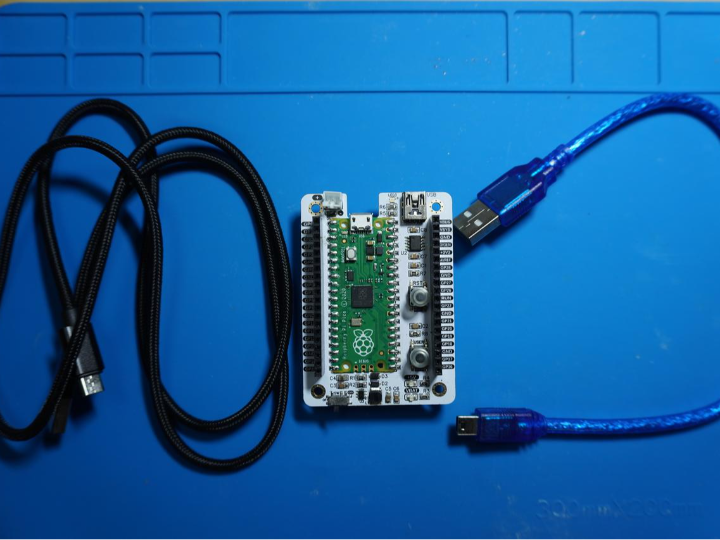
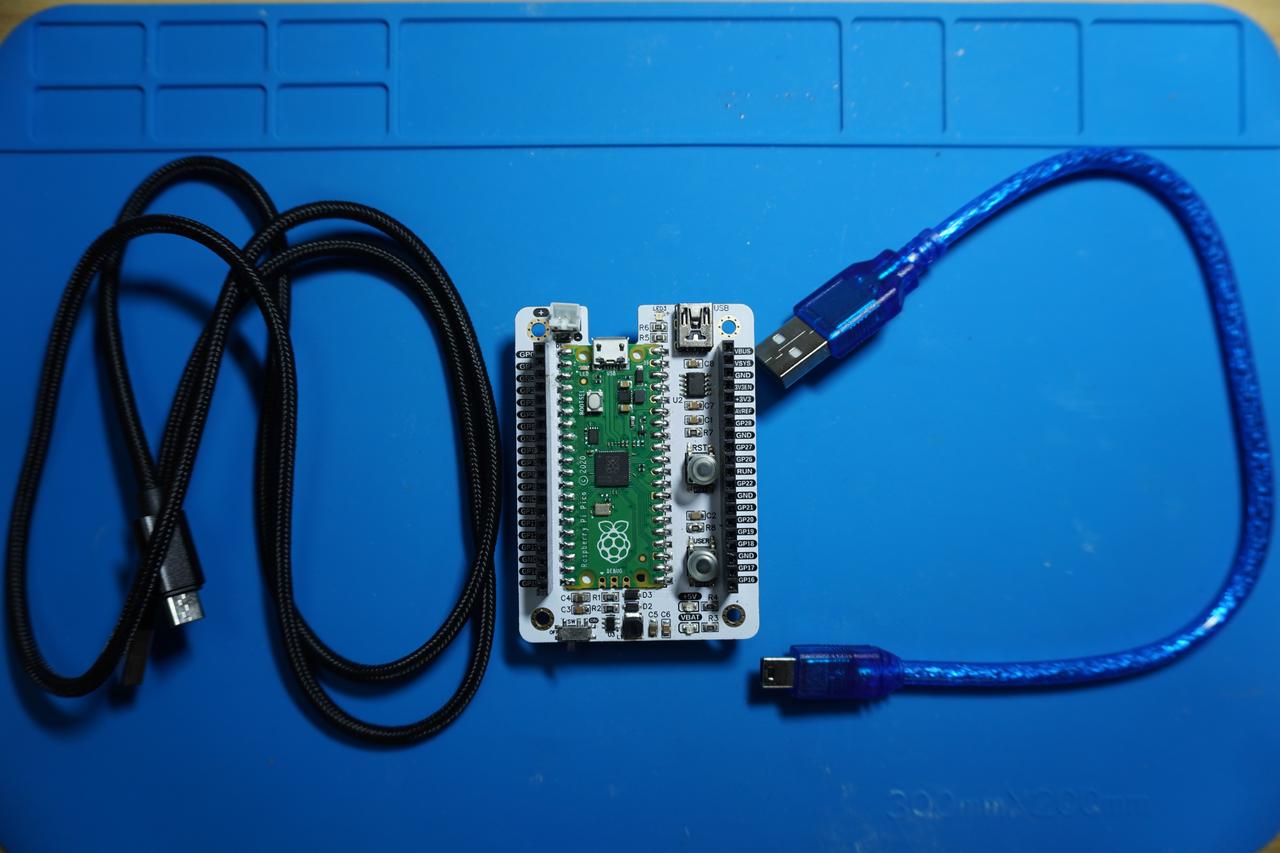
In the following experiment, we use Fengya No. 1 Board - Universal Compatible Expansion Board.
In the following code, we first import the Pin class and the time class, set the GPIO 22 as the key input pin in the initialization configuration, set the GPIO 25 as the LED output pin, and enable the pull-down resistor.
In the main loop, continuously detect whether the key is pressed:
If the key is not pressed: no operation will be performed.
If the key has been pressed: In the hardware circuit, when the key is pressed, the GPIO pin reads a low level (0). After detecting the key press, delay for 50 milliseconds (time. sleep_ms (50)) to perform key debouncing.
If the current state of the LED is off, switch to light, end point output "The LED is ON"
If the current state of the LED is on, switch to off, end point output "The LED is OFF"
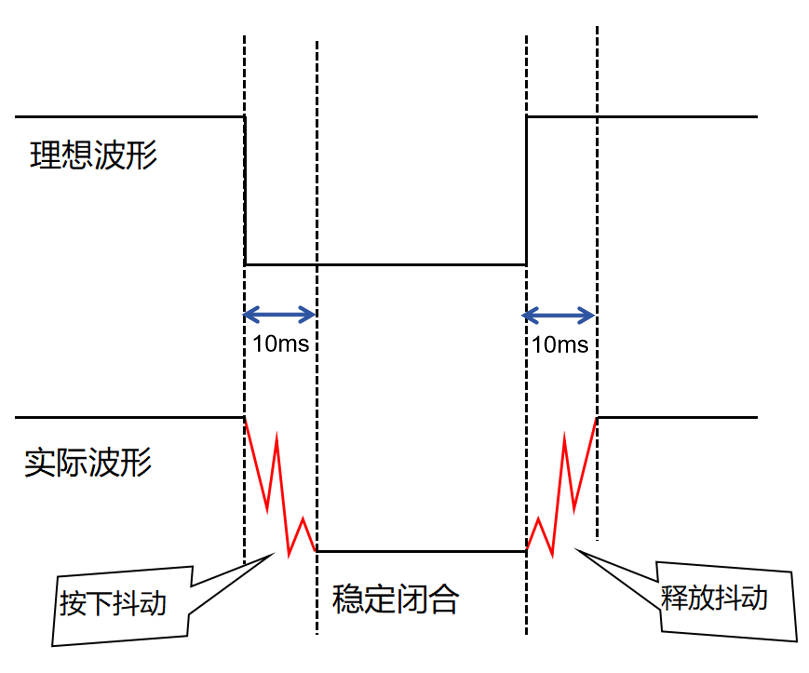
The 50ms delay here is mainly due to the contact bounce phenomenon that occurs when the button is closed and opened, as shown in the figure:
Button shake diagram
The actual waveform has a jitter of 50ms around the moment when the key is pressed, so here we skip the jitter area by delaying for 50ms to obtain the level in the stable middle area.
The sample code is as follows, located in the folder of the supporting materials: elegance-devkit v1\Demo\01 GPIO_ReadWrite:
# Python env   : MicroPython v1.23.0
# -*- coding: utf-8 -*-
# @Time    : 2024/6/12 下午1:34
# @Author  : 李清水
# @File    : main.py
# @Description : GPIO读写实验,完成驱动板载LED灯和按键读取的任务

# ======================================== 导入相关模块 ========================================

# 硬件相关的模块
from machine import Pin
# 时间相关的模块
import time

# ======================================== 全局变量 ============================================

# 初始化LED的状态为关闭(False)
led_state = False

# ======================================== 功能函数 ============================================

# ======================================== 自定义类 ============================================

# ======================================== 初始化配置 ==========================================

# 上电延时3s
time.sleep(3)
# 打印调试消息
print("FreakStudio: Using GPIO to control LED and read KEY")

# 需要注意的是 MicroPython 中Pin类的构造函数不支持关键字参数,仅支持位置参数
# 因此下列定义KEY,将会产生一个报错
# TypeError: function missing 1 required positional arguments
# key = Pin(id = 2, mode = Pin.IN, pull = Pin.PULL_DOWN)

# 设置GPIO 22 为按键输入引脚
KEY = Pin(22, Pin.IN)
# 设置GPIO 25为LED输出引脚,下拉电阻使能
LED = Pin(25, Pin.OUT, Pin.PULL_DOWN)

# ========================================  主程序  ============================================

# 循环检测按键是否按下
while True:
    # 检测到KEY引脚按下
    if KEY.value() == 0:
        # 按键消抖:延时50ms跳过抖动的区域
        time.sleep_ms(50)
        # 确保按键仍然处于按下状态
        if KEY.value() == 0:
            # 切换LED的状态
            led_state = not led_state
            # 根据状态变量设置LED亮或灭
            if led_state:
                LED.on()
                print("The LED is ON")
            else:
                LED.off()
                print("The LED is OFF")
            # 等待按键松开(避免连续检测到按键按下)
            while KEY.value() == 0:
                pass
It should be noted here that MicroPython does not support keyword arguments for the constructor of the Pin class when passing parameters, and only supports positional arguments. Therefore, the following definition of KEY will trigger an error: TypeError: function missing 1 required positional arguments: