Buzzer Guide: Active vs Passive, PWM Drive & Pico MicroPython Practice
MicroPython PWM‑driven passive‑buzzer class, playing "Twinkle Twinkle Little Star" via mapped note‑frequency melody data.
COMPONENTS
PROJECT DESCRIPTION
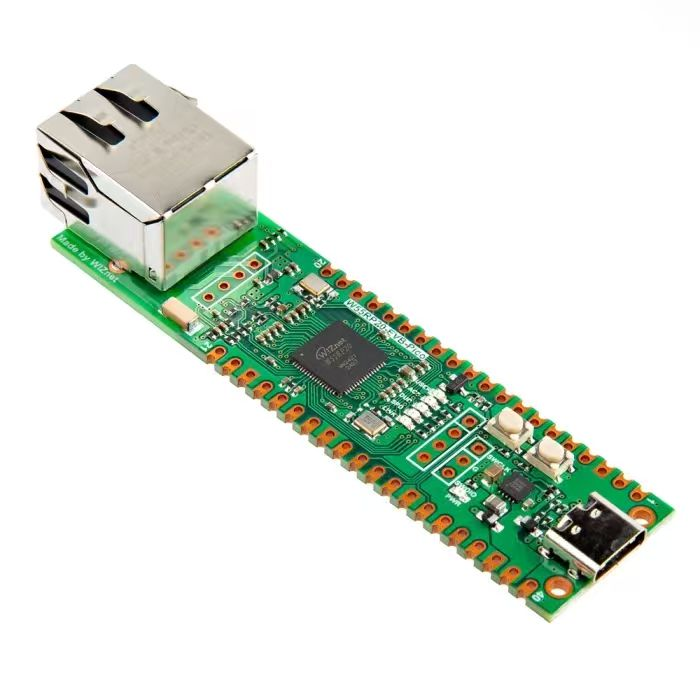
【Preliminary Note】The original hardware example in this article was written based on the RP2040. The actual hardware used in this hands-on demonstration features the W55RP20 as the main controller chip. The circuit logic and UF2 flashing operation principles are universally applicable, with only the main controller model differing. The original chip model mentioned in the circuit descriptions below is provided for reference purposes only.
PWM signal drives the buzzer
1. Basic Knowledge of Buzzer
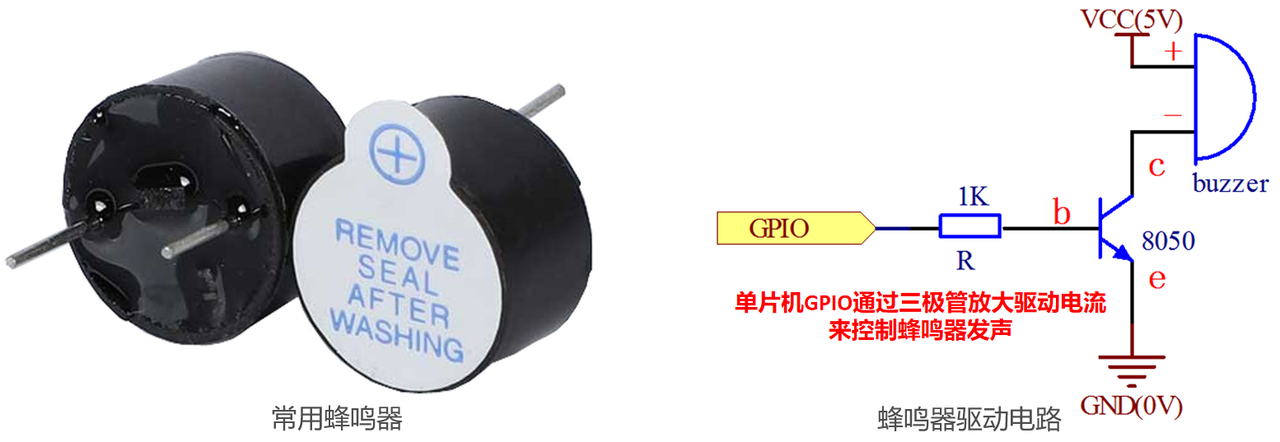
A buzzer is an electronic component designed to generate sound, which is widely used in various devices to produce warning tones, notification beeps or other sound effects. According to their different operating principles, buzzers are mainly classified into the following types:
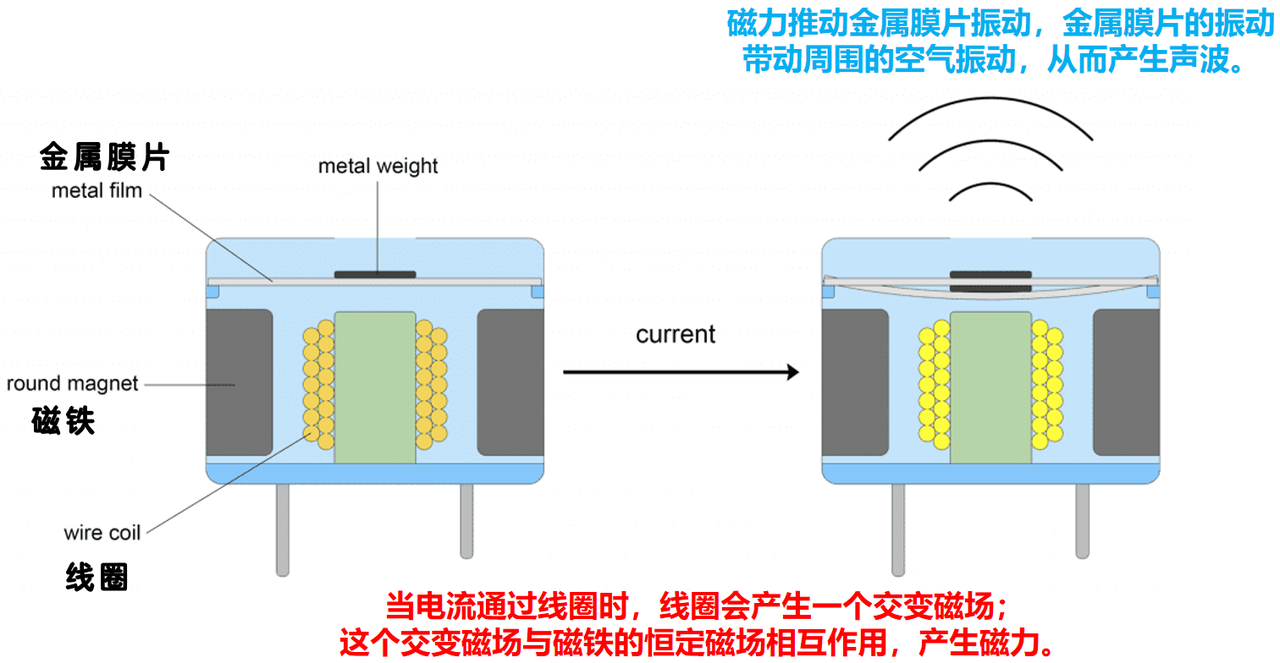
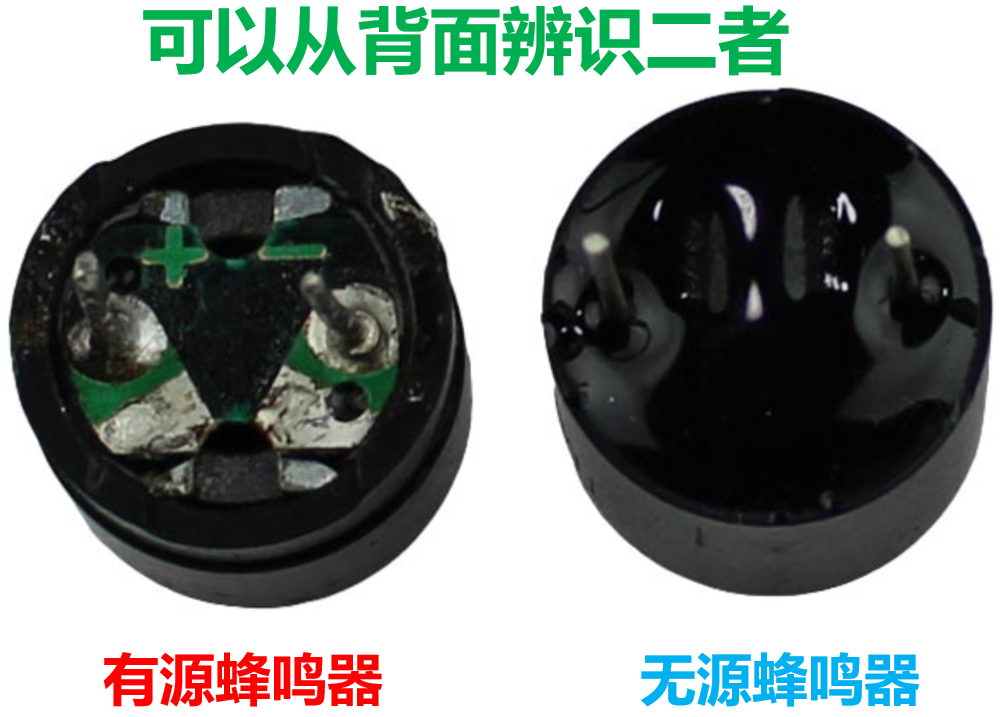
Active Buzzer: An active buzzer has an integrated oscillation circuit inside to generate a fixed-frequency oscillation signal, which drives the piezoelectric buzzer to produce sound via the piezoelectric effect. Simply put, when voltage is applied, the piezoelectric material undergoes mechanical deformation to generate sound; some active buzzers adopt the electromagnetic vibration principle: when current flows through the coil, a magnetic field is generated, which causes an iron sheet or diaphragm to vibrate and thus produce sound.
Passive Buzzer: A passive buzzer has no built-in oscillation circuit; it consists of a coil and an iron plate or diaphragm, and requires an external signal to drive it to produce sound.
In practical applications, the two have their respective focuses:
Active Buzzer: It is suitable for scenarios requiring simple and fixed sound, but its drawback is that the frequency of the sound it generates is fixed and cannot be adjusted.
Passive Buzzer: We can adjust the frequency and duty cycle of the external signal to change the sound frequency and tone emitted by the buzzer, which is suitable for scenarios that require generating multiple tones or audio effects, such as music playback, alarm systems, etc.
2. PWM Signal Drives Buzzer to Output MIDI Music
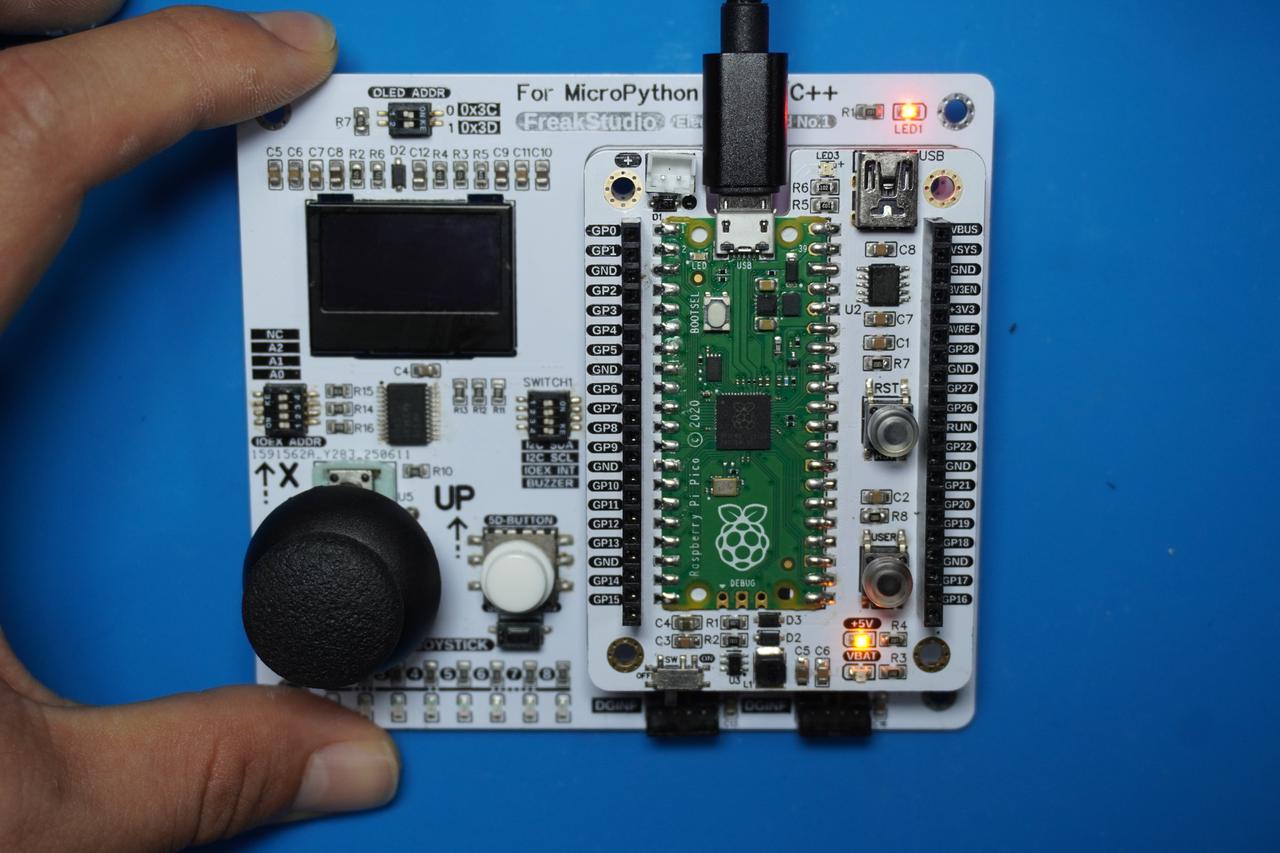
In the following experiment, we need to insert the Fengya No. 1 Board - Universal Compatible Expansion Board into the Fengya No. 1 Board - OLED Display and Interaction Expansion Board, and at the same time turn on the Fengya No. 1 Board - OLED Display and Interaction Expansion Board's SWITCH1 DIP switch' s BUZZER option:
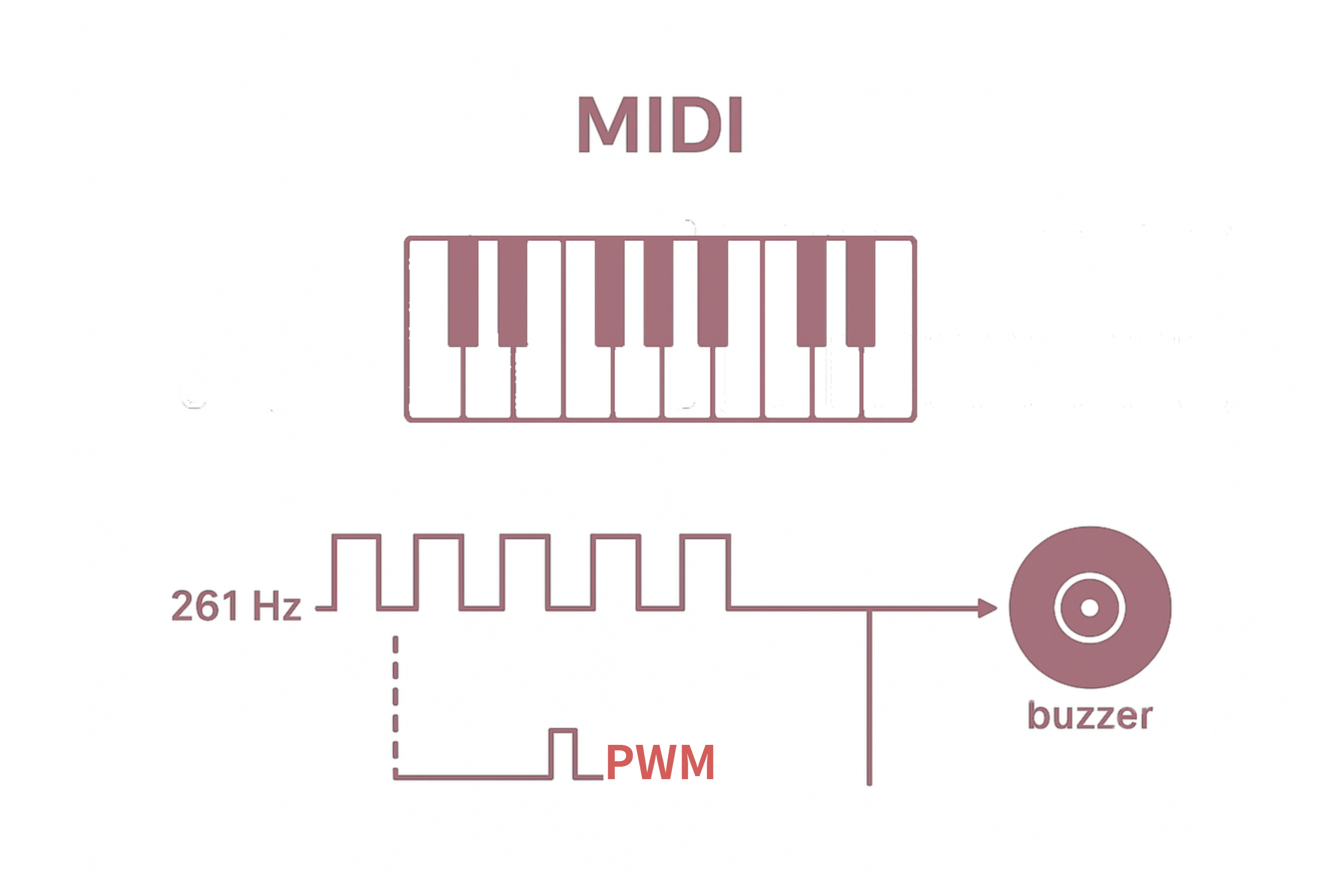
In the following code, we use a PWM signal to drive a passive buzzer to realize the function of playing the MIDI music *Twinkle Twinkle Little Star*. MIDI (Musical Instrument Digital Interface) is a protocol used for communication between electronic musical instruments, computers and other audio devices. For MIDI music, different musical notes can correspond to signals of different frequencies; for example, the frequency corresponding to MIDI number 60 (C4) is 261Hz;By adjusting the duty cycle of the PWM signal, the volume of the music can be controlled; then we adjust the duration of different musical notes and play each note in the prescribed sequence, so that the buzzer can generate the corresponding MIDI music.
Figure 3-39 Principle of Music-Driven Buzzer
All the code for the following experiments is open-source and can be found in the resource package we provide at the folder elegance-devkit v1\Demo\28 PWM_Buzzer.
Here, we use the GPIO9 of the Raspberry Pi Picoto connect to the signal input terminal of the buzzer. The sample code is shown below:
In the code above, we first declare a dictionary NOTE_FREQS to store the names of musical notes (such as 'C4') and their corresponding frequencies in hertz, then define a MELODY list to store the musical notes and their corresponding durations in milliseconds, which is the melody data for the song *Twinkle Twinkle Little Star*.
Then a custom Buzzer class is defined to control the buzzer, which has the following methods:
play_tone method: used to play a musical note with a specified frequency and duration
play_melody method: Used to iterate through the melody list, play the corresponding tone for each musical note, and add a short interval between each musical note
In the main program section, we create an instance of the Buzzer class, connect it to the GP22 pin, and then play the melody "Twinkle Twinkle Little Star" in an infinite loop; after flashing the code, you can hear the buzzer emit sounds according to the predefined melody data, realizing the function of playing MIDI music.