


W5500-EVB-PICO with MicroPython: Firmware Flashing and Ethernet Setup on RP2040
Learn how to flash official MicroPython v1.23.0 firmware onto the W5500-EVB-PICO board. This enables full TCP/IP stack (TCP, UDP, DHCP, DNS) support
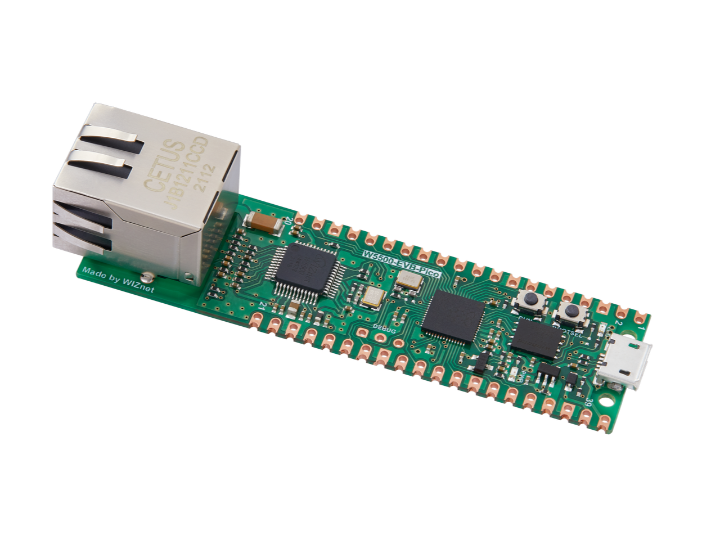
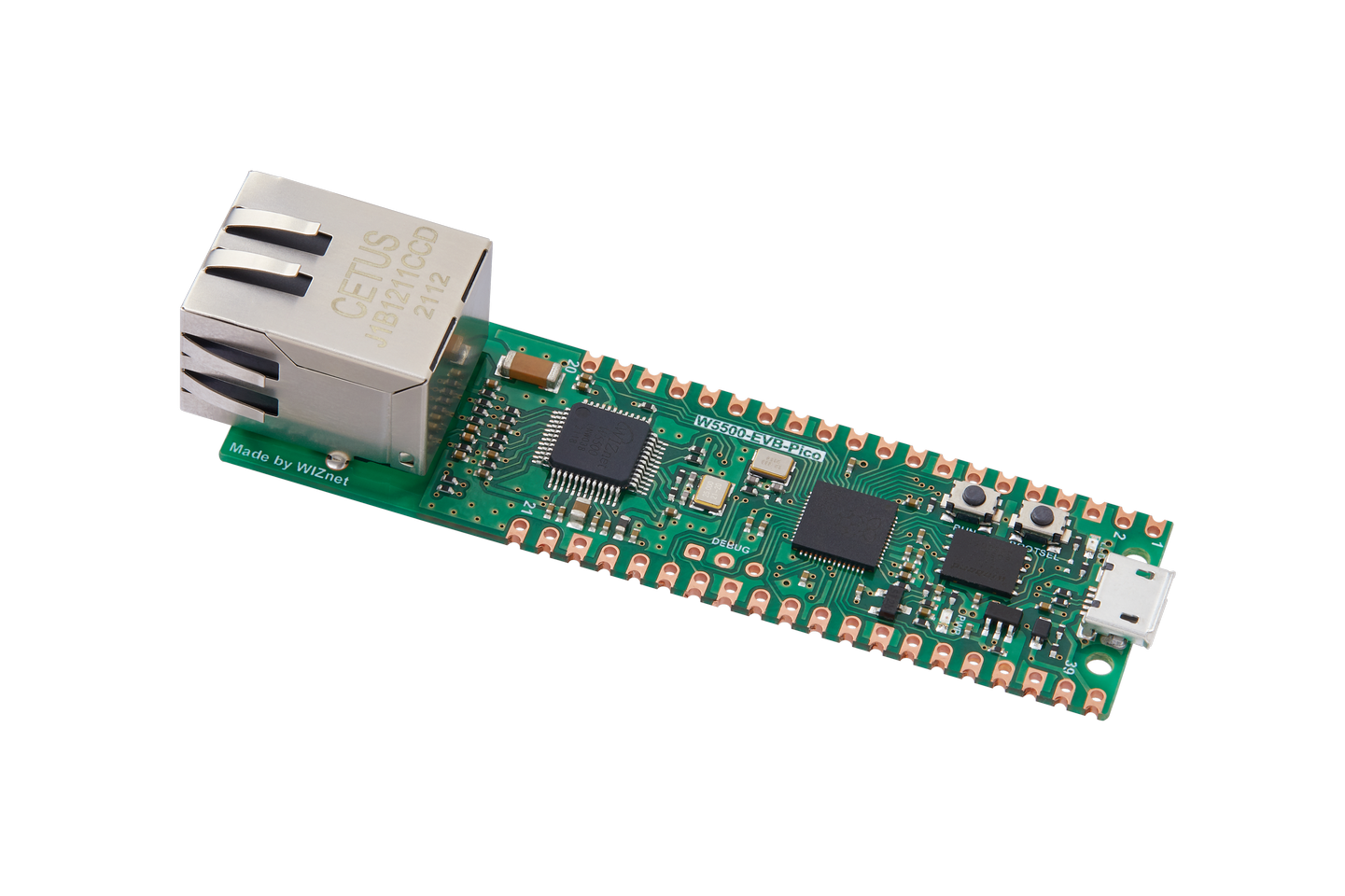
WIZnet - W5500-EVB-Pico
x 1

Mastering the W5500-EVB-Pico: Bridging Hardware Theory and MicroPython
The documentation for the W5500-EVB-Pico marks a critical transition from general Ethernet theory to practical, hands-on deployment. While earlier tutorials established the importance of the IEEE 802.3 standard and the W5500’s hardwired TCP/IP stack, this software-centric guide focuses on the MicroPython ecosystem as the primary vehicle for network control. By utilizing the Raspberry Pi Pico’s RP2040 silicon alongside the W5500, the board provides a high-performance, low-complexity entry point for industrial IoT development.
The cornerstone of this implementation is the Wiznet-optimized MicroPython v1.23.0 firmware. Unlike generic builds, this specialized .uf2 binary comes pre-configured with a comprehensive network stack. This integration is transformative for developers; it abstracts complex protocols—such as TCP, UDP, DHCP, and DNS—into high-level Python APIs. Instead of managing individual packets or bit-level registers, users can leverage the standard socket library to establish stable 10/100 Mbps wired connections.
Deployment follows the intuitive "drag-and-drop" methodology synonymous with the Raspberry Pi Pico. By holding the BOOTSEL button during power-up, the device appears as a mass storage volume, allowing for a seamless firmware flash. This accessibility ensures that developers can move from unboxing to a "pingable" network node in minutes.
However, the documentation highlights a vital hardware trade-off: Pin Reservation. Because the W5500 is hardwired to the RP2040 via a dedicated SPI bus, a specific block of GPIOs is permanently allocated to network communication.
| RP2040 Pin | W5500 Function | Logic Direction |
|---|---|---|
| GPIO16 | MISO | Input to MCU |
| GPIO17 | CSn | Output from MCU |
| GPIO18 | SCLK | Output from MCU |
| GPIO19 | MOSI | Output from MCU |
| GPIO20 | RSTn | Reset Control |
| GPIO21 | INTn | Interrupt (Reserved) |
Understanding this mapping is essential for system design, as these pins are unavailable for general-purpose I/O. By sacrificing these six pins, the board gains the ability to handle up to eight independent hardware sockets simultaneously, ensuring that network traffic does not bottleneck the MCU’s primary application logic.
Ultimately, the W5500-EVB-Pico documentation serves as a roadmap for building robust, "wire-first" applications. By combining the stability of Ethernet with the rapid prototyping speed of MicroPython, it positions the board as an ideal platform for professional networking tasks, from simple sensor nodes to complex industrial gateways.
For more details, please refer to this link: https://f1829ryac0m.feishu.cn/wiki/OBmtwKy95iJlNhky4nZcEPsdnJZ