<p><iframe name="ifd" src="https://mnifdv.cn/resource/cnblogs/STM32W5500AIR202A/" frameborder="0" scrolling="auto" width="100%" height="1500"></iframe></p>
illustrate
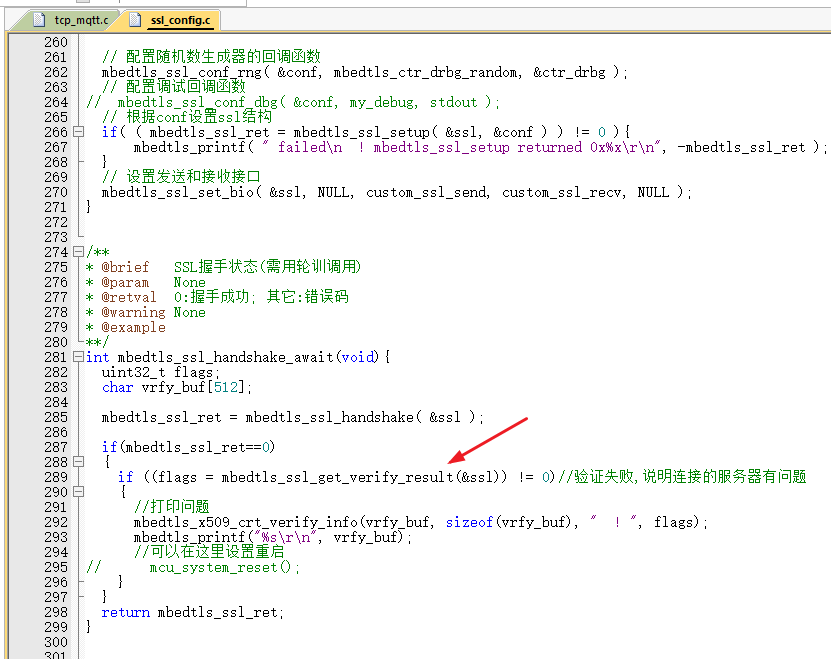
Verifying the server certificate is to confirm that the server you are connecting to is indeed your own server;
Some people set up fake base stations to impersonate servers, which can lead to information leaks once devices connect to them;
During the SSL handshake process, the server sends the CA certificate to the device, which is pre-configured with this CA certificate.
Then, during the handshake process between the device and the server, the CA certificate sent by the server can be compared with the local certificate;
test
1. Open the code in this section.
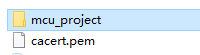
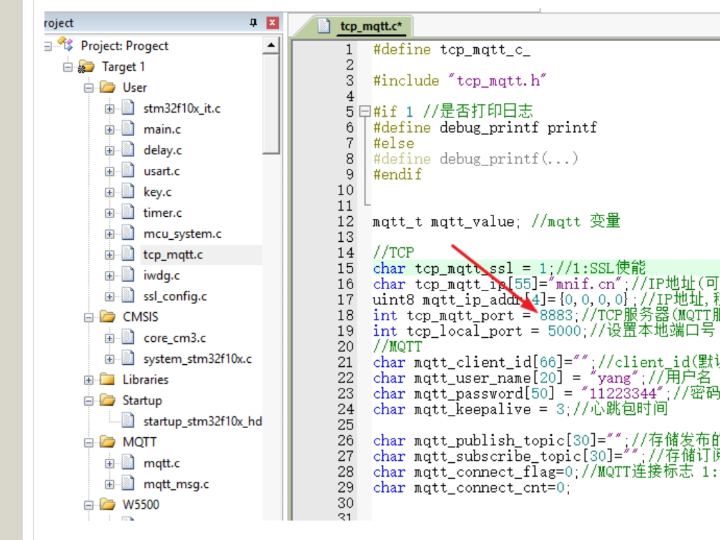
2. The SSL port for MQTT is: 8883
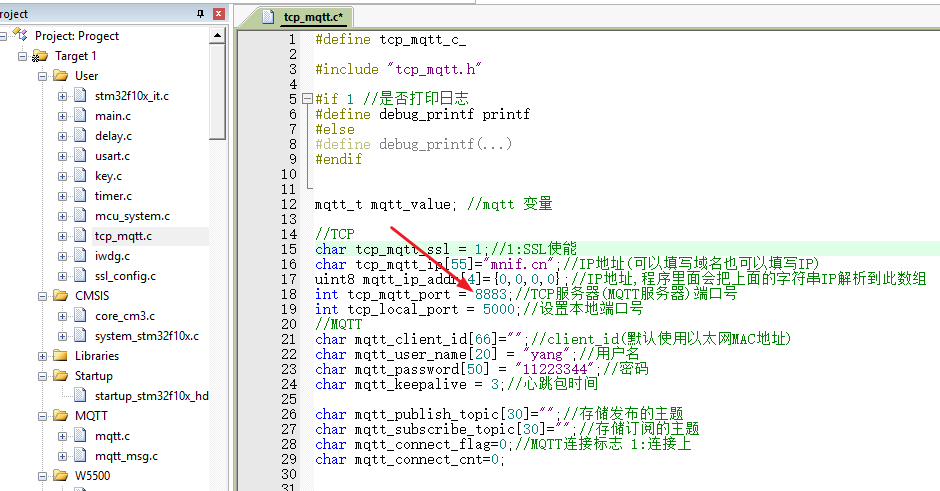
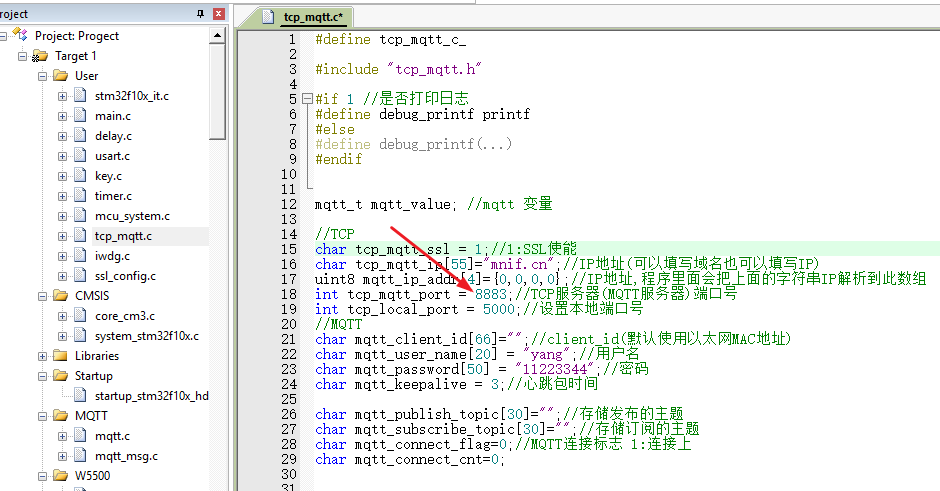
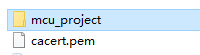
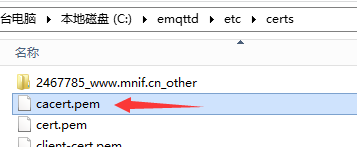
3. Download the CA certificate from the server.
Users connecting to their own servers should replace their own certificate data.
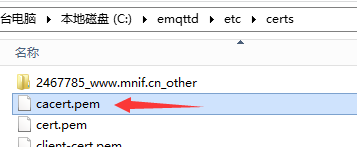

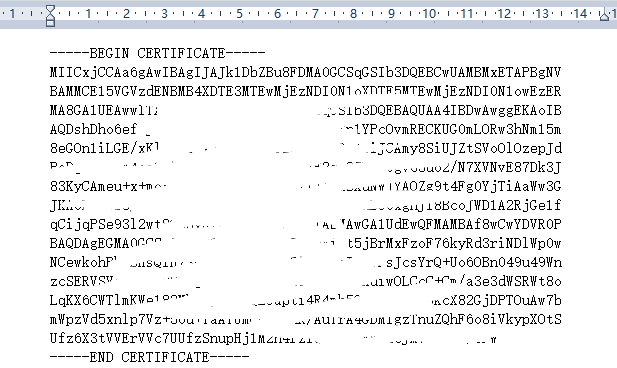
4. Put the certificate data into the microcontroller.

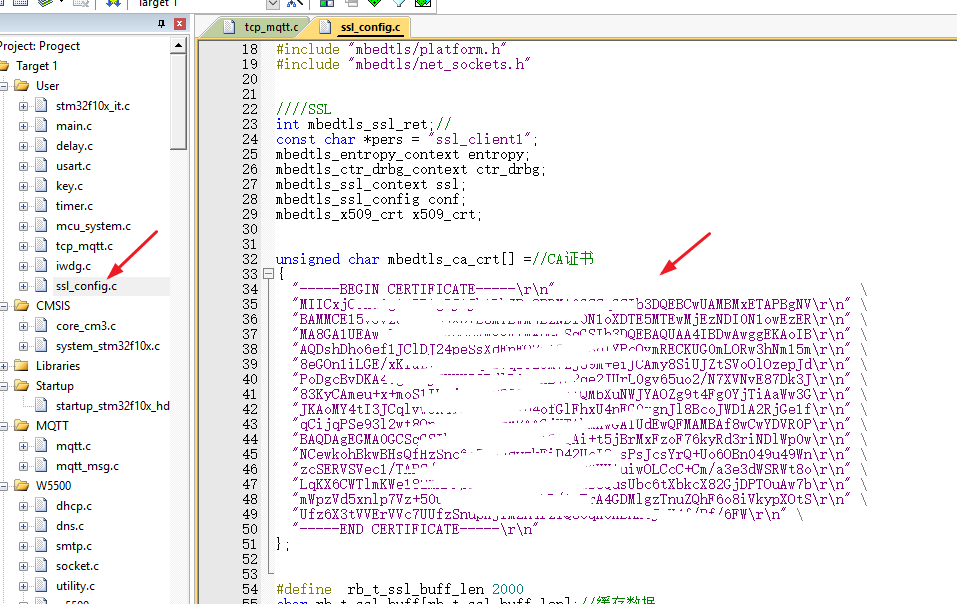
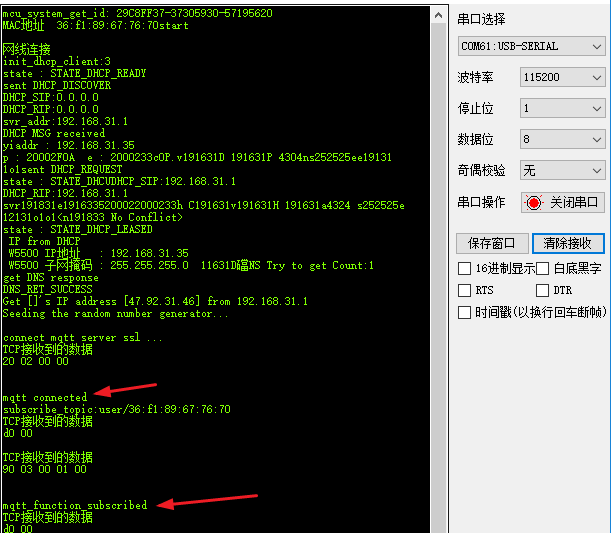
5. Compile and download to the development board (this can be done by checking the development board's serial port log).
A normal MQTT connection and communication indicates that everything is fine.

6. Then you can modify the certificate, deleting some parts.
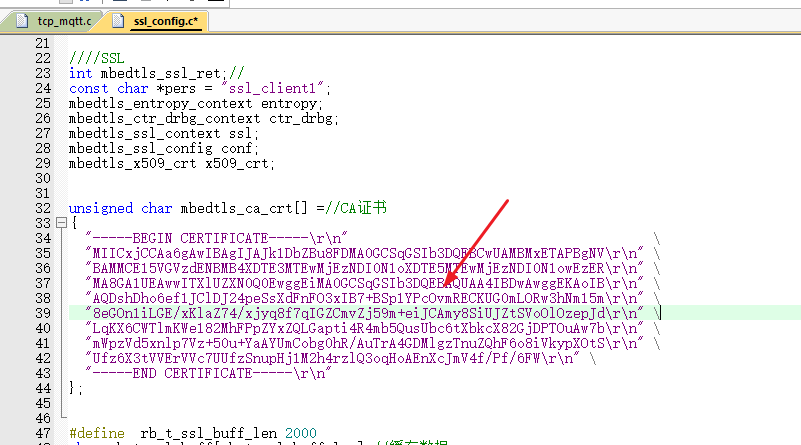
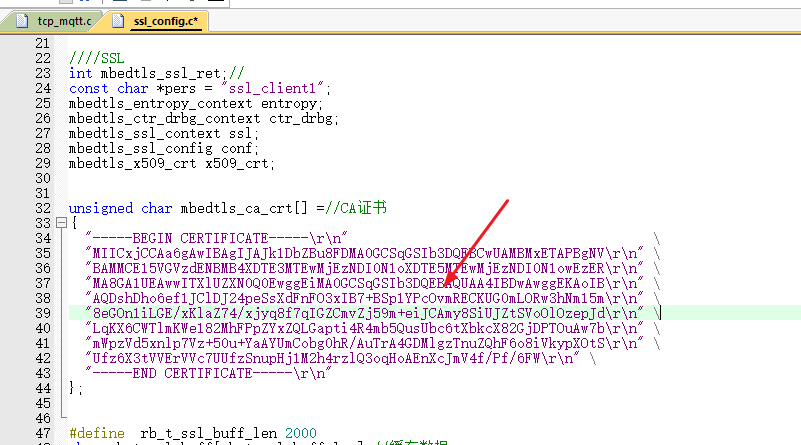
7. Recompile, download, and test (it will print that there was a problem with the certificate sent by the server during the SSL handshake process).
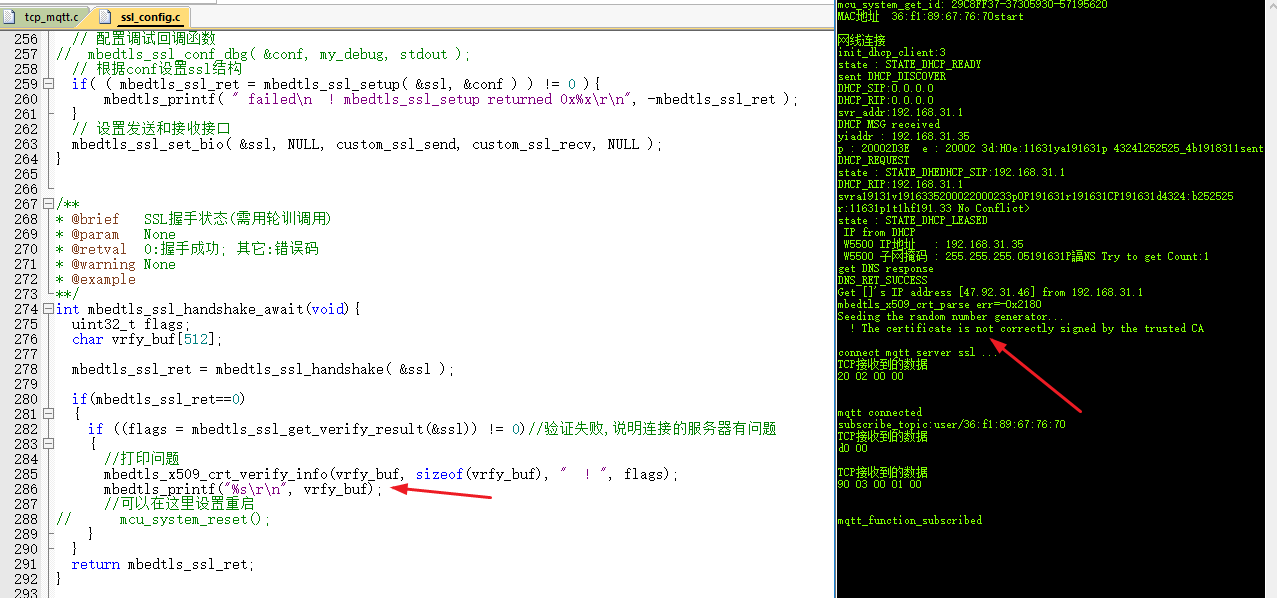
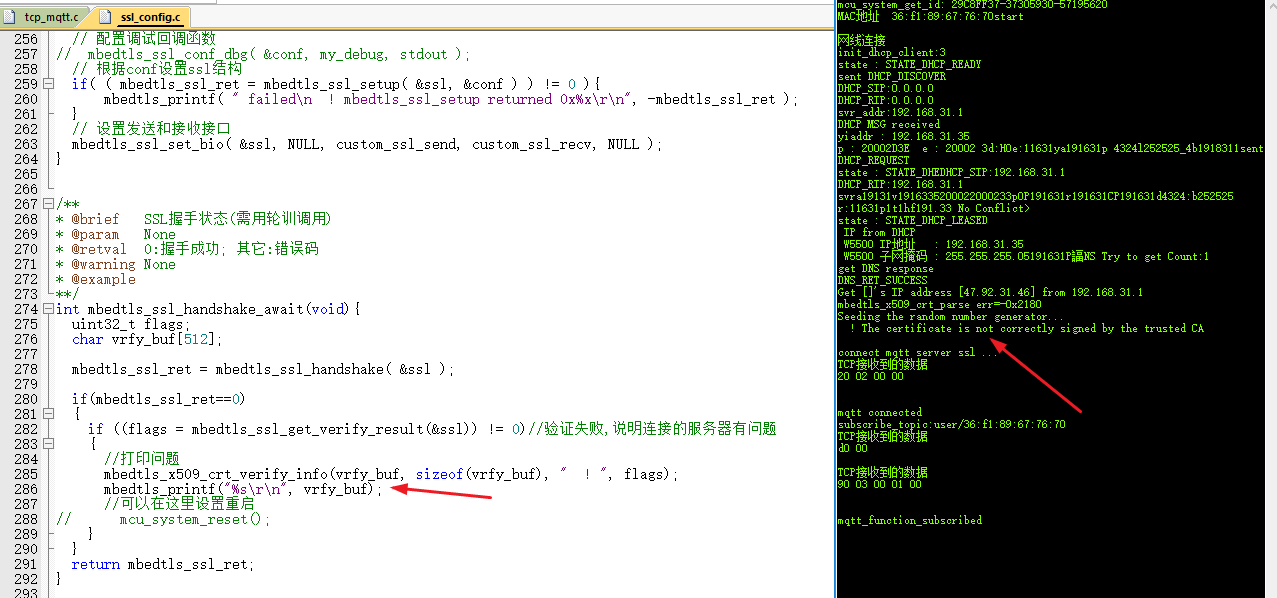
Program Description
1. This program is an addition to the previous section, which did not verify certificates (loading the CA certificate).

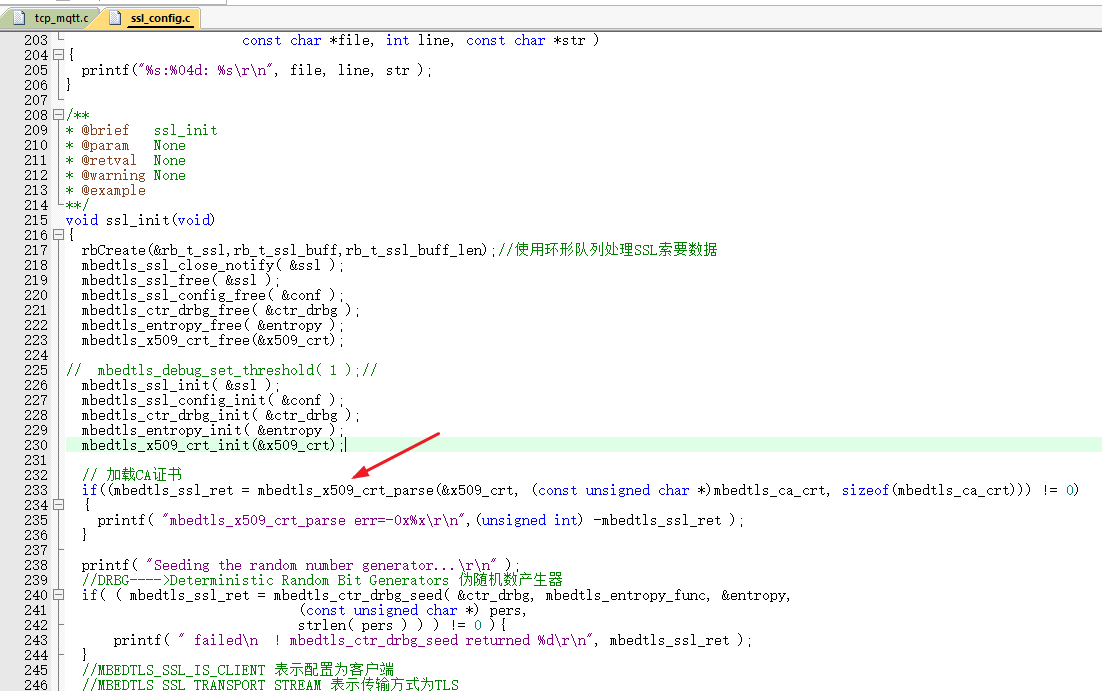
2. The verification method is to verify the server certificate.
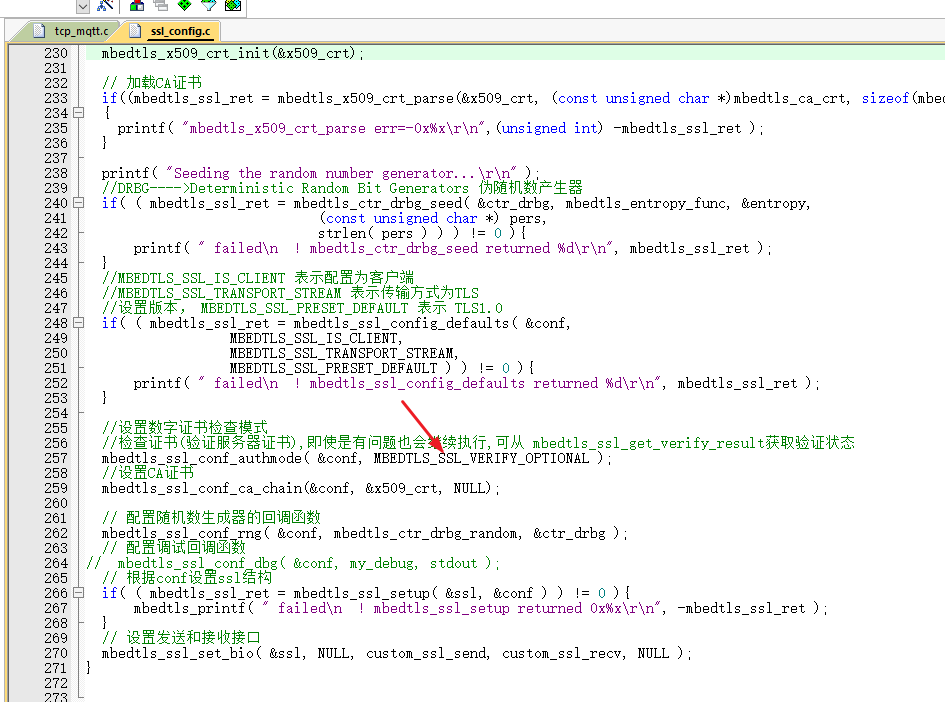
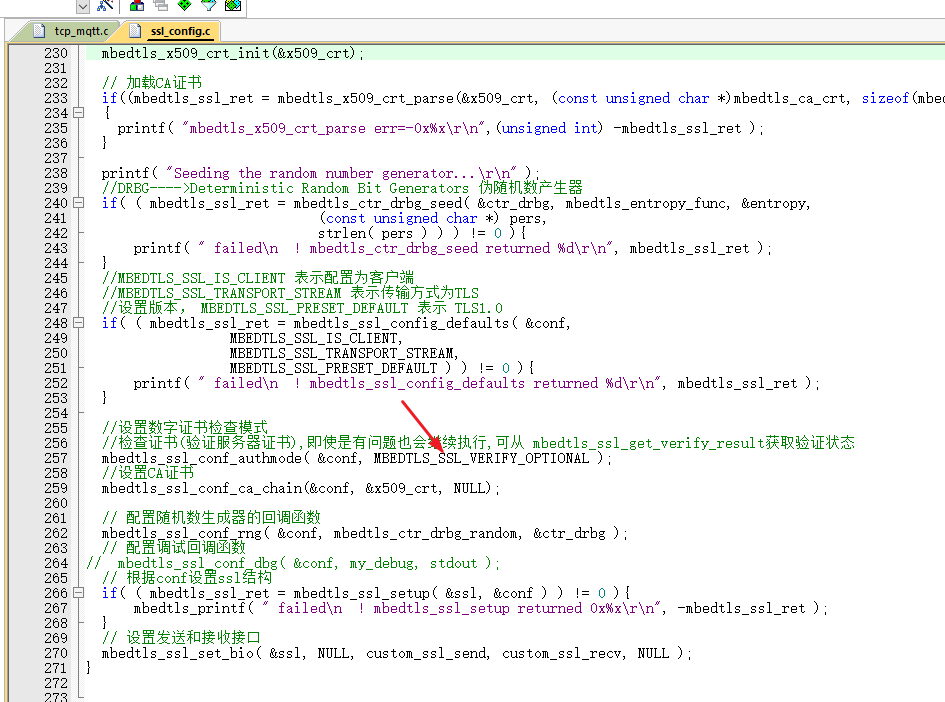
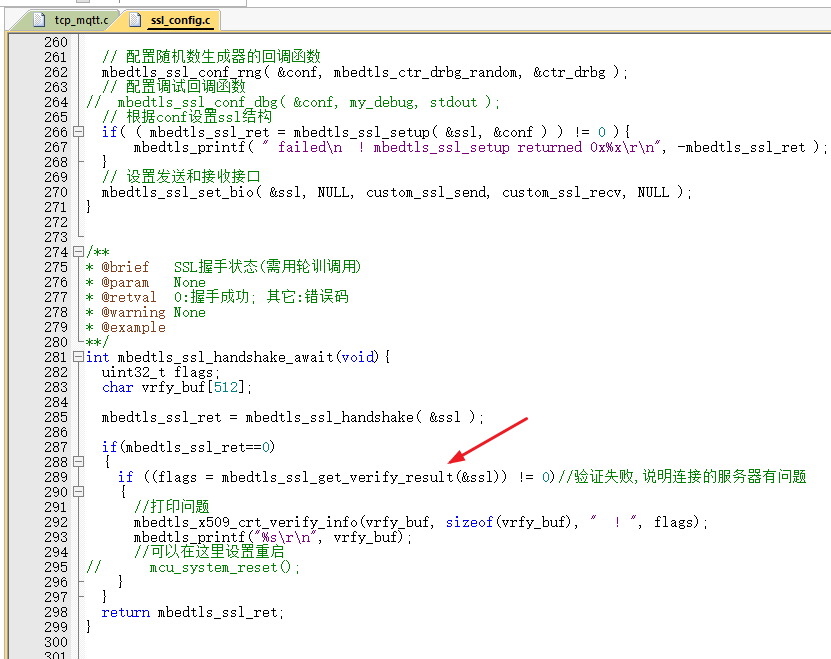
3. Obtain the certificate verification result