



Building a Drone Acoustic Detection System | Raspberry Pi + RP2040/FPGA Controller
Building a Drone Acoustic Detection System
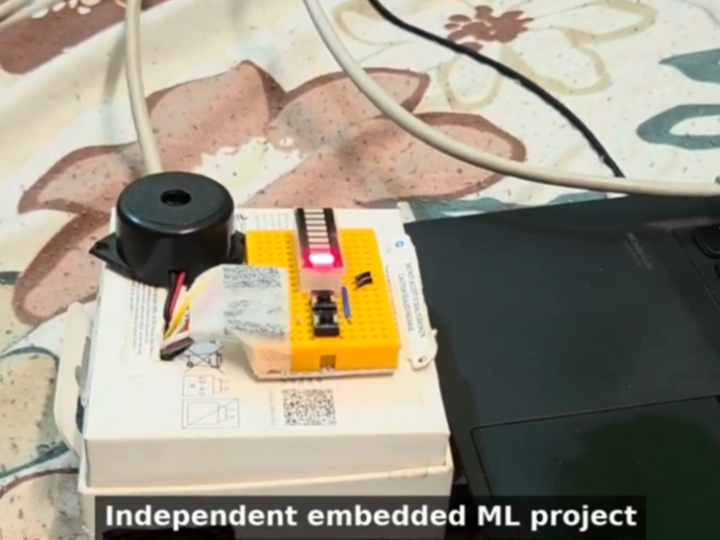
How to Build a Drone Acoustic Detection Controller with W5500 on Raspberry Pi and RP2040?
Summary
This project uses a Raspberry Pi for on-device drone audio detection and a custom Shrike-Lite controller based on RP2040 and FPGA for control I/O. The WIZnet W5500 provides the wired TCP Ethernet link between the Raspberry Pi and the controller, carrying Start/Stop commands, status updates, and alert signaling without relying on Wi-Fi.
What the Project Does
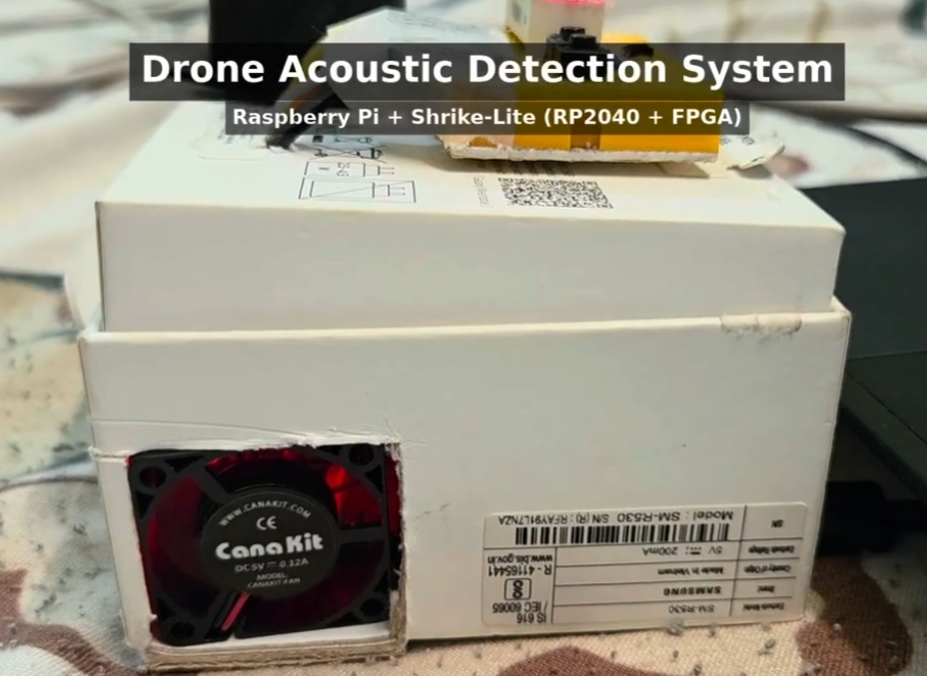
The system detects drone-like acoustic signatures using a microphone and an on-device audio machine-learning pipeline running on a Raspberry Pi. A recorded drone audio clip is used to test the microphone input and detection logic.
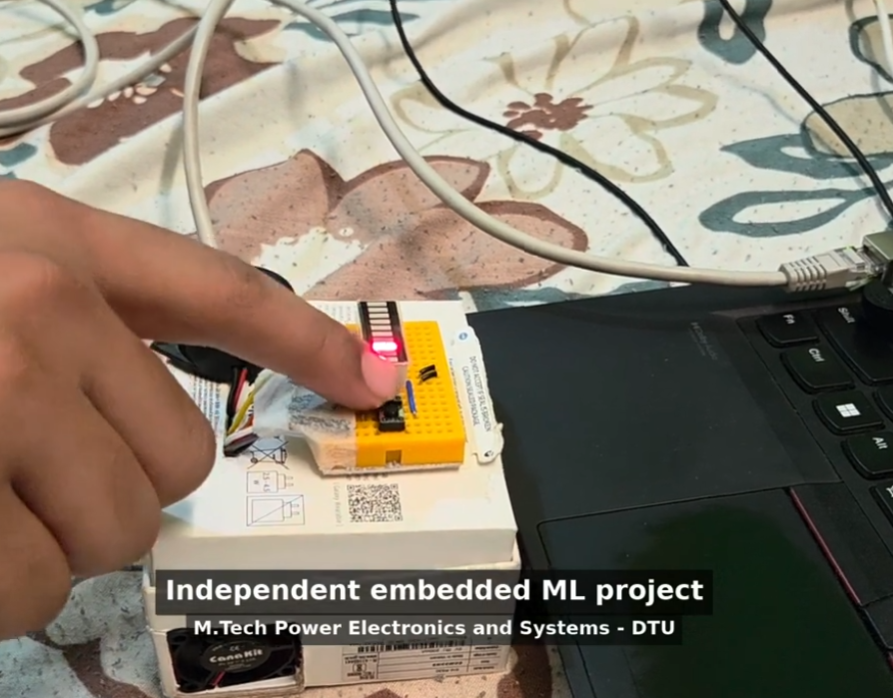
The Raspberry Pi handles audio capture, feature processing, and model inference. The Shrike-Lite controller handles external control and feedback functions, including Start/Stop control, a status LED, and a buzzer alert. Communication between the Pi and the controller runs over TCP through a W5500 Ethernet module.
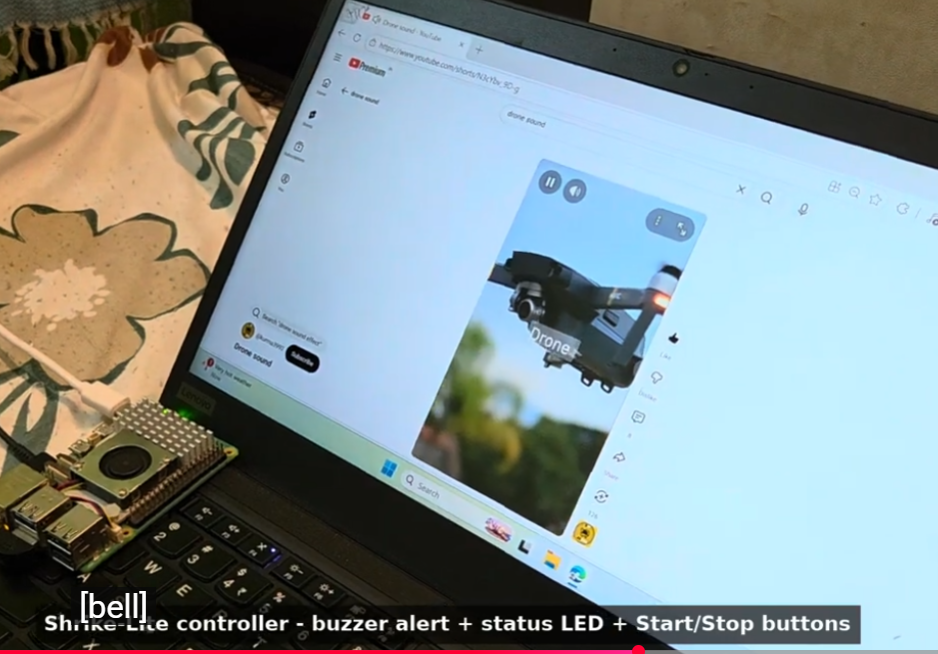
The architecture separates high-load audio ML processing from deterministic embedded control. This allows the Raspberry Pi to focus on detection while the RP2040/FPGA controller handles physical I/O responses.
Where WIZnet Fits
The WIZnet product used in this project is the W5500 Ethernet controller.
In this system, the W5500 acts as the wired TCP transport between the Raspberry Pi and the Shrike-Lite controller. It is not just an internet interface; it is the control link that carries detection-related commands and device status between the AI pipeline and the embedded controller.
This is a practical fit because RP2040-class controllers have limited RAM and CPU headroom compared with Linux-based boards. The W5500 provides hardware TCP/IP offload, 8 sockets, and an internal 32 KB buffer, allowing the controller firmware to avoid maintaining a full software TCP/IP stack. For an alerting system with LEDs, buzzers, and Start/Stop control, a wired Ethernet link also avoids the variable latency and interference risk of Wi-Fi.
Implementation Notes
The public summary confirms that the Raspberry Pi communicates with the Shrike-Lite controller over TCP using a W5500 Ethernet module, but no repository or firmware source was provided. Because the actual source code is not available here, this section describes the verified architecture only and does not claim any specific implementation details.
A typical implementation would divide the system as follows:
Microphone
   │
   ▼
Raspberry Pi
Audio capture + ML drone detection
   │
   │ TCP command/status link
   ▼
W5500 Ethernet module
   │
   ▼
Shrike-Lite Controller
RP2040 + FPGA
   │
   ├── Start/Stop control
   ├── Status LED
   └── Buzzer alert
The Raspberry Pi can act as the TCP client or server depending on the deployment model. The RP2040 side would initialize the W5500 over SPI, establish a TCP socket, and parse small command messages such as detection state, Start/Stop control, or alert activation. The FPGA portion can remain focused on timing-sensitive logic while the RP2040 handles network-facing control.
Practical Tips / Pitfalls
- Keep the W5500 SPI wiring short and clean, especially SCK, MOSI, MISO, CS, RESET, and INT.
- Use a static IP during early testing to remove DHCP-related debugging noise.
- Add link-state checks so the controller can fail safely if Ethernet is unplugged.
- Define a small TCP message format for commands, status, and heartbeat packets.
- Use a watchdog on the RP2040 so the buzzer and LED cannot remain stuck after communication failure.
- Separate ML detection confidence from alert activation logic to avoid false buzzer triggers.
- Consider EMI and cable strain relief if the system is used near motors, drones, or outdoor test equipment.
FAQ
Q: Why use W5500 in this drone detection project?
A: The W5500 gives the RP2040 controller a hardware TCP/IP Ethernet interface, reducing firmware complexity and avoiding the need for a full software network stack. That is useful when the controller’s main job is reliable I/O control rather than Linux-class networking.
Q: How does the W5500 connect to the Shrike-Lite controller?
A: The W5500 normally connects to an RP2040 over SPI, using SCK, MOSI, MISO, CS, RESET, and optionally INT. The Ethernet side connects to the Raspberry Pi through a wired TCP/IP network.
Q: What role does W5500 play in this specific system?
A: It carries the TCP communication between the Raspberry Pi audio-ML pipeline and the Shrike-Lite controller. Commands such as Start/Stop, detection status, and buzzer activation can be exchanged over this link.
Q: Can beginners follow this project?
A: It is more suitable for intermediate developers. The project combines Linux audio processing, machine-learning inference, RP2040 firmware, FPGA-based control, and TCP Ethernet communication.
Q: Why not use Wi-Fi instead of W5500 Ethernet?
A: Wi-Fi is convenient, but it is more exposed to interference, variable latency, and reconnection behavior. A W5500 wired Ethernet link is better suited for predictable controller communication between the Raspberry Pi and the alert hardware.
Source
Original video: https://www.youtube.com/watch?v=rxMr0gH0WNA
Project summary: Provided by the user
License: Not specified
Tags
#W5500 #RaspberryPi #RP2040 #FPGA #Ethernet #TCP #DroneDetection #AcousticSensing #EdgeAI #EmbeddedSystems #IoT