


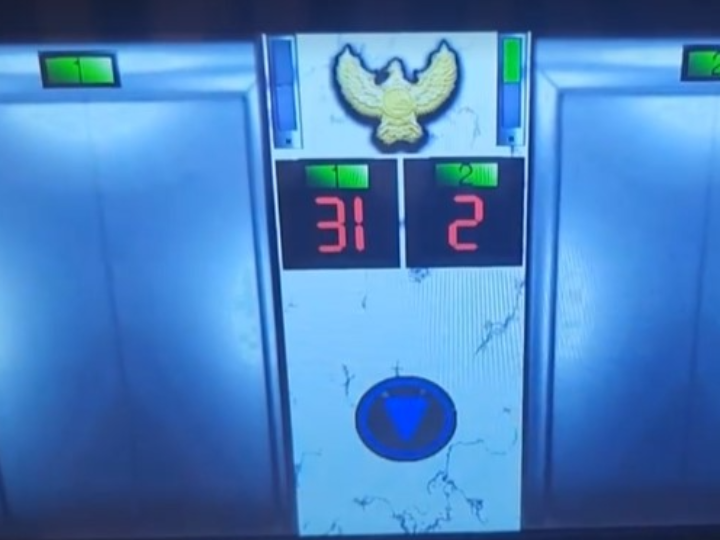
현대통신 HNT-4105모델 엘리베이터 호출 성공기
엘리베이터 연동
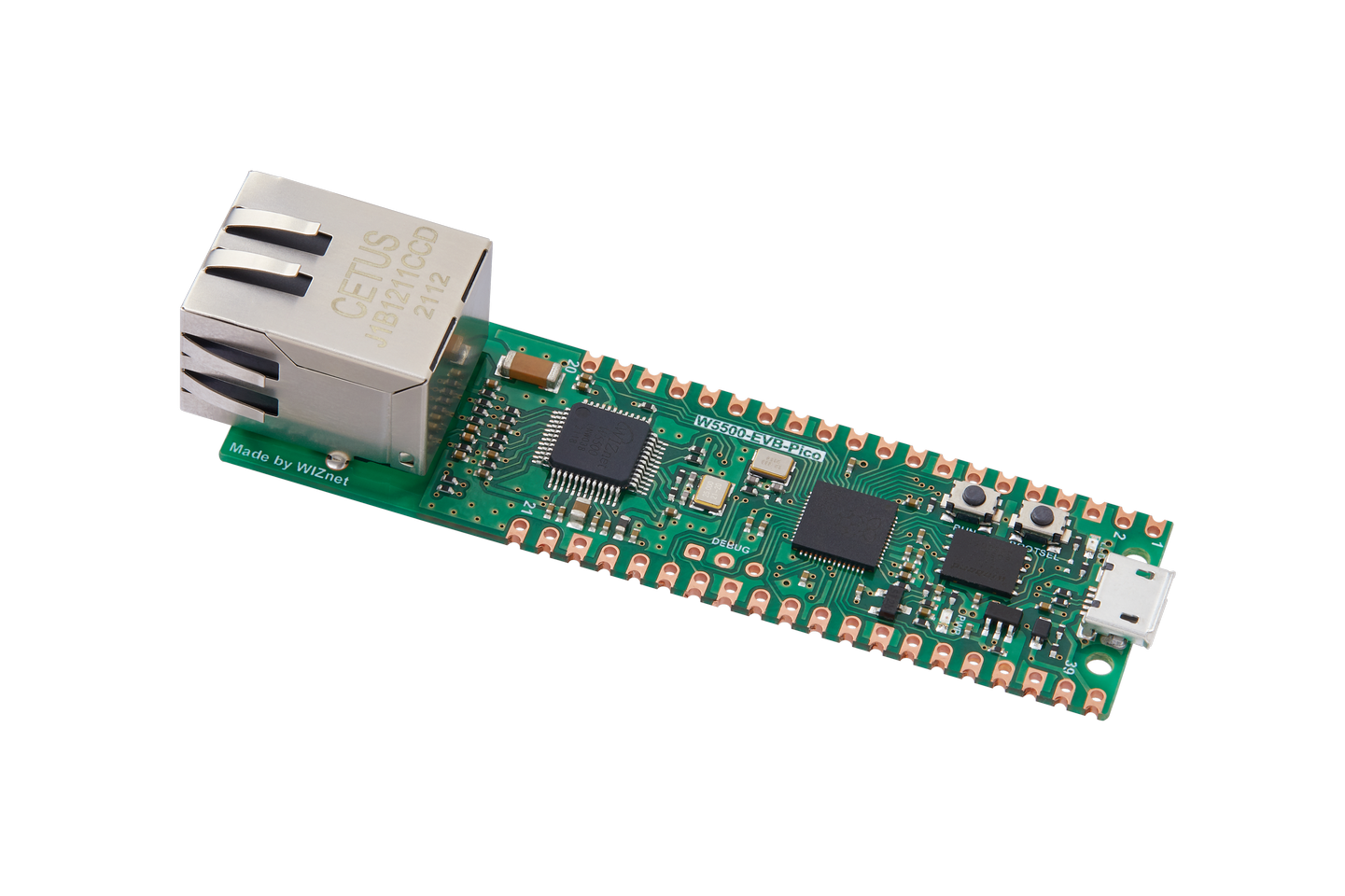
WIZnet - W5500-EVB-Pico
x 1

Arduino - Arduino Nano R3
x 1

itead - Nextion NX8048T050 - 5" LCD TFT HMI Intelligent Touch Display
x 1
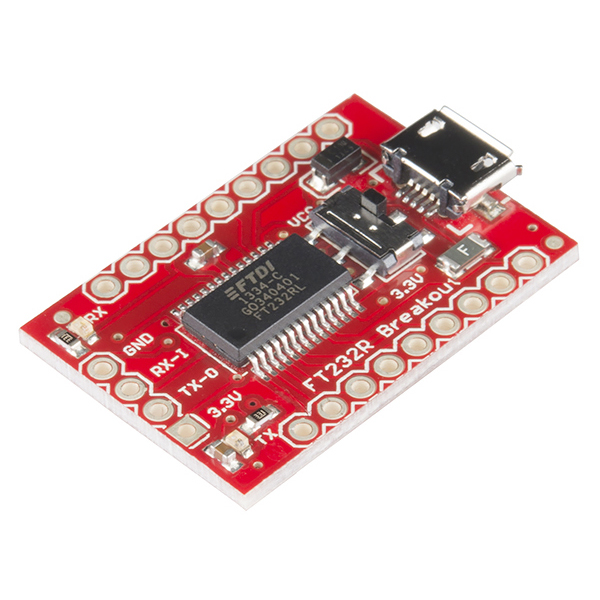
sparkfun - SparkFun USB to Serial Breakout - FT232RL
x 1
이번 프로젝트는 아파트 월패드에서만 가능한 엘리베이터 호출 기능을 W5500-EVB-PICO와 HMI 터치 디스플레이를 사용하여 현관쪽에서 구현한 프로젝트입니다!
저자는 모두의 스마트홈(https://cafe.naver.com/stsmarthome/)이라는 네이버 카페에서 활동중인 회원입니다.
저자는 본인의 집의 월패드 기능인 엘리베이터 호출 기능을 월패드가 아닌 현관 쪽에서 사용하고 싶어서 본 프로젝트를 기획했다고 합니다.
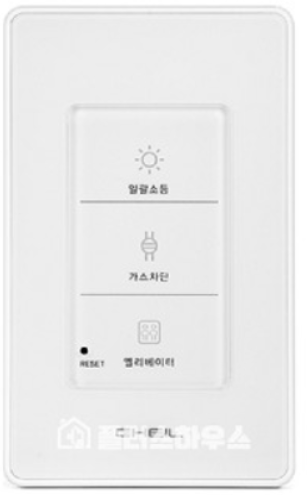
처음에는 아래 사진과 같은 기성품을 사용해 구현하려 했지만, 월패드와 연동되지 않아 실패후
W5500-EVB-PICO, Arduino Nano, USB to serial, DCDC converter, HMI touch screen를 사용하여 구현하기 시작했습니다.
월패드는 아파트의 서버에 연결되어 있고, 그 서버에서 엘리베이터의 상태정보(몇층에 있는지, 올라가는 중인지 등등)를 받을 수 있고 호출 신호 또한 서버에 전달합니다.
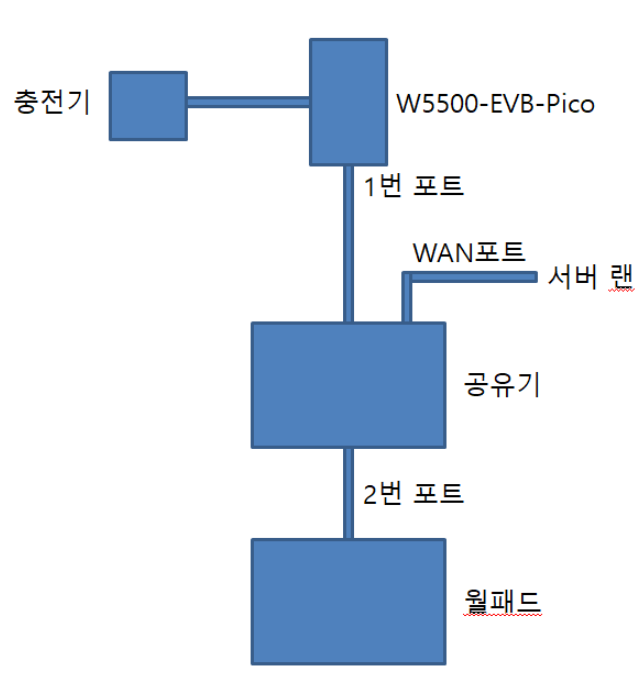
위 그림에서 WAN포트는 아파트의 서버에 연결되어있고
HMI LCD는 W5500-EVB-PICO의 UART와 통신합니다.
HMI LCD란?
HMI 스크린은 간단하게 UI를 표시하는데 사용되는 LCD 모듈이라고 생각하시면 됩니다.
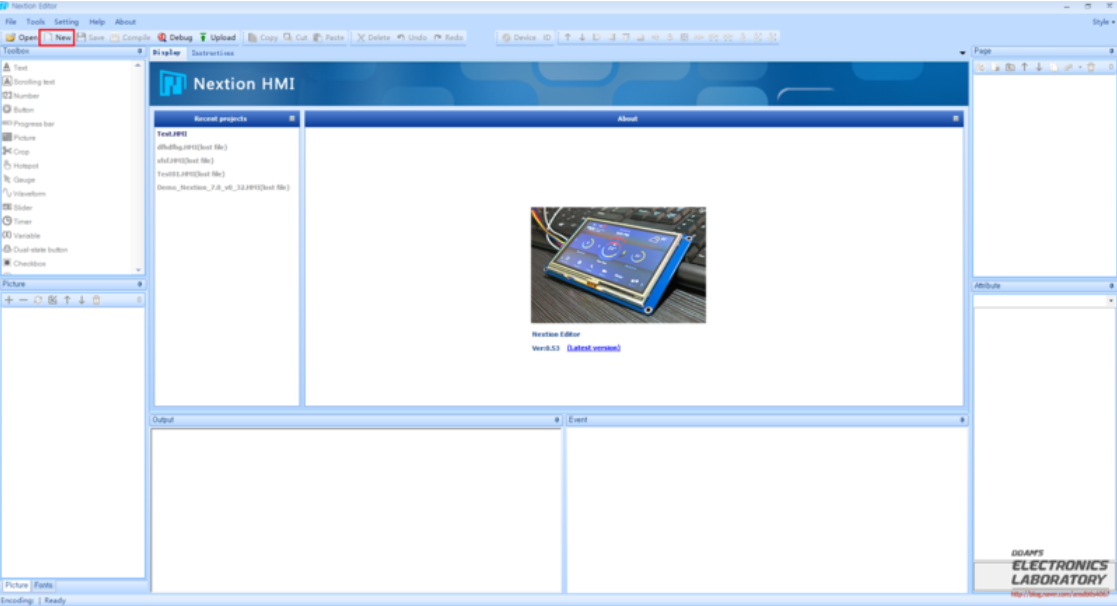
GUI를 간단하게 전용 툴로 생성할 수 있고
생성한 GUI에 데이터를 표시하거나 터치 입력을 serial로 Host MCU로 전송할 수 있습니다.
이를 활용하여 구현하기 어려운 LCD를 간단하게 구현할 수 있습니다.
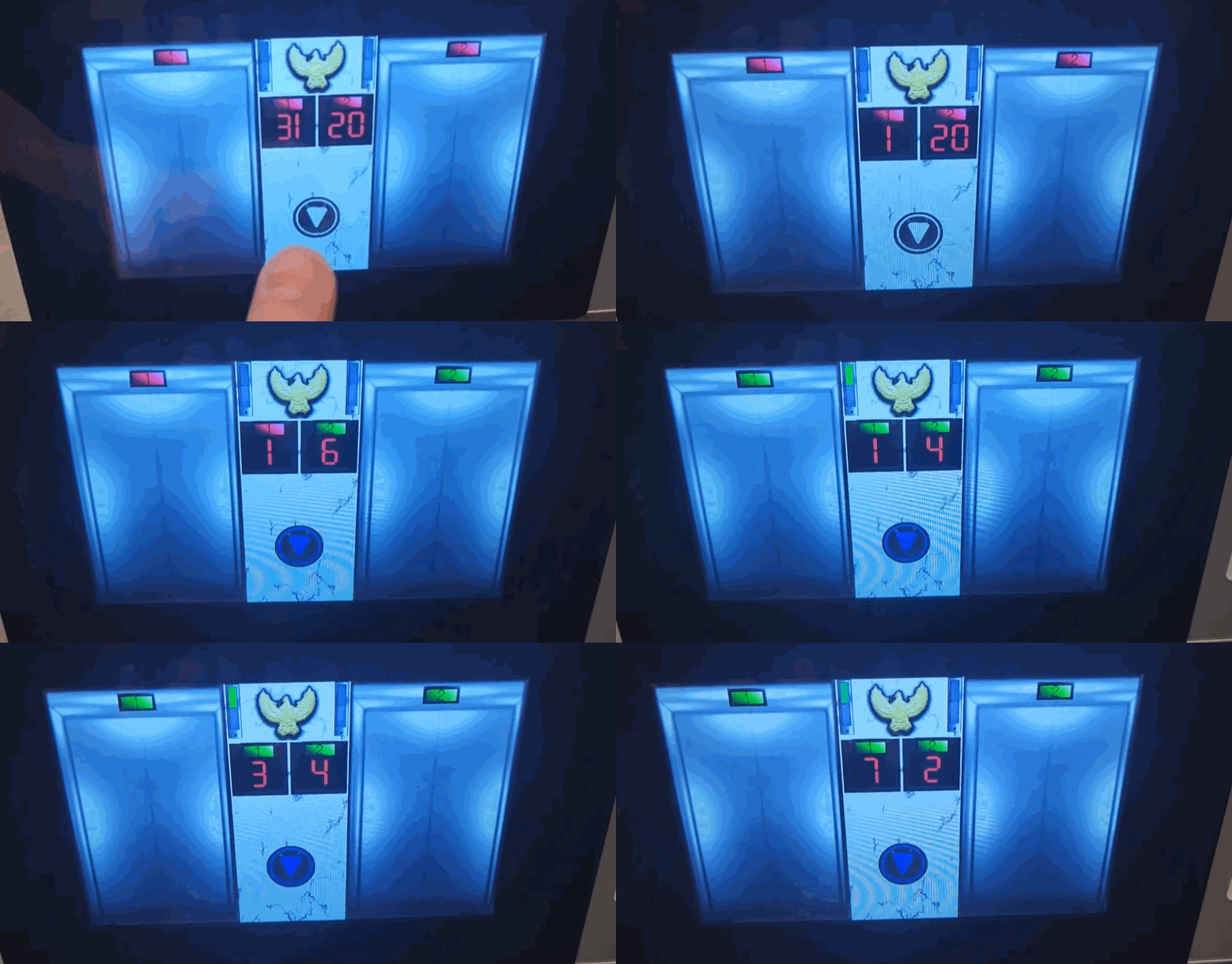
저자는 월패드에서 엘리베이터 호출시 전송되는 패킷을 와이어샤크로 캡쳐하여 디버깅 하였고, 이를 기반으로 W5500-EVB-PICO와 HMI를 사용해 엘리베이터 호출 및 GUI 표현까지 완벽하게 구현하였습니다.
In this project, we implemented the elevator call function, which is only available in the apartment wall pad, at the entrance using the W5500-EVB-PICO and HMI touch display!
The author is an active member of a Naver cafe called Everyone's Smart Home (https://cafe.naver.com/stsmarthome/).
The author designed this project because he wanted to use the elevator call function of his home's wallpad from the front door instead of the wallpad.
At first, he tried to implement it using a ready-made product like the one in the photo below, but after failing because it didn't work with the wallpad, he used the
W5500-EVB-PICO, Arduino Nano, USB to serial, DCDC converter, HMI touch screen.
The wallpad is connected to a server in the apartment and can receive status information from the elevator (what floor it is on, if it's going up, etc.) and send a call signal to the server.
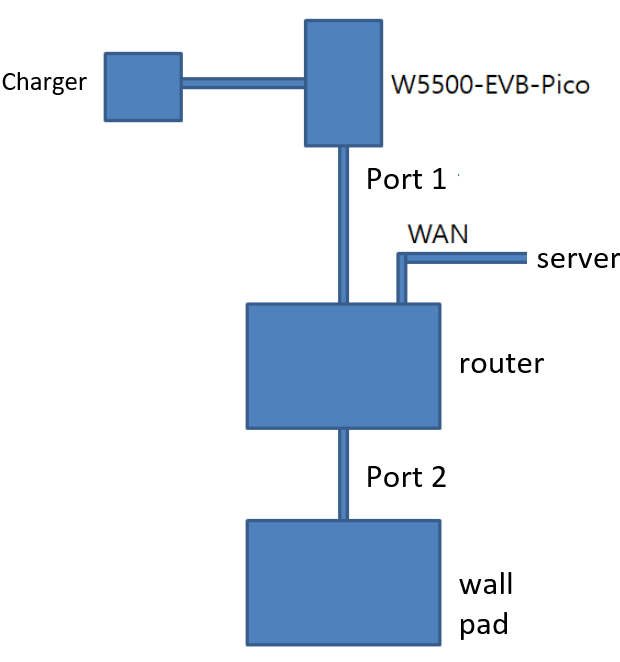
In the picture above, the WAN port is connected to the server in the apartment.
The HMI LCD is communicating with the UART of the W5500-EVB-PICO.
What is an HMI LCD?
An HMI screen is simply an LCD module used to display a UI.
GUIs can be easily created with dedicated tools, and the
You can display data in the GUI you create or send touch input to the host MCU via serial.
You can utilize this to simplify the implementation of LCDs that are difficult to implement.
The author captured and debugged the packets transmitted when calling the elevator from the wallpad with WireShark, and based on this, he fully implemented the elevator call and GUI expression using the W5500-EVB-PICO and HMI.