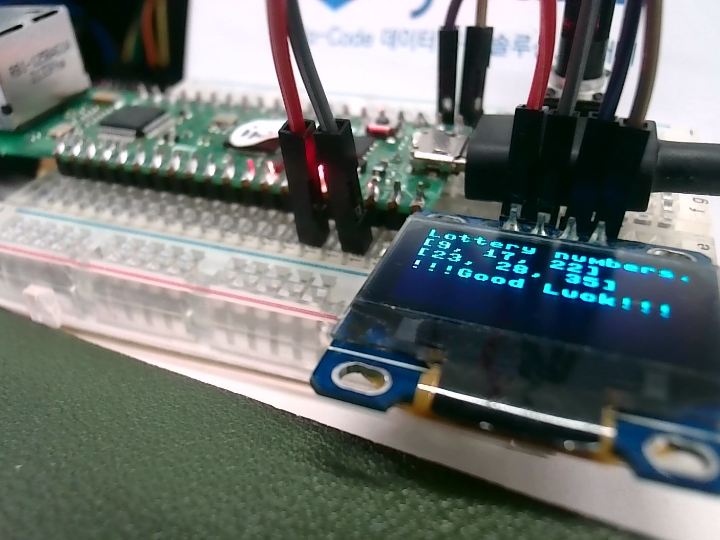
Lottery number! Good luck to you
It performs TCP communication of APP of smartphone and W5100S-pico-evb.
25
Components
Hardware components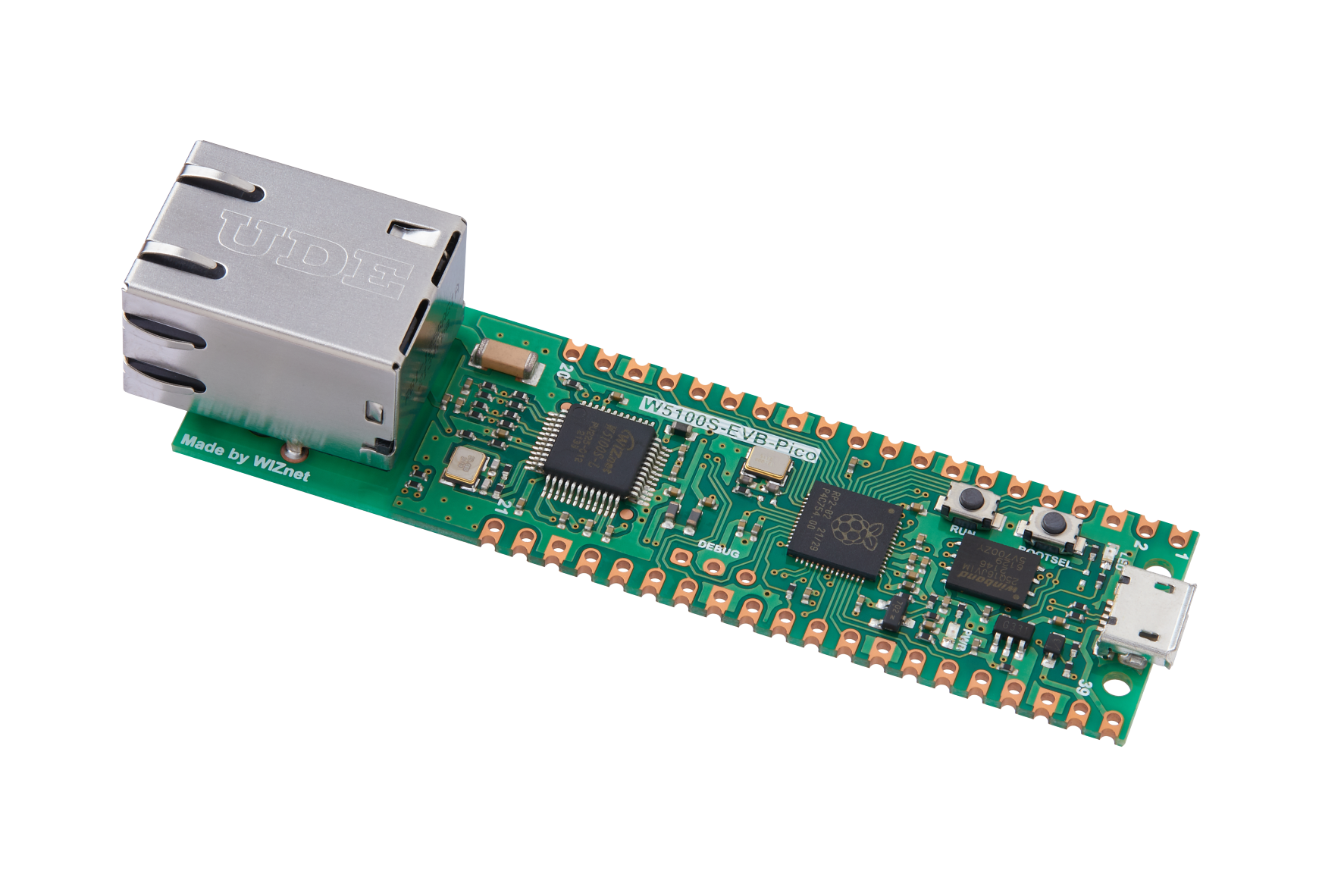
WIZnet - W5100S-EVB-Pico
x 1

elenemt14 - SSd1306(OLED)
x 1

micropython - MicroPython
x 1

Animotech Inc. - TCP/UDP TEST TOOL
x 1
Project description
This is the next project from the above link.
Use W5100s-pico-evb to get IP assigned through DHCP.
Here, IP of 192.168.100.14 was assigned and the port number was set to 5000.
Use W5100s-pico-evb as TCP Server.

Then, make a TCP connection using the smartphone's APP.
Here, the smartphone and W5100S-pico-evb must be connected to the same AP.
Click TCP CLIENT in the app.

Enter the IP and port number to connect to.

When the connection is complete, data "get" is sent.
Then you can receive 6 random numbers from TCP Server (W5100s-pico-evb).


Next time I will try using the random number generator in the RP2040.
"2.17.5. Random Number Generator" in https://datasheets.raspberrypi.org/rp2040/rp2040-datasheet.pdf


