



Arduino Ethernet + SD Card
Arduino Ethernet + SD Card
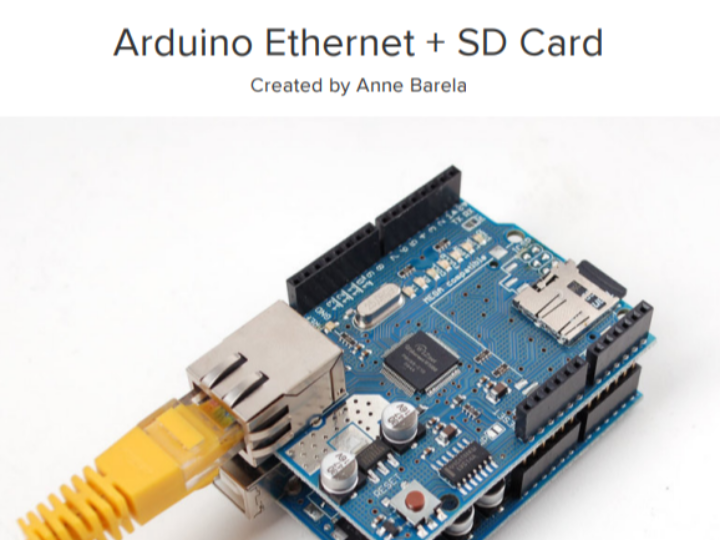
This document is a technical tutorial on building a remote file storage and a basic web server using an Arduino and a W5500-based Ethernet Shield. It provides a step-by-step guide on managing SD card files and accessing them via a web browser over a network.
The key contents are summarized as follows:
1. Hardware and Library Preparation
Hardware: Utilizes Ethernet shields or FeatherWings based on the WIZ5500 chipset.
Software: Requires the Ethernet2 library, which is specifically optimized for the W5500, instead of the standard Ethernet library.
2. Storage Management (SD Card)
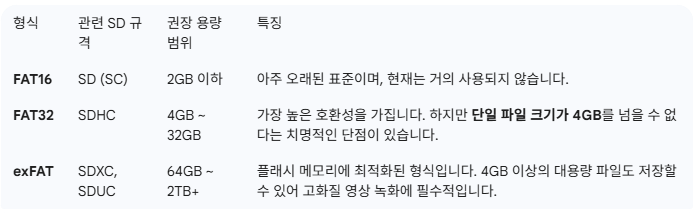
The SD card must be formatted in the FAT16 system to ensure seamless recognition and compatibility with the microcontroller.
The tutorial covers how to verify SD card information and output file metadata (name, date, size) to the Serial Monitor.
3. Web-Based File Services
The core of the tutorial is configuring the Arduino as a minimalistic web server with the following features:
Remote Access: Users on the same network can view the file list and download files directly through a web browser.
Navigation: Clicking a filename initiates a file transfer (download), while clicking a directory displays its sub-contents.
Error Handling: The server is programmed to return a 404 error if a requested file does not exist.
Conclusion
This guide serves as a practical manual for users looking to implement simple web servers or networked storage solutions using low-power microcontrollers.
=====
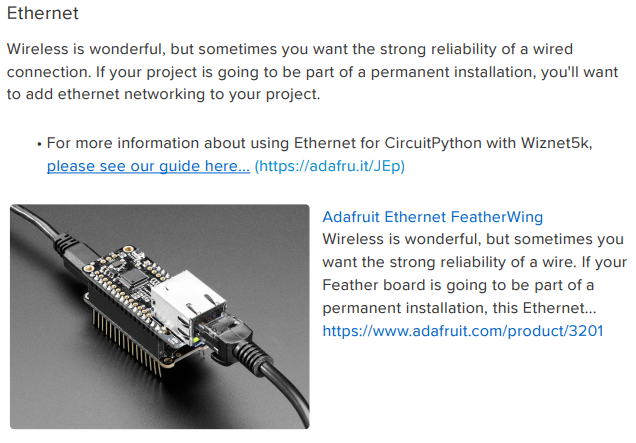
이 문서는 WIZ5500 기반 이더넷 실드(Ethernet Shield)와 아두이노(Arduino)를 사용하여 SD 카드의 파일을 관리하고, 이더넷을 통해 웹 브라우저에서 해당 파일들에 접근하는 방법을 설명하는 튜토리얼입니다.
주요 내용은 다음과 같습니다.
하드웨어 및 라이브러리 준비: WIZ5500 칩셋을 사용하는 이더넷 실드나 Feather Wing을 사용하며, 기존의 Ethernet 라이브러리 대신 Ethernet2 라이브러리가 필요합니다.
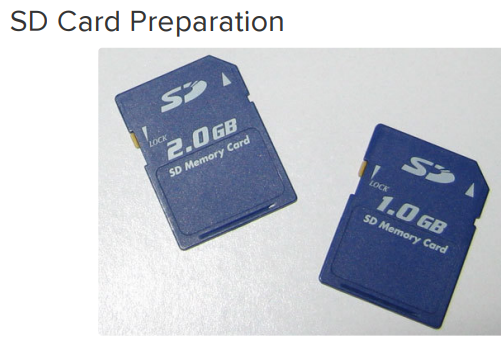
SD 카드 준비: SD 카드는 마이크로컨트롤러에서 인식하기 쉬운 FAT16 형식으로 포맷해야 합니다.
파일 목록 확인 및 읽기: 아두이노 스케치를 통해 SD 카드의 정보를 확인하고, 저장된 파일 목록(이름, 날짜, 크기 등)을 시리얼 모니터에 출력하는 과정을 다룹니다.
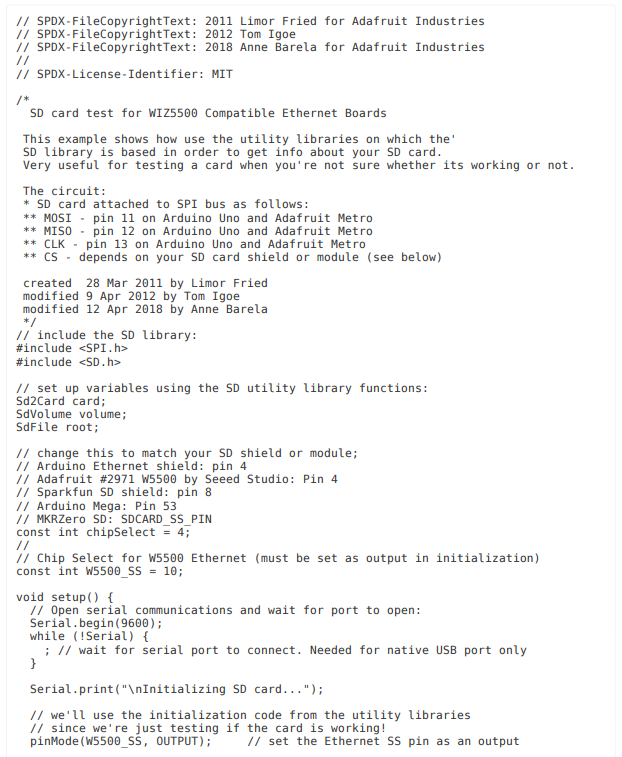
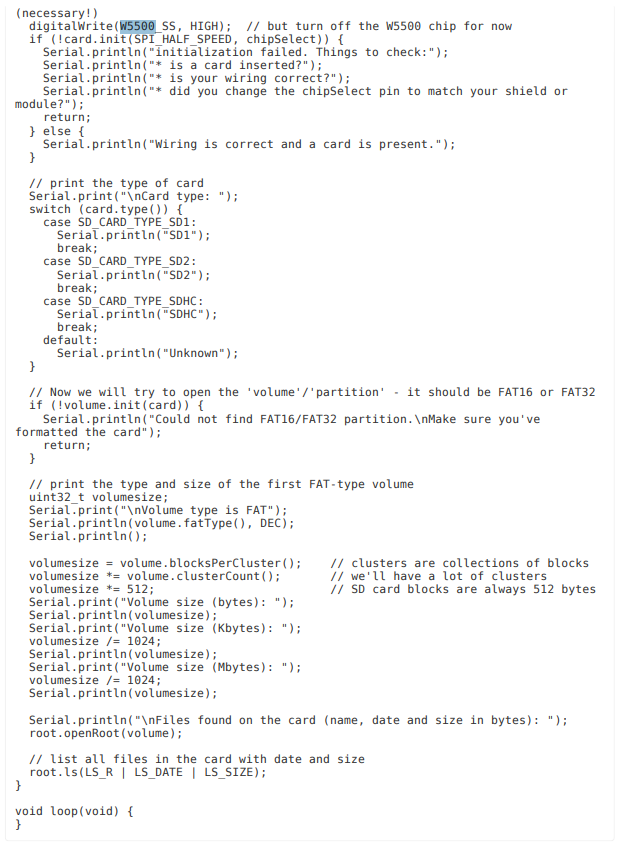
이더넷을 통한 파일 서비스: 아두이노를 아주 기초적인 웹 서버로 구성하여, 동일 네트워크상의 웹 브라우저에서 SD 카드의 파일 목록을 확인하고 파일을 다운로드할 수 있는 기능을 구현합니다.
작동 방식: 사용자가 브라우저에서 파일명을 클릭하면 서버(아두이노)가 해당 파일을 전송하고, 디렉토리를 클릭하면 하위 파일 목록을 보여줍니다. 존재하지 않는 파일에 대해서는 404 오류를 반환합니다.
요약하자면, 이 문서는 아두이노를 활용해 원격 파일 저장소나 간단한 웹 서버를 구축하려는 사용자를 위한 기술 지침서입니다.