



13--Basic Introduction to Webpages, Websites, and WeChat Official Accounts (PHP GET Requests for Web
13--Basic Introduction to Webpages, Websites, and WeChat Official Accounts (PHP GET Requests for Web

Have you ever noticed something when browsing the web?

Now let's look at this one.
Now let's implement a feature, something like this.
To make a long story short, let's get straight to the point.
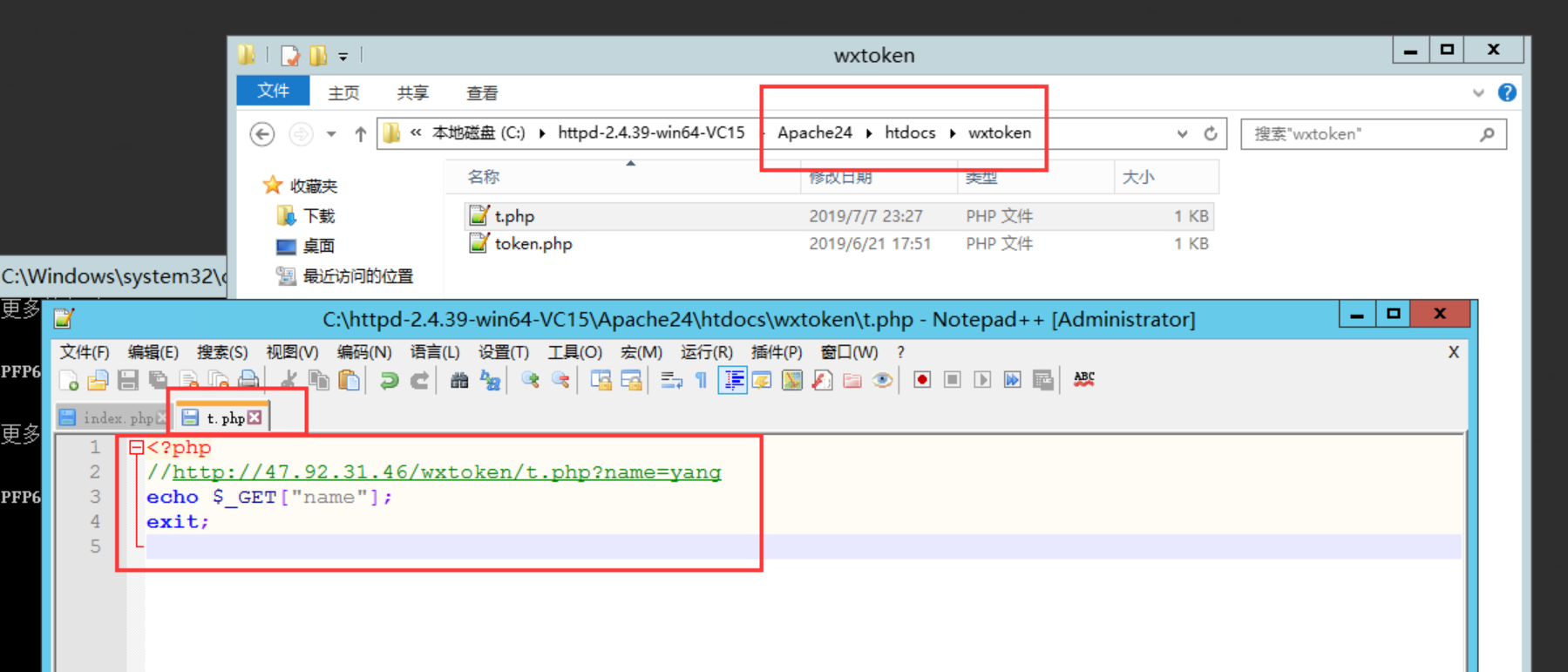
<?php
//http://47.92.31.46/wxtoken/t.php?name=yang
echo $_GET["name"];
exit;
First, let me clarify... This is PHP handling a GET request, retrieving the value of the field 'name'.
Then
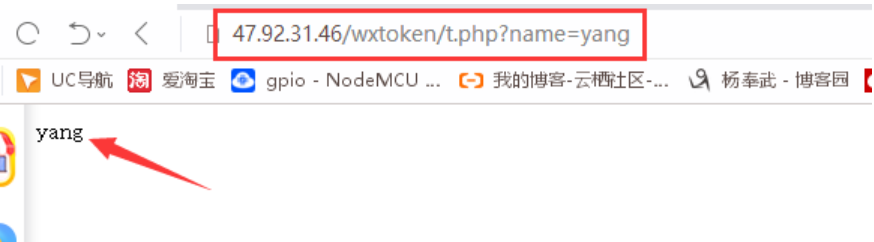
You can monitor the protocols sent when accessing a webpage.
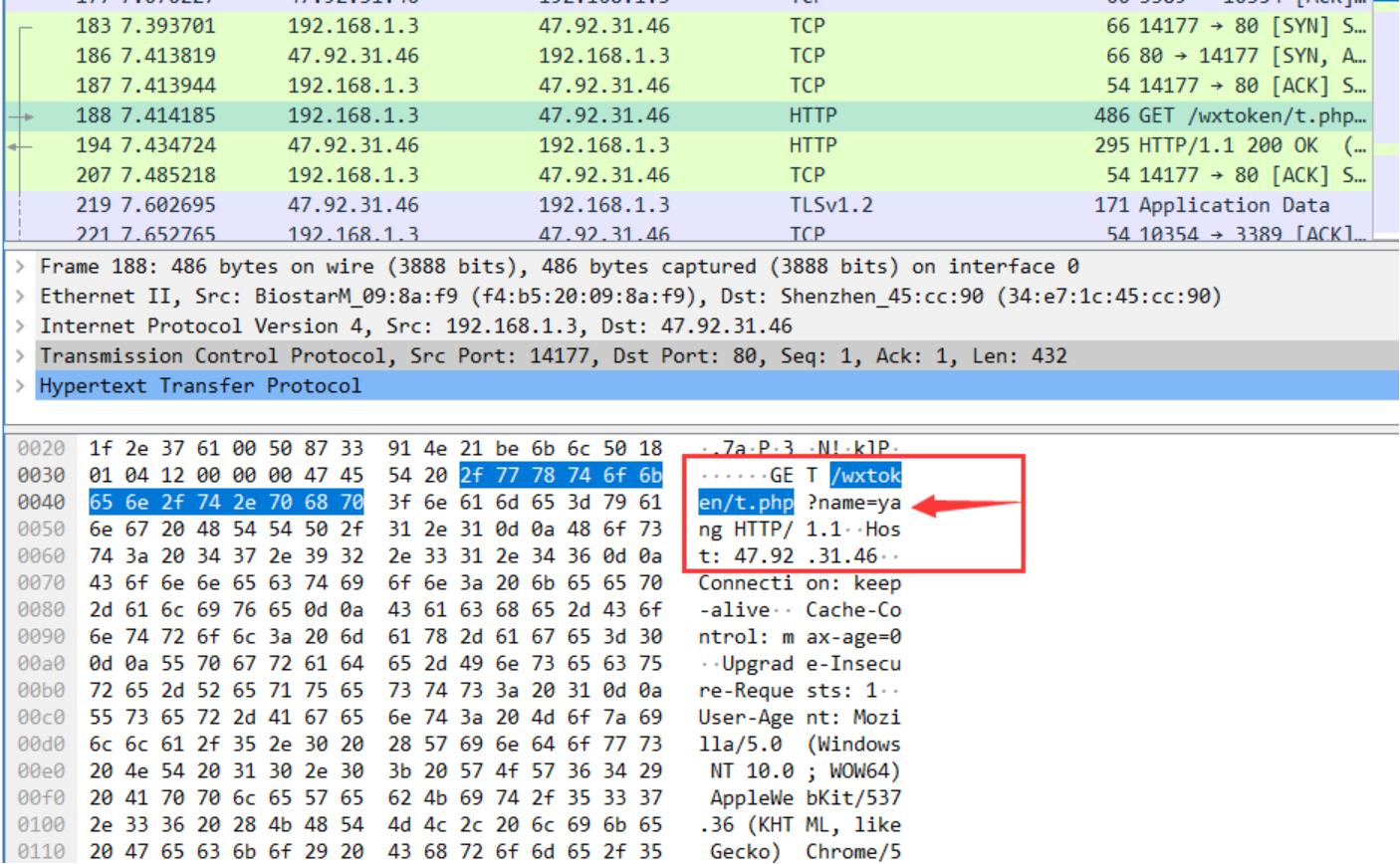
If you've read my previous posts
The link https://www.cnblogs.com/yangfengwu/p/10360618.html actually has some parts that can be omitted. You can test it yourself using a TCP client.
GET /wxtoken/t.php?name=yang HTTP/1.1
HOST: 47.92.31.46
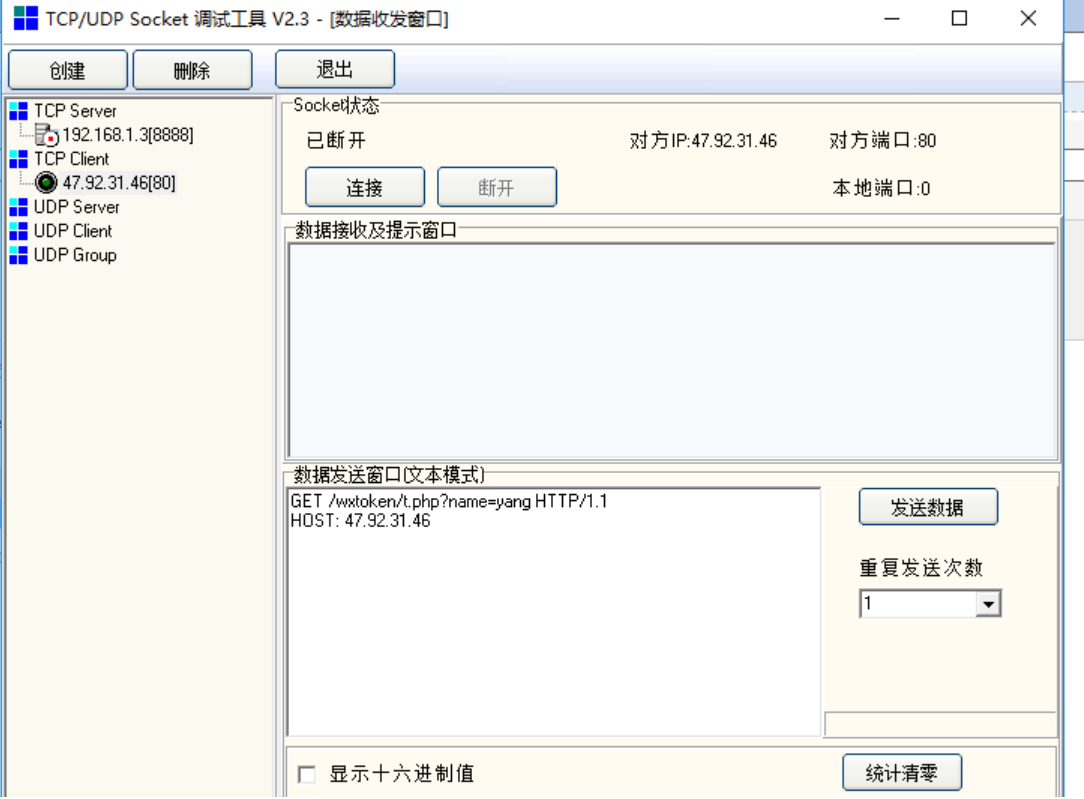
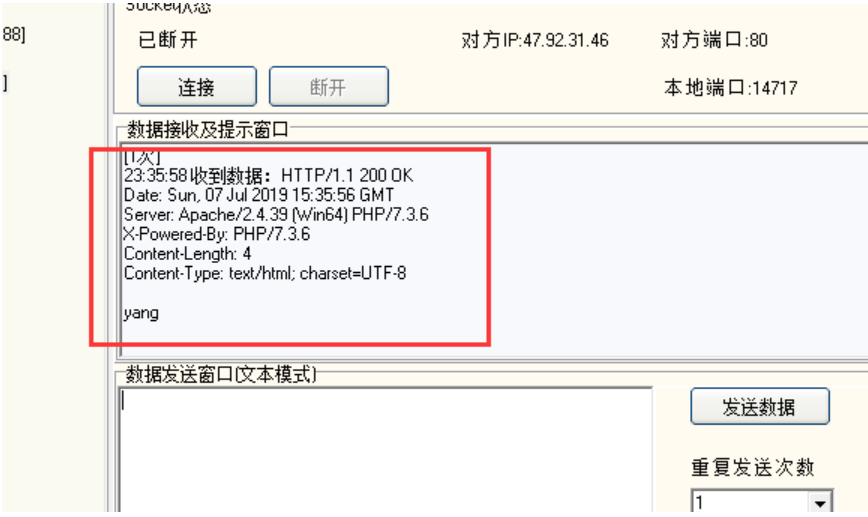
Now parse the two values.
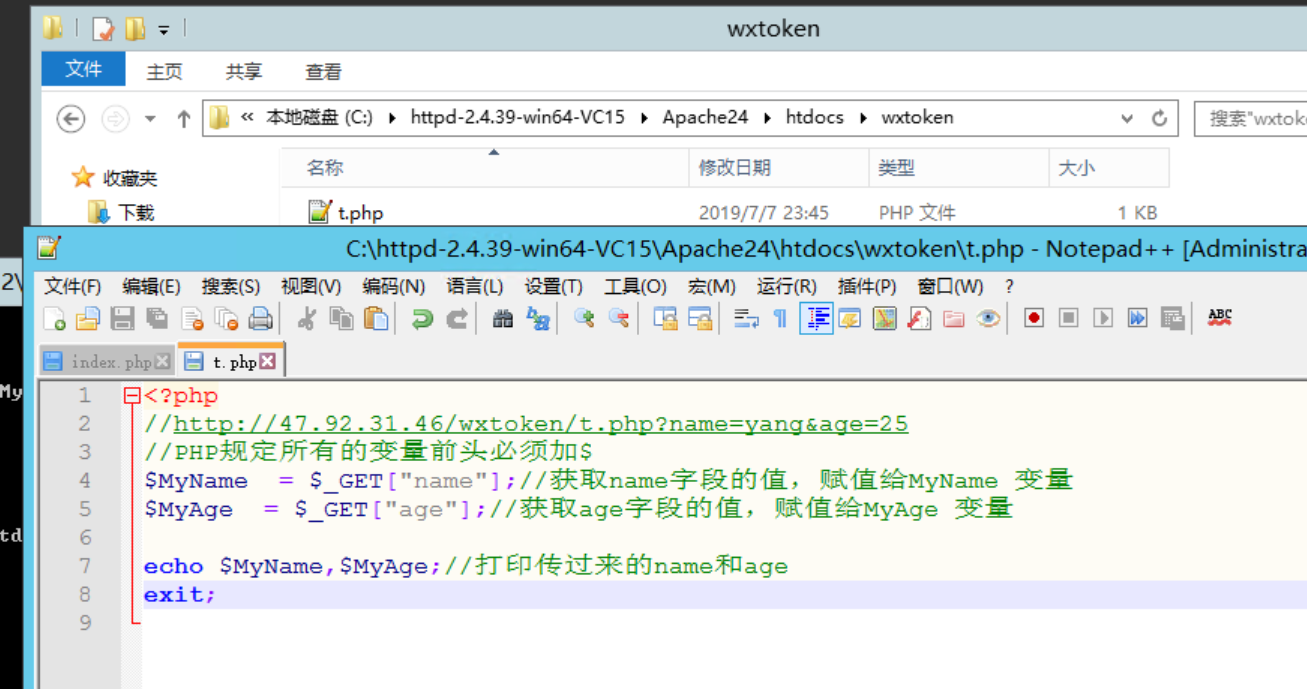
<?php
//http://47.92.31.46/wxtoken/t.php?name=yang&age=25
//PHP requires all variables to be preceded by $
$MyName = $_GET["name"];//Get the value of the name field and assign it to the MyName variable
$MyAge = $_GET["age"];//Get the value of the age field and assign it to the MyAge variable

echo $MyName,$MyAge;//Print the passed name and age
exit;
Then access the browser.
http://47.92.31.46/wxtoken/t.php?name=yang&age=25
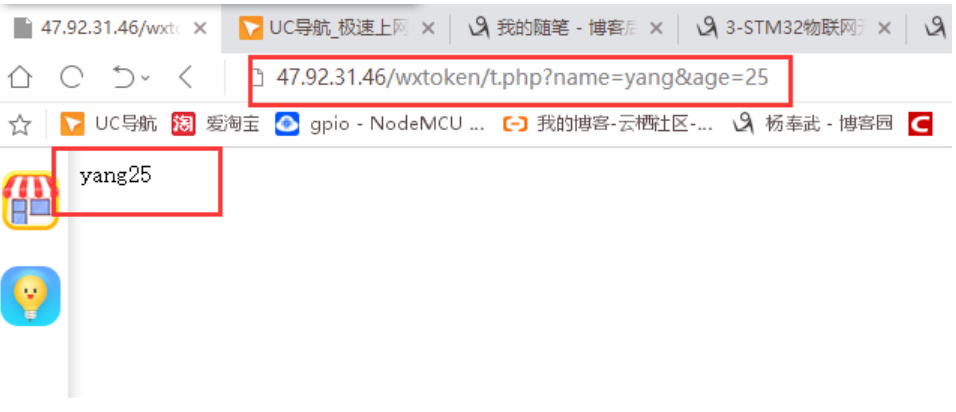
Then, I should mention that all data from GET requests is located in...
The variable $_GET actually contains an array.
PHP by default stores all GET data in this location.
Then let me mention something else. Many people talk about front-end and back-end development...
HTML is what's directly displayed; it feels like it comes first... mainly because most of the APIs within it are designed to directly present information to the user.
The things I saw were just placed relatively early in the list.
In PHP, most of the APIs work silently in the background... they don't usually show anything... so they feel like they're in the background.
Now let's combine them (in a simple way).
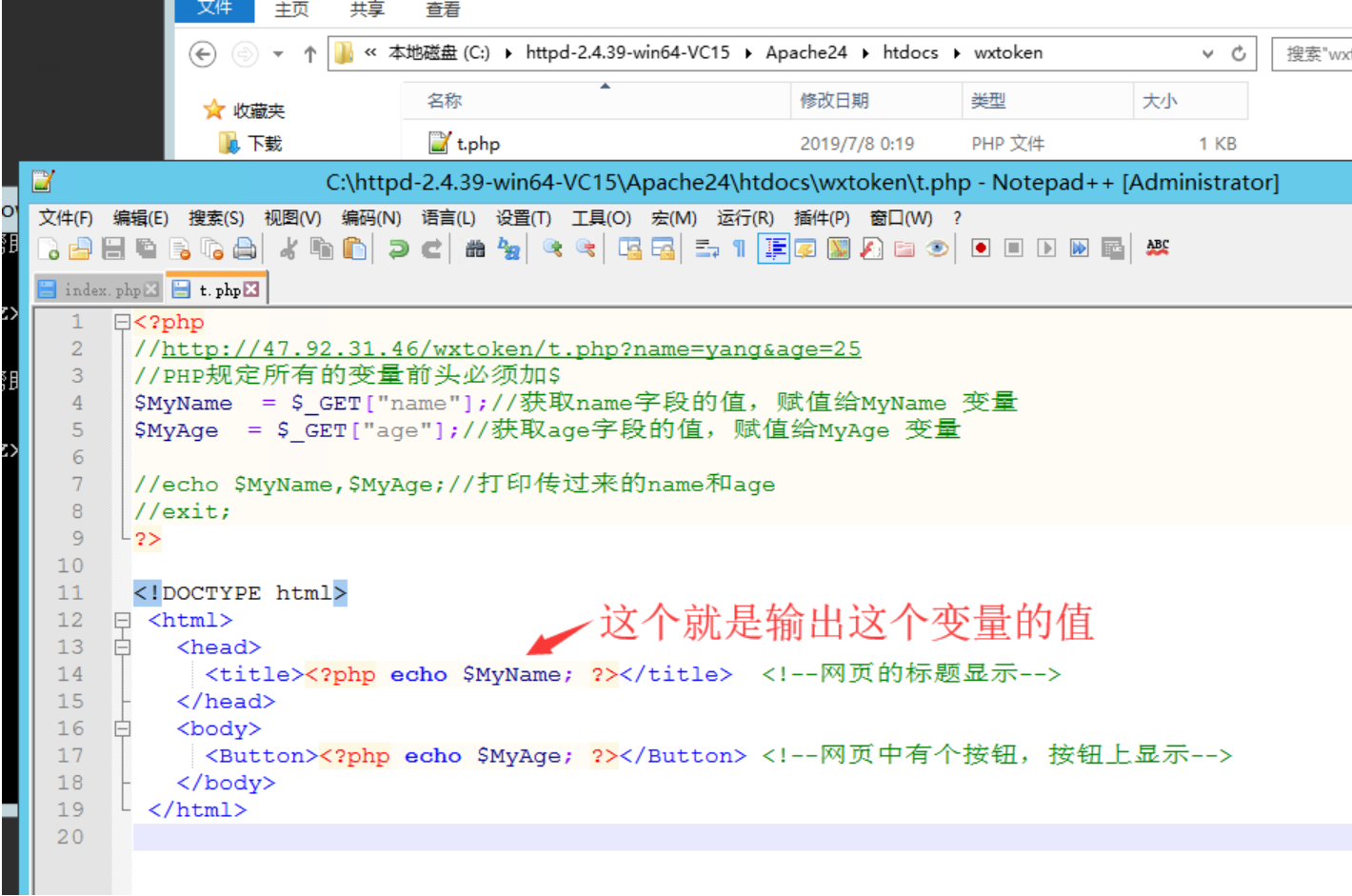
<?php
//http://47.92.31.46/wxtoken/t.php?name=yang&age=25
//PHP requires all variables to be preceded by $
$MyName = $_GET["name"];//Get the value of the name field and assign it to the MyName variable
$MyAge = $_GET["age"];//Get the value of the age field and assign it to the MyAge variable

//echo $MyName,$MyAge;//Print the passed name and age
//exit;
?>

<!DOCTYPE html>
 <html>
   <head>
     <title><?php echo $MyName; ?></title> <!--The title of the webpage is displayed-->
   </head>
   <body>
     <Button><?php echo $MyAge; ?></Button> <!--There is a button on the webpage, and the button displays-->
   </body>
 </html>
http://47.92.31.46/wxtoken/t.php?name=yang&age=25
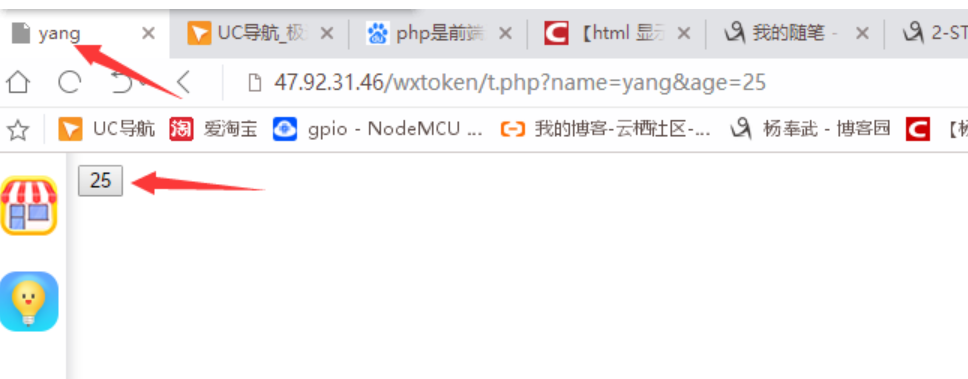
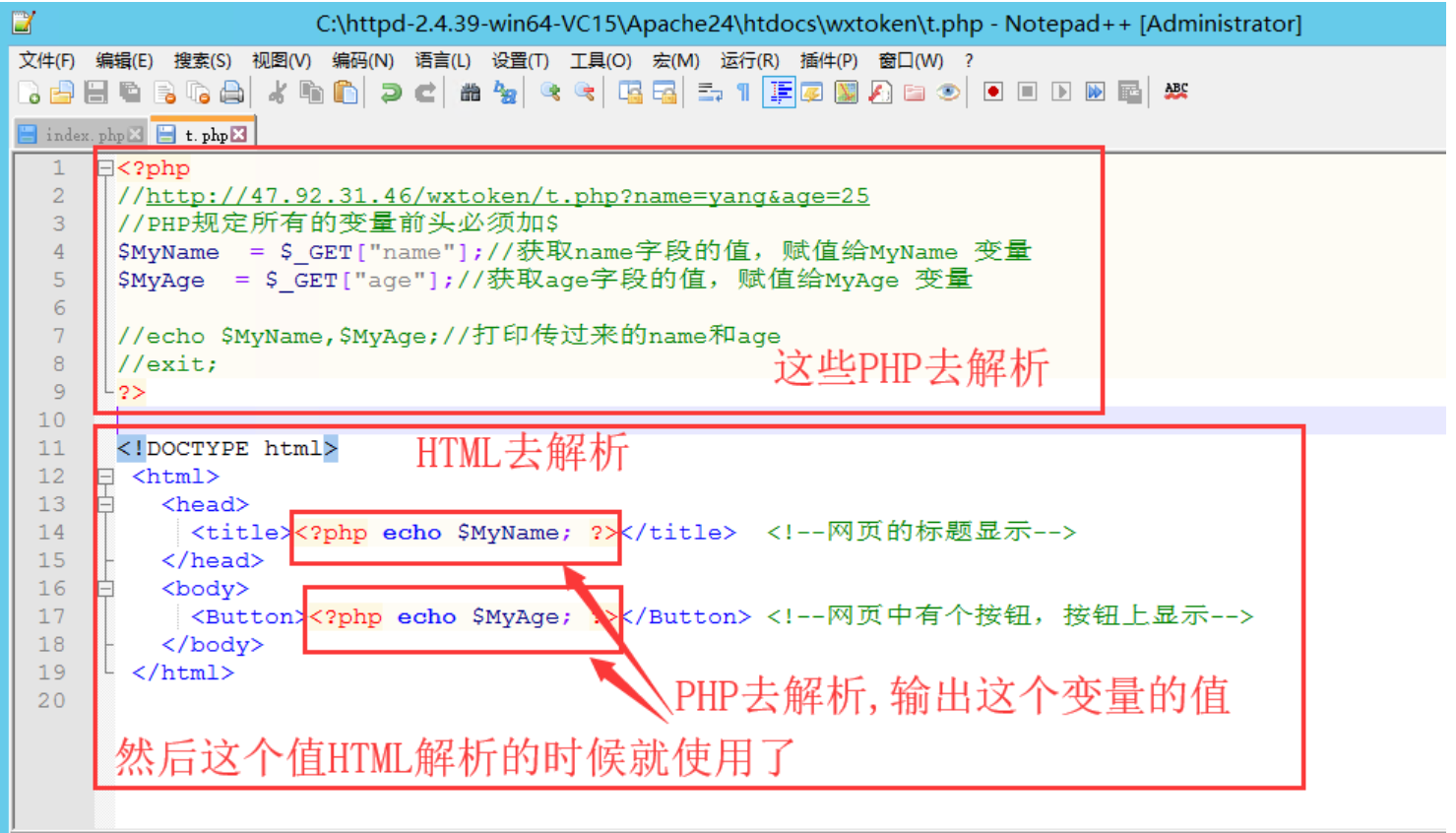
Okay, do you remember?
https://www.cnblogs.com/yangfengwu/p/11037675.html
You can first create a system to store the submitted data in the database.
Taking it a step further... let's create a login/registration API... In our data section, we didn't use Android to directly access data via JDBC.
You guys can make an HTTP version, okay?