Telnet with 3 W5500 Servers and 1 W5500 Client - Failure to Connect to Switch
General
No replies yet. Be the first to reply.
Join the discussion.
General
No replies yet. Be the first to reply.
Join the discussion.
Share projects and connect with makers.
Joined before the site update? first.
New to WIZnet Makers?
We sent a verification link to your address. Open it to activate your account, then log in.
Accounts from this email provider are reviewed by an administrator after verification. Approval usually takes one business day.
Already have an account?
Enter your email address. If it belongs to an account, we'll send a link to set a new password. Members who joined before the site update use this to set their password.
If an account uses that address, we sent a link to set a new password. The link works once and expires in 30 minutes.
Know your password?
Need an account?
RE: Telnet with 3 W5500 Servers and 1 W5500 Client - Failure to Connect to Switch
by dkay ·
HI, G_Johanson.
In the code, Subnet mask is 255.255.0.0. This is Class B network.
If you want to use (192.168.X.X) IP address, Subnet mask must be set 255.255.255.0
And Did you set different IP address each W5500?
The IP address and MAC address must be different for each W5500 chip.
If the problem is not resolved, please contact us again.
Thank you.
RE: Telnet with 3 W5500 Servers and 1 W5500 Client - Failure to Connect to Switch
by G_Johanson ·
Hi dkay!
Thanks for the reply.
I will change the subnet and report back. I do have a different IP and MAC address for each.
This morning I had 2/3 of the ones on my desk not work so this is a duplicatable issue.
Thanks!
Gary
RE: Telnet with 3 W5500 Servers and 1 W5500 Client - Failure to Connect to Switch
by G_Johanson ·
Hi dkay,
I did a test with the 255.255.255.0 subnet and one of them did not start up (same issue).
Is there anything else I should look out for?
Thanks,
Gary
RE: RE: Telnet with 3 W5500 Servers and 1 W5500 Client - Failure to Connect to Switch
by dkay ·
Just connect one chip which did not work.
If this work, your network information is wrong.
Did you check IP range?
You must fix first, second and third IP address value.
For example, communication is available in 192.168.1.1 ~ 192.168.1.255
If you know this thing, change the 4th IP value.
There may be equipment with the same IP.
Thank you.
RE: Telnet with 3 W5500 Servers and 1 W5500 Client - Failure to Connect to Switch
by G_Johanson ·
The IP is ok. All 3 are different and within spec.
I have had one or two fail upon startup and not always the same one. This morning all started ok. The next time, perhaps not. Can you let me know what the state of leds means? Where they both flash in sequence (as in the giff)?
Here is the client code:
Thanks, Gary
RE: Telnet with 3 W5500 Servers and 1 W5500 Client - Failure to Connect to Switch
by dkay ·
Loop means while in C.
In the Client code, the loop function is empty.
Function “StartMoving” is used once in setup function.
Is it right operation you intended?
If you want to use your operation repeatably, you must design loop function correctly.
Also, I think “StartMoving” function is worked before “Ethernet.begin”.
And after “Ethernet.begin”, there is no operation about network communication.
After setting the network information, try to connect to the TCP server
Here is a reference code for Telnet client,
Thank you.
RE: Telnet with 3 W5500 Servers and 1 W5500 Client - Failure to Connect to Switch
by G_Johanson ·
I see what you mean. The code works though. I believe the wire library manages “Wire.onReceive(StartMoving);”.
It does work when I send a i2c command to the client (every time). The main function of this client is translating i2c to lan. I did move the “Wire.onReceive(StartMoving);” to the “void loop()” as you have suggested.
I also moved some of the code from “StartMoving()” to the loop.
It seems to be running better. I will give it a bit and report back.
Thanks for you input!
Here is the code again:
RE: Telnet with 3 W5500 Servers and 1 W5500 Client - Failure to Connect to Switch
by G_Johanson ·
No success. Upon booting (turning on the power supply) I have the same issue.
The client does seem more prone to fail on boot.
If I press the reset on the shield, nothing changes but after resetting the UNO it will do a steady green.
Thanks, Gary
RE: RE: Telnet with 3 W5500 Servers and 1 W5500 Client - Failure to Connect to Switch
by dkay ·
First, test your board with using other person’s successful project in arduino web.
Do not change anything and just download the code to board.
After reset, see the LED status.
If green LED is steady and orange LED is blinking, hardware is fine.
I think you should understand about TCP coummunication and W5500 work flow.
TCP connection is needed just once.
RE: Telnet with 3 W5500 Servers and 1 W5500 Client - Failure to Connect to Switch
by G_Johanson ·
Ok. I have done as you suggested and have had a fail. In this case, I loaded the same sketch onto all 3 on my desk, careful to change the mac and IP addresses. I removed the network wires from 2 of them and turned on the power. The leds blinked in sequence as before (giff below). I disconnected the network wire and moved it to the other ones, one at a time and one of the others had the same fail. So I believe this issue has more to do with a failed Adruino boot up. Once I press reset, all is ok.

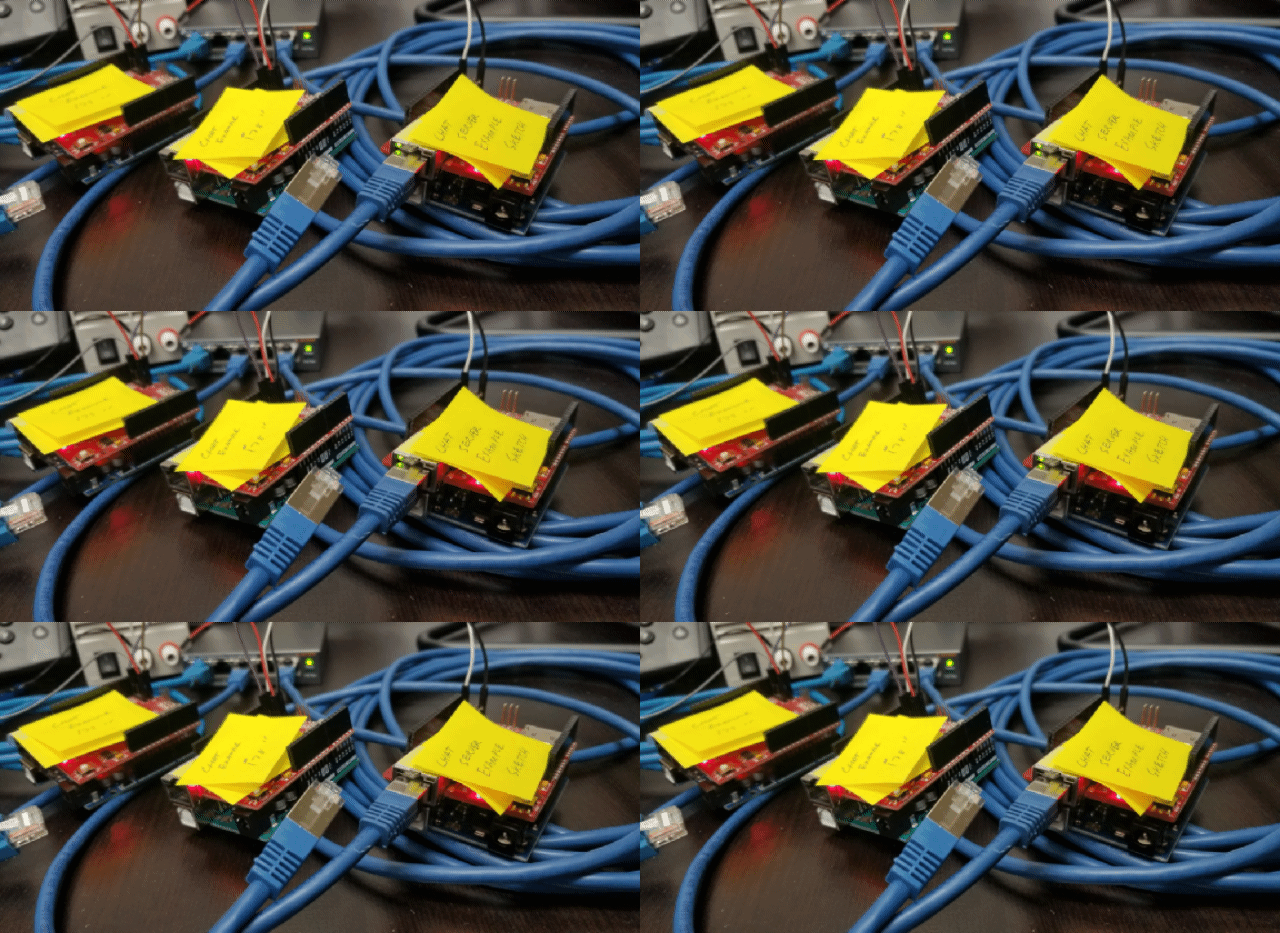
Do you think the shield is holding a pin low (or high) during boot up and making the issue more likely?
I just don’t know…
Thanks!
Gary
RE: Telnet with 3 W5500 Servers and 1 W5500 Client - Failure to Connect to Switch
by G_Johanson ·
Hello again!
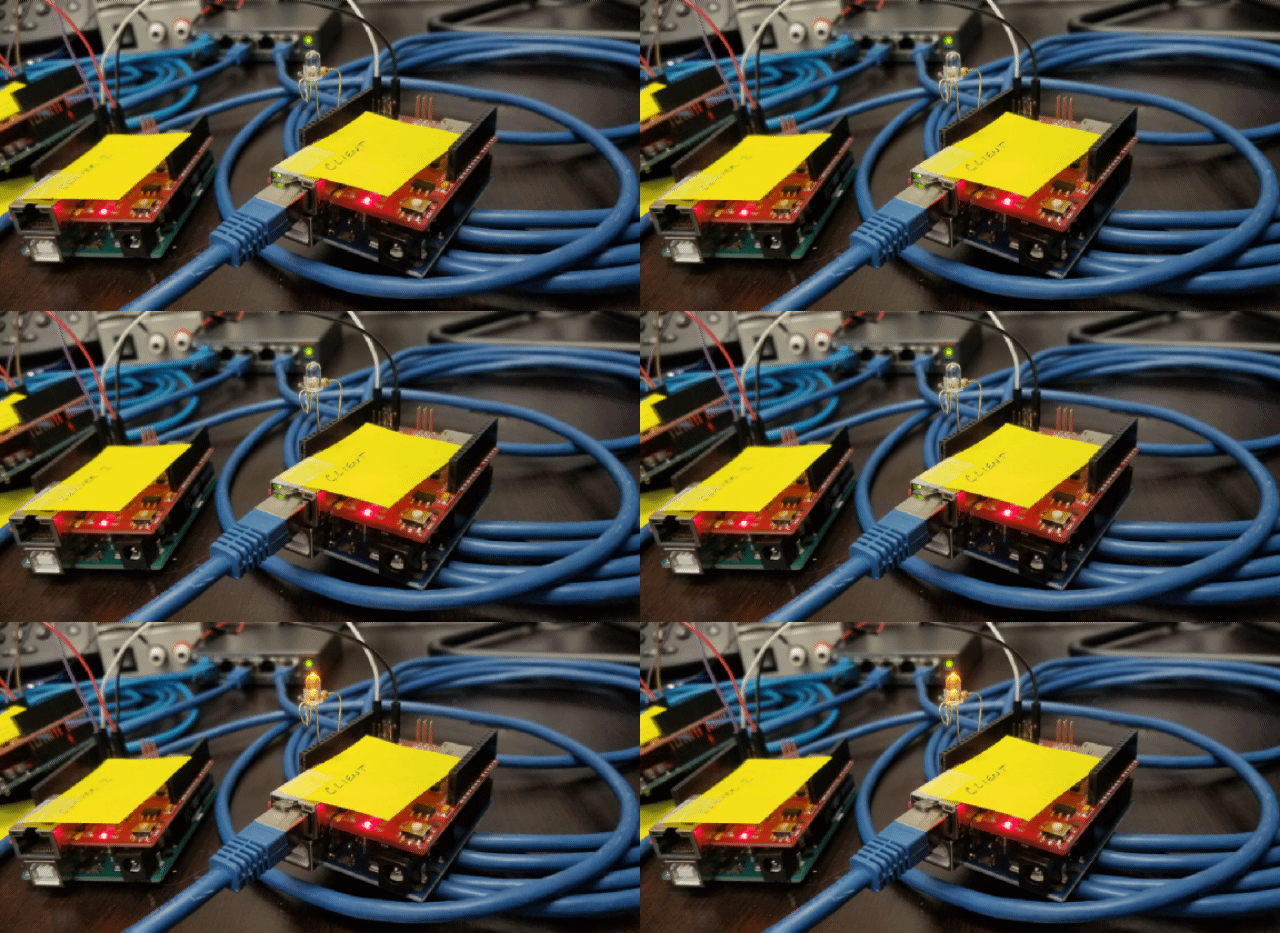
Further to the above, I have added a full watchdog and monitored a pin on the Arduino and it seems it is running and did boot ok. (giff attached)
This only further confuses me.
Thanks, Gary
RE: Telnet with 3 W5500 Servers and 1 W5500 Client - Failure to Connect to Switch
by dkay ·
Hi, Gary.
There’s no holding situation from Ethernet shield.
It’s not general situation. I doubt your network environment.
I am testing the W5500 ethernet shield, I can’t make situation like you.
Please change your LAN cable or check the hub or router works well.
W5500 supports 10/100 Mbps ethernet.
Separately, you wrote code “Ethernet.begin(mac, ip, subnet);”.
But your “subnet” value sets DNS server IP.
check syntax.
Thanks,
DKay
RE: RE: Telnet with 3 W5500 Servers and 1 W5500 Client - Failure to Connect to Switch
by G_Johanson ·
Hi Dkay,
I have tried it with the example code and a simple crossover cable from one to another. The same issue persists. I have come to the realization that the power-up cycle on this shield is really the issue. I had provisions in my main Arduino project to send a hard reset to other Arduinos so that is what I have done. I have added a wire that just after power up, it is dragged low for some milliseconds and then disconnected. This resolves the issue. I felt this was avoidable earlier on but it proves to be the fastest solution. I really appreciate your help along the way and I hope that any others that experience this issue can read and perhaps add to this if it is solved another way.
Thanks again!
Gary