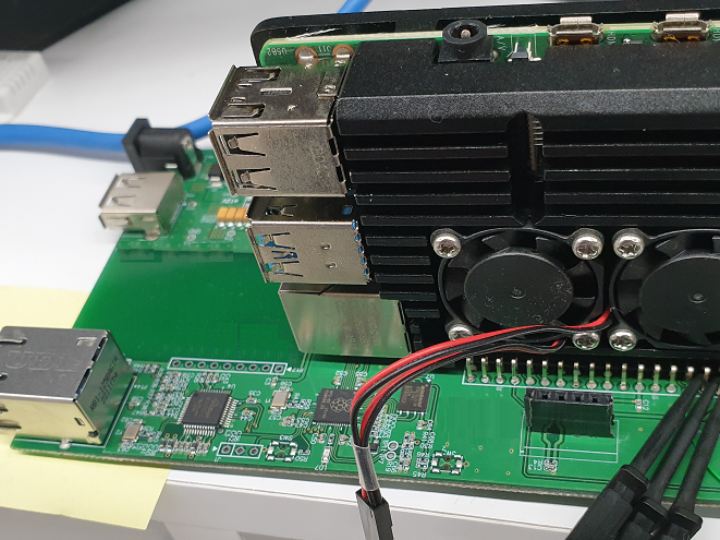
Raspberry pi Hat(with Pico Ethernet)
Raspberry Pi HAT for waking up or checking device status when the system is stopped or not responding while using the Raspberry Pi remotely.
28
Components
Hardware components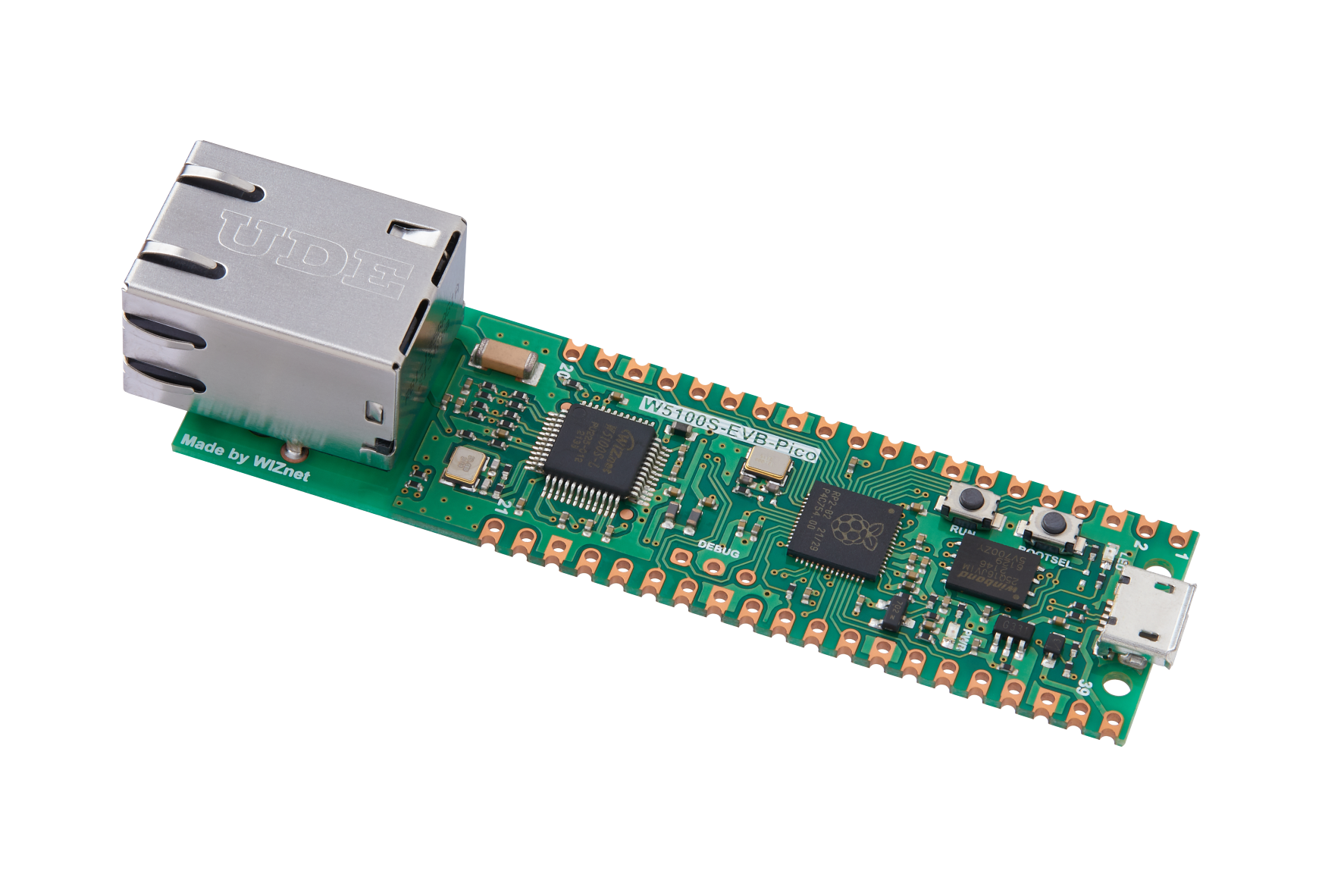
WIZnet - W5100S-EVB-Pico
x 1

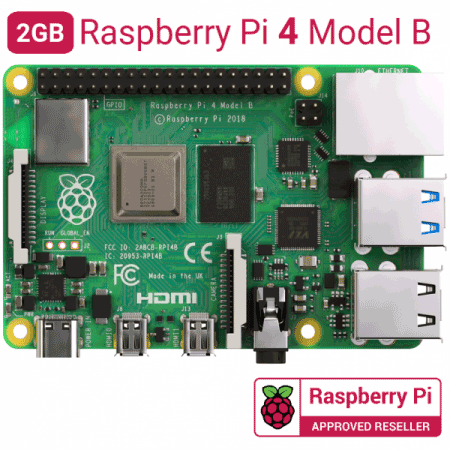
Raspberry Pi - Raspberry Pi 4 Model B
x 1

Raspberry Pi - Raspberry Pi OS
x 1
Project description
Story Last year, I was working on a project using a Raspberry Pi. More than 100 Raspberry Pis have been installed in hard-to-reach places, and a few devices have experienced system hangs due to system errors or heat. So I needed a device that can monitor and reset the Raspberry Pi, and I designed a circuit to monitor the Raspberry Pi by referring to the data of W5100s-EVB-Pico released this time. Hardware Design The hardware configuration is as shown in the figure above. The input power must be supplied with DC12V 2A or more, and an external LTE router (2Port) that uses 5V 2A is used. The…
Keep reading with a free account
Guests can read 15 projects per visit. Log in or create a free account to read the full description, open the documents and join the comments.

