


STM32H5-W6300 - Telnet CLI
Use W6300 to expose an STM32H5 UART CLI over Ethernet. Connect via Telnet and manage the device remotely without a serial cable.
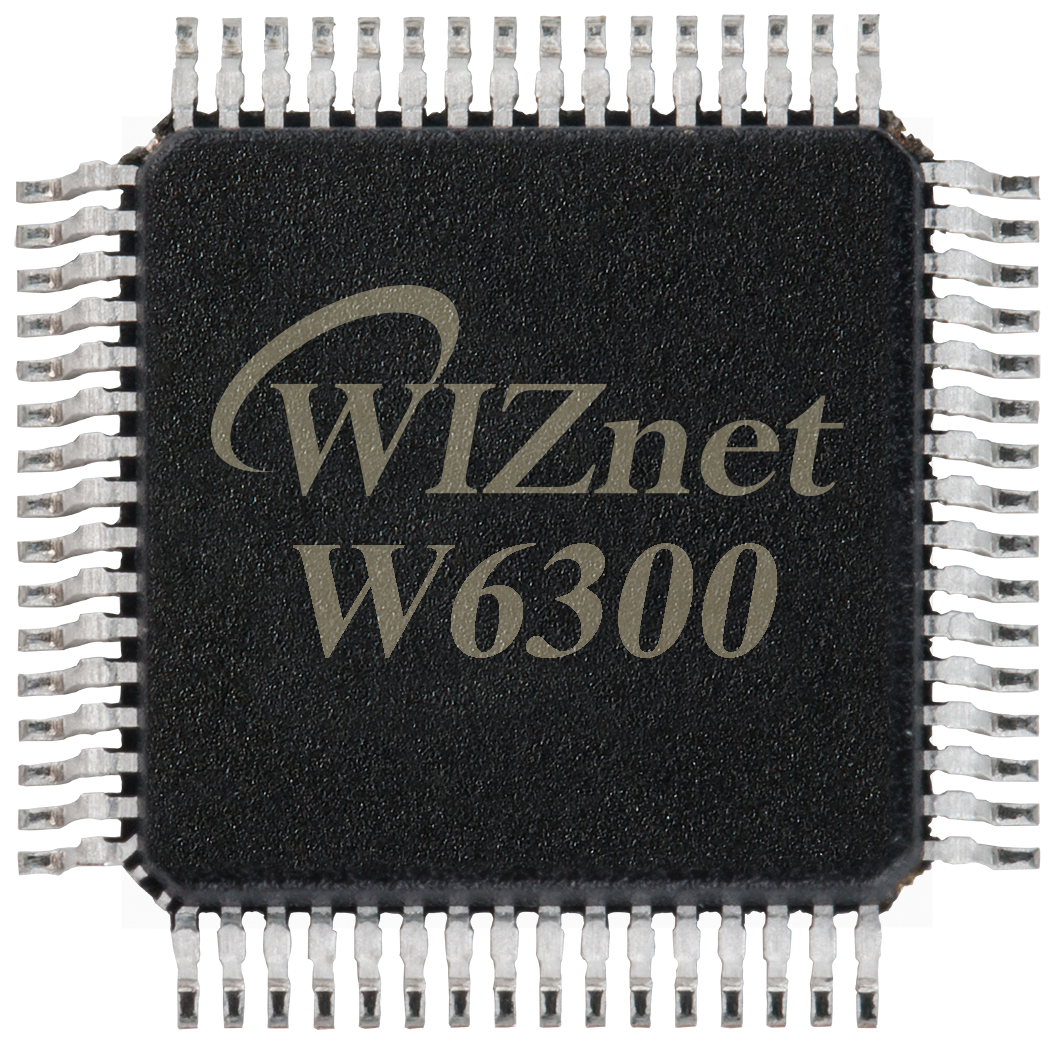
WIZnet - W6300
x 1

What the Project Does
The project solves a common embedded debugging problem: a CLI is useful during development and maintenance, but UART and USB require physical access to the board. By adding Telnet, the CLI becomes reachable over the local network.
A typical use case is a device installed inside a machine, enclosure, test rack, factory line, or remote lab bench. Instead of opening the case and attaching a serial cable, the user connects over Ethernet and checks logs, runs diagnostic commands, reads network status, or changes configuration.
The system sequence is straightforward:
1. STM32H5 boots.
2. W6300 Ethernet is initialized.
3. DHCP or static IP configuration assigns the board address.
4. cliNetInit(23) registers a network-backed UART driver.
5. cliNetPoll() opens a W6300 TCP socket and listens on Telnet port 23.
6. A PC connects with telnet <board-ip>.
7. The CLI manager switches the CLI channel from serial UART to network UART.
8. Telnet input is normalized and passed into the existing CLI parser.
9. CLI output is written back through the W6300 TCP socket.
The key design decision is not to build a separate Telnet command processor. The firmware keeps the original CLI model and adds a virtual UART backend. That makes the feature easier to reuse across other STM32 + W6300 projects.
Where WIZnet Fits
W6300 is the Ethernet transport device in this design. The STM32H5 application still owns the CLI, command parser, logging policy, and application behavior. W6300 provides the TCP socket used to carry CLI input and output over Ethernet.
The STM32H5 + W6300 reference board combines an STM32H563 MCU with the W6300 Ethernet controller and is described as using W6300 hardware TCP/IP, QSPI interface, and internal TX/RX buffering.
This makes W6300 a good fit for a remote CLI because the CLI traffic is small but latency-sensitive. The MCU should not spend unnecessary firmware complexity on TCP state handling when the application goal is simply to expose a reliable maintenance console.
Implementation Notes
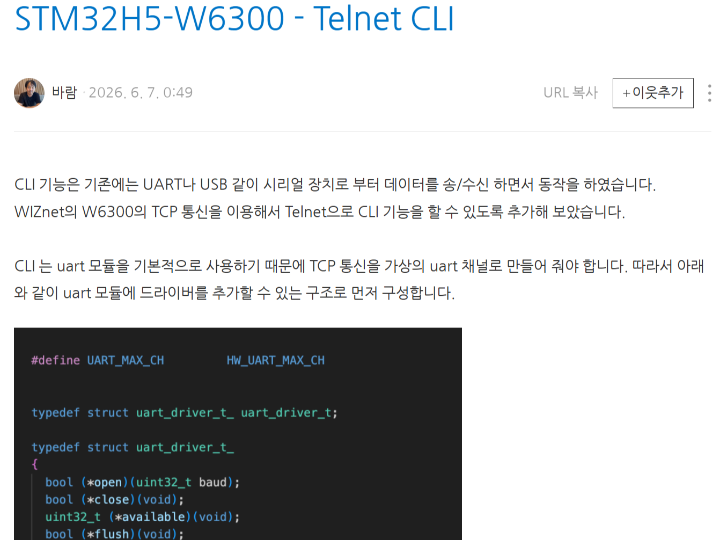
The implementation starts by making UART replaceable. The UART header defines a driver structure with function pointers for open, close, available, flush, read, and write:
typedef struct uart_driver_t_
{
  bool (*open)(uint32_t baud);
  bool (*close)(void);
  uint32_t (*available)(void);
  bool (*flush)(void);
  uint8_t (*read)(void);
  uint32_t (*write)(uint8_t *p_data, uint32_t length);
} uart_driver_t;
File path: firmware/stm32h5-fw/src/common/hw/include/uart.h
This matters because CLI code can continue to call UART-style functions while the actual backend is replaced by Ethernet.
The network CLI driver then registers itself as a UART driver:
net_drv.open      = _open;
net_drv.close     = _close;
net_drv.available = _available;
net_drv.flush     = _flush;
net_drv.read      = _read;
net_drv.write     = _write;

uartSetDriver(HW_UART_CH_NET, &net_drv);
File path: firmware/stm32h5-fw/src/ap/modules/common/cli/driver/cli_net.c
This is the bridge between the existing CLI and W6300 TCP. The CLI sees HW_UART_CH_NET as a UART channel, while the driver uses W6300 socket functions underneath.
The Telnet listener is handled in cliNetPoll():
if (socket(cli_sn, Sn_MR_TCP, net_port, SF_IO_NONBLOCK) == cli_sn)
{
  listen(cli_sn);
  logPrintf("[OK] cliNetListen() port %d\n", net_port);
}
This opens a non-blocking TCP socket on the configured port, normally port 23. Non-blocking mode is important because the embedded main loop must keep running even when no Telnet client is connected.
When a client connects, the driver sends Telnet option negotiation bytes:
static const uint8_t nego[] = {
  TN_IAC,
  TN_WILL,
  TN_OPT_ECHO,
  TN_IAC,
  TN_WILL,
  TN_OPT_SGA,
};

send(cli_sn, (uint8_t *)nego, sizeof(nego));
This makes the TCP session behave more like an interactive terminal instead of a raw byte stream. The same file also normalizes Enter and Backspace behavior, converting Telnet CR/LF variants into the format expected by the CLI core.
The receive path uses W6300 socket APIs:
if (!sockReadable(cli_sn))
  return 0;

n = recv(cli_sn, raw, sizeof(raw));
After receiving data, the driver filters Telnet IAC sequences and pushes only CLI-relevant bytes into the virtual UART receive buffer. This is why the existing CLI parser does not need to understand Telnet protocol details.
The practical usage flow is:
telnet 172.30.1.57After connection, the user can run the same CLI commands that were previously available over UART, such as help, log, UART, GPIO, USB, WIZSPI, WIZNET, or module-level diagnostics.
Related Maker Projects
This project fits into a useful Telnet-over-WIZnet lineage. Earlier WIZnet Maker projects show how Telnet can be implemented from simple TCP client examples to embedded TCP server designs, while this STM32H5 + W6300 project applies the same idea to a more practical remote-maintenance CLI.
Arduino Tutorial: Telnet Client is the simplest reference point because it demonstrates a device connecting to a Telnet server through a WIZnet Ethernet shield. It focuses on basic TCP client communication, while this STM32H5-W6300 project reverses the role by turning the embedded board into the Telnet-accessible device itself.
ESP32-S3 + W5500 CircuitPython Telnet Server is the closest functional comparison because it also exposes a Telnet server on port 23 using a WIZnet Ethernet controller. However, it is mainly an educational socket-state and command-server example, while this project integrates Telnet into an existing STM32 CLI framework through a virtual UART backend.
ATmega8 + W5500 Telnet Server shows that even a small 8-bit MCU can provide Ethernet-based terminal access when W5500 handles the TCP/IP stack. Compared with that minimal hardware approach, the STM32H5 + W6300 project demonstrates a more modern maintenance-console architecture using W6300, QSPI, non-blocking sockets, Telnet option handling, and reusable CLI driver abstraction.
Together, these projects show the progression from basic Telnet connectivity to practical remote device management:
Telnet Client
   │
   ▼
Simple Telnet Server
   │
   ▼
Command-Based Telnet Server
   │
   ▼
Network-Backed UART CLI
   │
   ▼
Remote Maintenance Console
This makes the STM32H5-W6300 Telnet CLI project a good bridge between classic WIZnet socket examples and real embedded maintenance workflows. Instead of only proving that TCP communication works, it shows how Ethernet can replace a physical UART cable for debugging, diagnostics, and field configuration.
Practical Tips / Pitfalls
- Keep the Telnet socket non-blocking; a disconnected client must not freeze the firmware loop.
- Normalize
CR,LF, andCRLF, because Telnet clients do not always send Enter the same way. - Handle Telnet IAC negotiation; otherwise, option bytes may appear as garbage input in the CLI.
- Keep UART CLI as a fallback path for first bring-up, DHCP failure, or network misconfiguration.
- Use static IP or mDNS-like discovery for deployed devices; DHCP-only demos are easy but harder to service later.
- Do not expose Telnet on an untrusted network; use it for lab LAN, factory maintenance VLANs, or controlled maker demos.
- Add watchdog-safe client close handling so the socket can recover after cable removal or terminal shutdown.
FAQ
Q: Why use W6300 for a remote CLI?
A: W6300 provides the TCP socket path for Ethernet CLI access, while STM32H5 keeps the existing command parser and application logic. This avoids rewriting the CLI as a separate network service and makes the feature easy to reuse.
Q: How does W6300 connect to STM32H5?
A: The STM32H5-W6300 reference design uses STM32H563 as the MCU and W6300 as the Ethernet controller. The reference description identifies QSPI as the host interface and W6300 as the hardware TCP/IP Ethernet device.
Q: What role does W6300 play in this project?
A: W6300 carries CLI input and output through a TCP socket. The firmware wraps that socket as a virtual UART channel, so Telnet becomes another CLI transport next to UART or USB serial.
Q: Can beginners follow this project?
A: Yes, if they already understand basic STM32 firmware structure, UART CLI design, IP addressing, and TCP socket concepts. The most important concept is the driver abstraction: first make the CLI transport replaceable, then attach W6300 as the network backend.
Q: How is this different from an LwIP-based Telnet server?
A: An LwIP approach places the TCP/IP stack inside the MCU firmware. This project instead uses W6300 socket APIs and keeps the CLI layer closer to the original UART model, which is simpler for small maintenance consoles and maker reference designs.
Source
Original project: chcbaram/stm32h5-w6300, public GitHub repository, MIT license.
Reference board: STM32H5 + W6300 High-Speed Ethernet Board on WIZnet Maker.
Verified files: uart.h and cli_net.c from the repository raw source.
Tags
#W6300 #STM32H5 #Telnet #CLI #Ethernet #TCP #QSPI #RemoteDebugging #EmbeddedFirmware #WIZnet #MakerProject