


【Home Assistant】Unit PoE CAM-W v1.1 Home Assistant Integration
W5500 enables seamless PoE cam integration with Home Assistant. Just remove Wi-Fi settings and plug in LAN for stable, hardware-accelerated 3MP streaming.
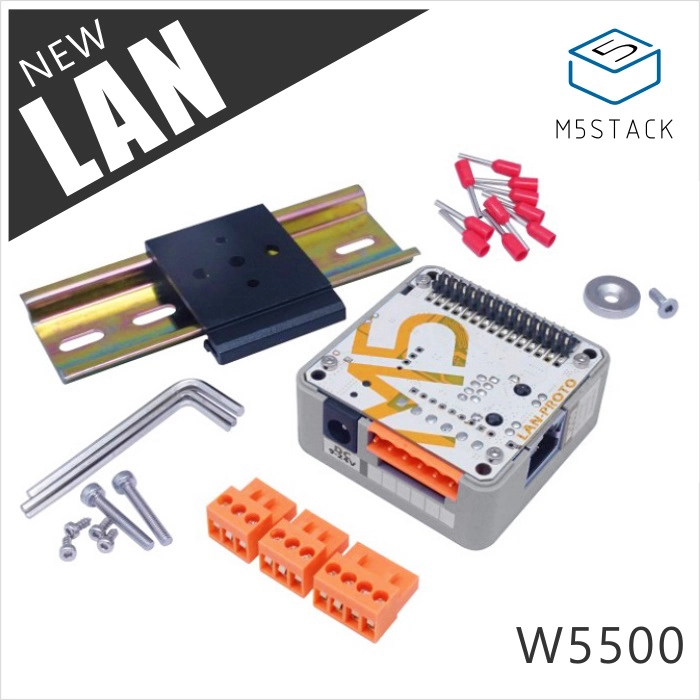
M5Stack - LAN Module with W5500
x 1


Nabu Casa - ESPHome
x 1
Building a Smart Home Surveillance System with W5500-based PoE Camera
This project, featured on the M5Stack official YouTube channel, demonstrates how seamlessly the WIZnet W5500-based Unit PoE CAM-W v1.1 integrates into Home Assistant, the world's leading open-source home automation platform.
Hardware Components
- WIZnet W5500 (Hardwired TCP/IP Ethernet Controller)
- M5Stack Unit PoE CAM-W v1.1 (ESP32 + Integrated W5500)
- PoE-enabled Network Switch or PoE Injector
- RJ45 Ethernet Cable
Software / Platform
- Home Assistant: Unified open-source home automation platform.
- ESPHome: A system to create custom firmware for ESP32/ESP8266 by using simple YAML configuration files.
PROJECT DESCRIPTION
The defining characteristic of this project is its unprecedented simplicity in configuration. While traditional embedded network integration often requires complex driver installations and network stack manual coding, the combination of W5500 and ESPHome abstracts these layers entirely.
By simply removing the Wi-Fi configuration line from a YAML file and plugging in an Ethernet cable, users can complete a high-reliability PoE wired camera system—a remarkably straightforward process for embedded network integration.
1. Product Introduction: Unit PoE CAM-W v1.1
The Unit PoE CAM-W v1.1 by M5Stack is a programmable PoE camera optimized for both industrial and residential surveillance.
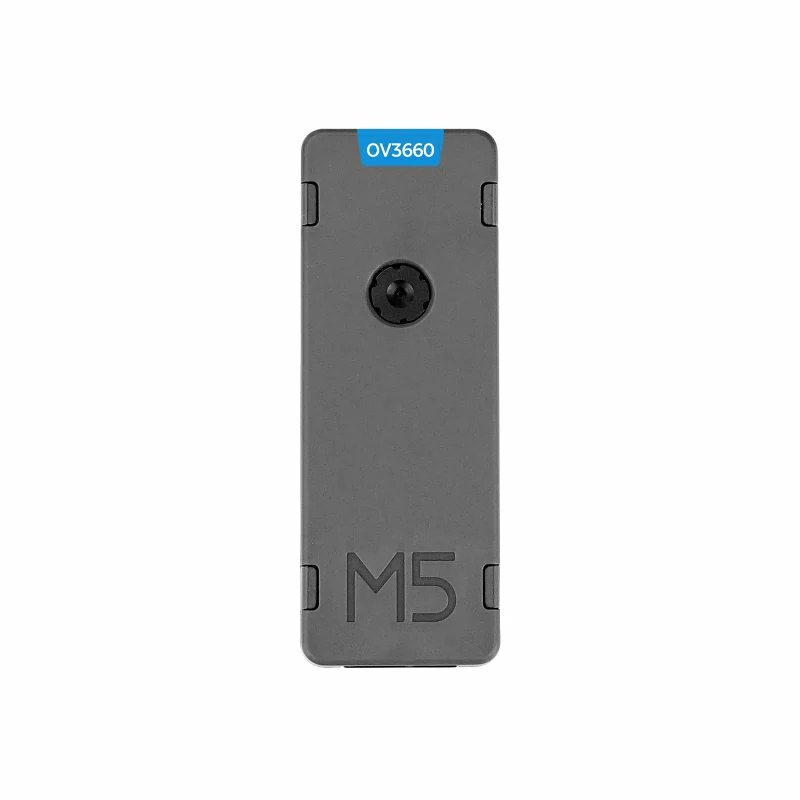
- Core Architecture: ESP32 + WIZnet W5500. Since the W5500 handles the TCP/IP stack in hardware, the ESP32 CPU can dedicate its resources entirely to camera streaming, ensuring stable and high-performance video transmission.
- Camera Sensor: OV3660 3MP (Field of View: 66.5°).
- Power Delivery: PoE IEEE802.3 AF support (Max 6W). This allows a single cable to handle both power and high-speed data.
- Connectivity: Supports Wi-Fi 2.4GHz, but wired Ethernet via W5500 is recommended for mission-critical stability.
2. Home Assistant Integration Procedure
The entire process consists of just 7 steps, requiring no deep coding knowledge.
- Open Home Assistant: Access your Home Assistant dashboard.
- Install ESPHome: Navigate to
Settings→Add-ons, search for ESPHome, and install. - Setup New Device: In the ESPHome Builder, click
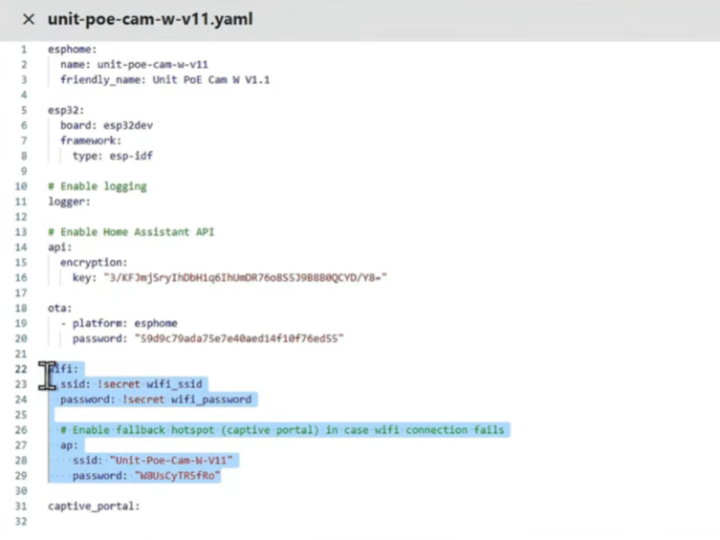
NEW DEVICEand select the ESP32 board type. - Edit Configuration (Crucial): In the auto-generated YAML file, delete the
wifi:section. Since the W5500 is natively supported, no additional Ethernet driver coding is required. - Compile: Click compile to generate the
.binfirmware file and download it. - Flashing: Upload the downloaded
.binfile to the Unit PoE CAM-W v1.1. - Plug & Play: Connect the Ethernet cable. Home Assistant will automatically "Discover" the device, allowing you to view the live stream on your dashboard immediately.
3. Significance of the Project
- W5500: The Standard in the Smart Home Ecosystem
This project proves that the W5500 is a core component in the global smart home market. It is officially supported by Home Assistant and ESPHome, platforms used by millions of DIY enthusiasts and professionals worldwide.
- Competitive Advantage via Hardware Abstraction
The W5500 + ESPHome synergy allows developers to bypass complex network programming. The transition from "Removing Wi-Fi code to Plugging in a cable" represents a significant reduction in Time-to-Market and system failure points, highlighting WIZnet’s unique value proposition.
❓ FAQ
- Q1: Why use W5500 instead of just using the ESP32's built-in Wi-Fi?
A: Wi-Fi can be unstable in crowded RF environments or through thick walls. The W5500 provides a rock-solid wired connection. Furthermore, by offloading the TCP/IP stack to the W5500 hardware, the ESP32 can process video frames more efficiently without dropping packets.
- Q2: Is additional power wiring necessary for this camera?
A: No. Thanks to PoE (Power over Ethernet) support, the camera draws power directly from the RJ45 cable, provided you are using a PoE switch or injector.
- Q3: Does ESPHome natively support WIZnet W5500?
A: Yes, ESPHome has built-in components for the W5500. This project demonstrates that no complex SPI driver coding is needed; the platform recognizes the W5500 as a standard Ethernet interface.
- Q4: Can this system be used for outdoor surveillance?
A: Yes, provided the Unit PoE CAM is placed in a proper waterproof enclosure. The PoE capability is particularly useful for outdoor setups where power outlets are difficult to reach.
🔗 Sources & References
- M5Stack Official YouTube: [Unit PoE CAM-W v1.1 Integration Guide]
- Technical Documentation: [M5Stack Unit PoE CAM-W v1.1 Product Page]
- WIZnet Official: [W5500 Product Overview]