


HTTP/HTTPS Server on ESP32 + W5500 with Mongoose
A minimal Arduino sketch running an HTTP and HTTPS server on ESP32 + W5500, with REST API endpoints for LED control using the Mongoose networking library.

Espressif - ESP32
x 1


WIZnet - W5500
x 1
Arduino - Arduino IDE
x 1

Cesanta Software Ltd - Mongoose
x 1
Simple HTTP/HTTPS Server on ESP32 with W5500
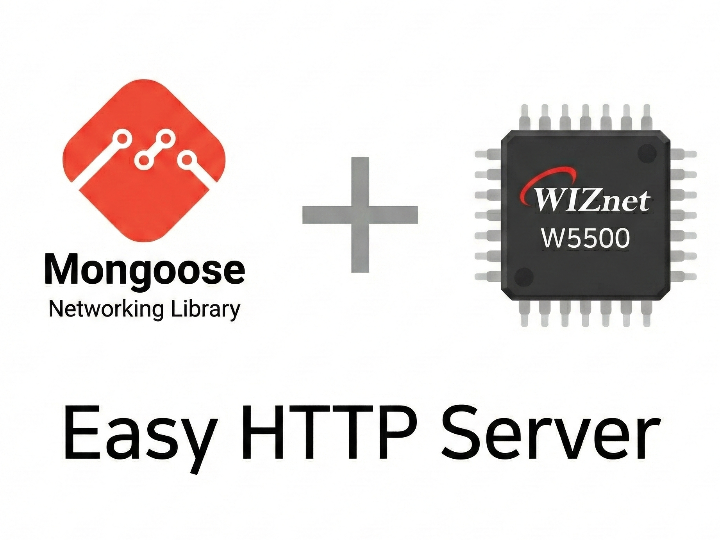
This project is a minimal but complete example from the Mongoose networking library team, showing how to run an HTTP and HTTPS server on an ESP32 board connected to a WIZnet W5500 Ethernet module. The code fits in a single Arduino sketch file and is designed to be a clean starting point for anyone building a wired IoT device with ESP32.
What It Does
The firmware sets up two listeners on boot — HTTP on port 80 and HTTPS on port 443 — and exposes three endpoints:
This gives a working REST API over both plain HTTP and encrypted HTTPS from a single ~100-line sketch.
How the W5500 is Used
The W5500 is driven directly through Mongoose's built-in W5500 driver. SPI is initialized manually with pin assignments defined at the top of esp32.ino:
// esp32.ino #define SS_PIN 10 #define SCLK_PIN 6 #define MOSI_PIN 7 #define MISO_PIN 2 mif.driver = &mg_tcpip_driver_w5500; mif.driver_data = &spi; mg_tcpip_init(&mgr, &mif);The mongoose_config.h enables the W5500 driver and Mongoose's built-in TCP/IP stack:
// mongoose_config.h #define MG_ENABLE_DRIVER_W5500 1 #define MG_ENABLE_TCPIP 1 #define MG_TLS MG_TLS_BUILTINThe W5500 handles the actual Ethernet framing and TCP/IP in hardware — Mongoose simply passes data to and from the chip via SPI. This combination keeps the ESP32's RAM and CPU usage low.
Limitations
The embedded certificate is a self-signed example cert — browsers will show a security warning when accessing the HTTPS endpoint. For any real deployment, replace TLS_CERT and TLS_KEY with your own certificate. The SPI pin numbers are also hardcoded for the ESP32-C3-DevKitC, so other boards will need minor edits at the top of esp32.ino.
FAQ
Q: Does this work with ESP32 boards other than the C3-DevKitC? A: Yes. Update the pin definitions at the top of esp32.ino — SS_PIN, SCLK_PIN, MOSI_PIN, and MISO_PIN — to match your board's SPI layout.
Q: Why use W5500 over the ESP32's built-in Wi-Fi? A: The W5500 handles TCP/IP in hardware, providing a stable wired connection without relying on the ESP32's Wi-Fi stack. This is particularly useful in electrically noisy environments, and the SPI interface makes the code easy to port to other MCU families.
Q: How do I replace the TLS certificate? A: Replace the TLS_CERT and TLS_KEY string literals in esp32.ino with your own certificate and key. New certificates can be generated at mongoose.ws/tls.


