


SLZB-MR4U
SMLIGHT's SLZB-MR4U uses the WIZnet W5500 to bridge Zigbee/Thread via stable Ethernet, ensuring zero-delay, interference-free smart home control.

WIZnet - W5500
x 1

SMLIGHT SLZB-MR4U Multi-Radio Gateway Analysis: A Case Study on W5500-based Wired Backhaul
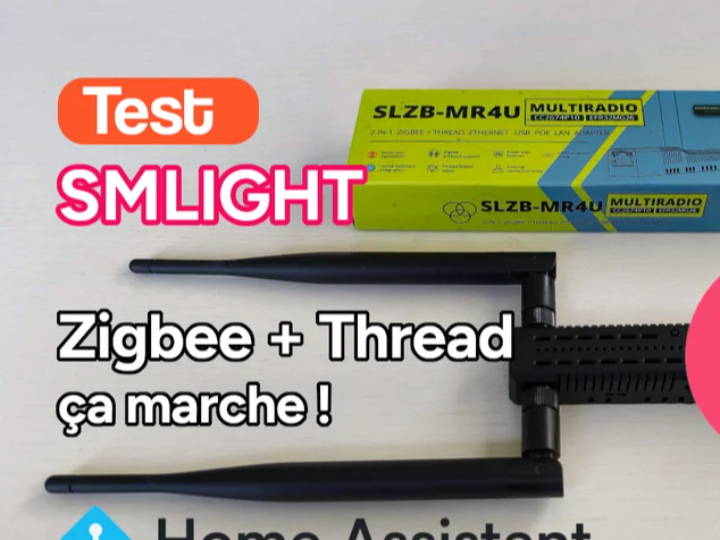
The smart home network environment is currently experiencing a transitional phase where Zigbee and Matter (Thread) protocols coexist. In the existing Home Assistant ecosystem, some setups utilize a 'Multi-PAN' approach to handle both protocols alternately using a single communication chip. However, this method has the drawback of potential communication delays and disconnections as the number of connected devices increases.
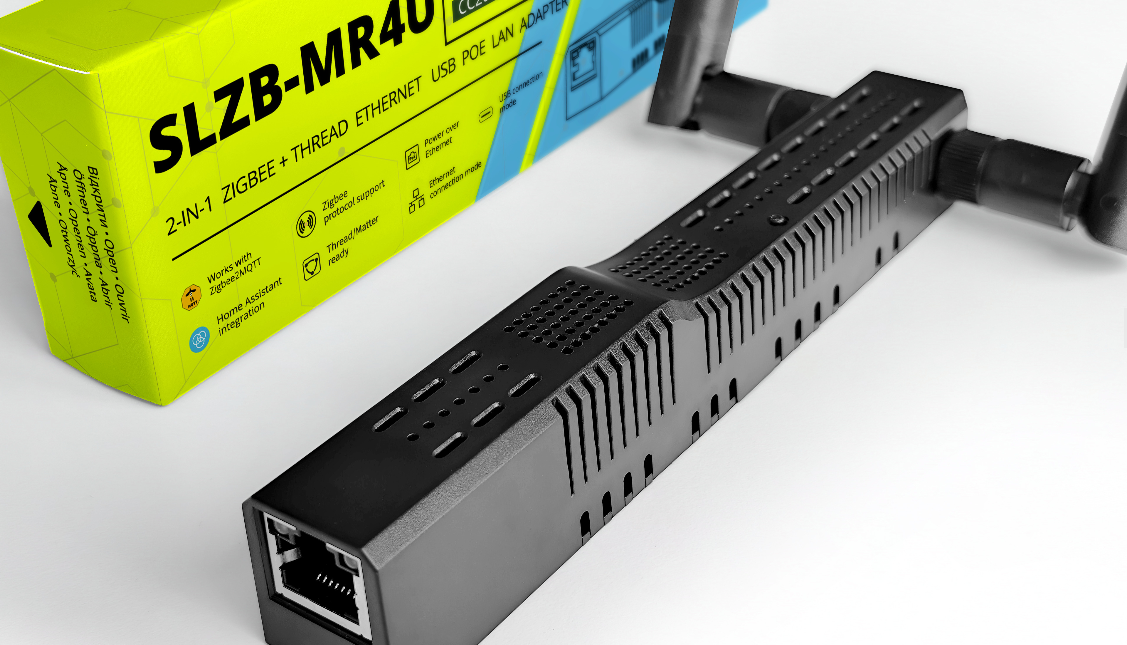
SMLIGHT, a smart home hardware manufacturer based in Ukraine, approached this problem through hardware separation. They released the SLZB-MR4U, a multi-radio gateway that combines two independent wireless communication chips with an Ethernet-based wired backhaul. SMLIGHT primarily develops devices compatible with open-source platforms (such as Home Assistant and Zigbee2MQTT). Unlike typical USB dongles, their key characteristic is designing smart home devices based on wired networks utilizing Ethernet and PoE (Power over Ethernet) technologies.
🏠 What Exactly is This Device? (The Role of a Smart Home Gateway)
Simply put, the SLZB-MR4U acts as a dedicated "translator" or "bridge" for smart home devices.
While smartphones and laptops use Wi-Fi, low-power smart home devices like smart bulbs, wireless switches, and environmental sensors communicate using specialized wireless protocols like Zigbee or Thread to maximize battery life. Since standard internet routers and computers cannot understand these protocols, a dedicated gateway is required to bridge the gap.
- Listening to Sensors: The gateway receives wireless signals from smart home gadgets (e.g., a sensor reporting current temperature or a switch being pressed).
- Translating: The SLZB-MR4U processes and interprets these Zigbee/Thread signals.
- Delivering to the Server: It converts the interpreted signals into standard internet data that the main smart home server can understand.
While conventional, low-cost gateways often transmit this translated data to the server via Wi-Fi—which can cause noticeable delays or connection drops if the wireless network is congested—the SLZB-MR4U bypasses this issue. It transmits the data through a direct wired Ethernet connection. The WIZnet W5500 chip is the core component responsible for this reliable wired data transmission, ensuring instant, zero-delay device control even in environments with heavy radio interference.
💡 The Core of Wired Backhaul: Background of Adopting WIZnet W5500
Network communication stability with the main server is crucial for a gateway that collects data from numerous wireless sensors. SMLIGHT equipped WIZnet's W5500 hardware TCP/IP chip as the main communication interface instead of wireless (Wi-Fi). This design aims to resolve two physical environmental constraints:
- Interference Avoidance
Zigbee, Thread, and Wi-Fi all share the 2.4GHz frequency band. If a gateway transmits its collected data back to the main server via Wi-Fi, the concentrated traffic can lead to packet loss. The W5500 hardware offloads the network processing load from the ESP32, supporting stable data transmission over Ethernet.
- Installation Convenience via PoE (Power over Ethernet)
Traditional USB dongle-type gateways must be plugged directly into a PC or server port, which limits installation locations and makes them susceptible to radio interference. The W5500-equipped SLZB-MR4U handles both data communication and power supply (PoE) through a single Ethernet cable. Therefore, regardless of power outlet availability, the device can be placed in locations with optimal radio efficiency, such as ceilings or the center of a living room.
⚙️ 3-Tier Hardware Architecture and Operation Principle
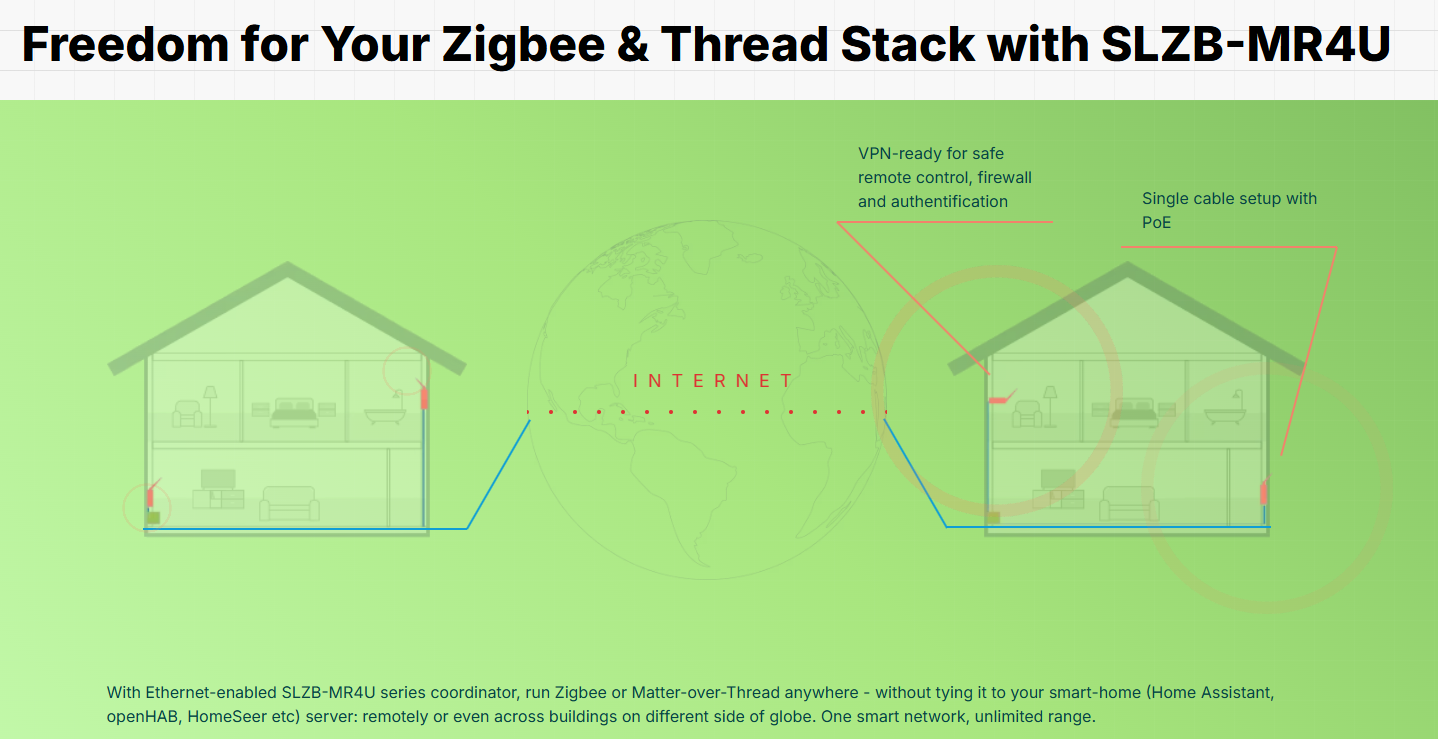
The SLZB-MR4U adopts a modular design where the internal communication layers are physically separated. The data processing flow is as follows:
Step 1 - Independent Wireless Collection: The device contains a TI CC2674P10 (dedicated to Zigbee) chip and a Silicon Labs EFR32MG26 (dedicated to Thread) chip. Since both protocols use independent chips and antennas, they collect data simultaneously without the interference of a time-division multiplexing approach.
Step 2 - Data Control (Core SoC): The collected data is routed to the main controller, the ESP32 (microcontroller).
Step 3 - Wired Backhaul Transmission (W5500): The ESP32 transmits the data to the W5500 chip via the SPI interface. The W5500 converts this into TCP/IP packets and delivers them to the Home Assistant local server through the wired LAN network.
🚀 Marketability and Application Areas
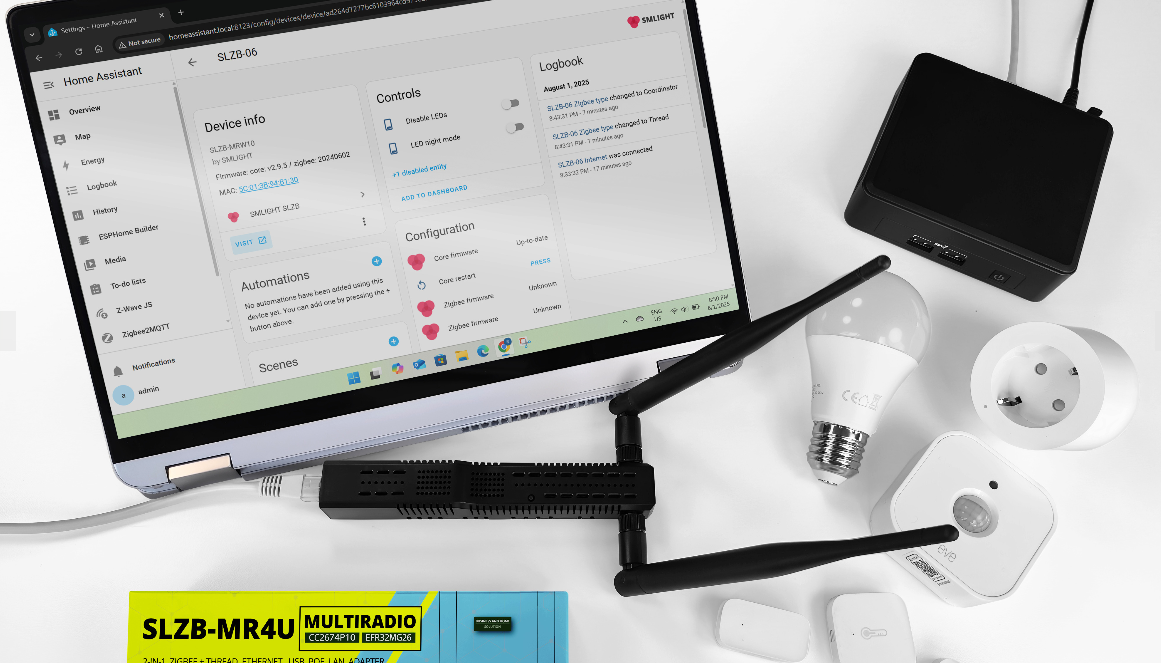
This structure, combining a multi-radio chipset and an Ethernet backhaul, can be applied to B2B sites requiring network reliability, in addition to personal DIY smart home setups.
In environments densely packed with communication nodes, such as smart building sensor networks, hotel room automation, and large-scale smart farms (IoT), the combination of a main controller (ESP32) + independent wireless networks + wired communication (W5500) is an effective hardware design model. It serves as a valuable reference case for developing OEM/ODM equipment for similar purposes in the future.
🛠️ Tech Stack Summary
| Category | Applied Components & Technologies | Role |
|---|---|---|
| Network (Wired) | WIZnet W5500 | Hardware TCP/IP processing, Ethernet communication, and PoE physical layer support |
| Core Processor | Espressif ESP32 | Overall system control, firmware (SLZB-OS) execution, and data routing |
| Wireless 1 | TI CC2674P10 | Zigbee 3.0 communication (independent network configuration) |
| Wireless 2 | Silicon Labs EFR32MG26 | Matter over Thread communication |
| Target Platform | Home Assistant, etc. | Local smart home integrated control server integration |
❓ FAQ
Q1. What is the advantage of using the W5500 (wired Ethernet) over standard Wi-Fi gateways?
A. Smart home devices using Zigbee and Thread share the same 2.4GHz frequency band as Wi-Fi. If a gateway uses Wi-Fi to transmit data from dozens of devices back to the server, it creates severe bottlenecks and signal interference. The W5500's wired Ethernet connection physically isolates the data transmission from wireless noise, enabling stable, zero-delay control.
Q2. Why does the device need two separate communication chips (Multi-Radio)?
A. The current smart home market operates on both the existing Zigbee standard and the next-generation Matter (Thread) standard. Alternating between two different protocols on a single chip can cause connection drops under heavy traffic. The SLZB-MR4U physically separates dedicated chips for each protocol, allowing both networks to run simultaneously without interfering with each other.
Q3. How can the gateway be installed on ceilings or walls without nearby power outlets?
A. The device supports PoE (Power over Ethernet) utilizing the W5500 and its Ethernet port. This means a single Ethernet cable handles both data communication and power supply. Users can cleanly install the gateway in optimal, central locations (like ceilings) for maximum radio coverage without worrying about power outlet placement.
Q4. Can this hardware architecture be applied to industries beyond personal smart homes?
A. Yes. This multi-radio and wired backhaul architecture is highly scalable. It is a proven hardware design that can be immediately applied to B2B commercial facilities—such as smart building sensor networks, hotel room automation, and large-scale smart farms (IoT)—where dense sensor networks demand extreme network reliability.
https://haade.fr/en/blog/test-dongle-smlight-slzb-mr4u-multiradio-zigbee-and-thread-it-works-like-a-charms#slzb-os-firmware-discovery-v324